
Dell Latitude vs Inspiron for Students and Office Work

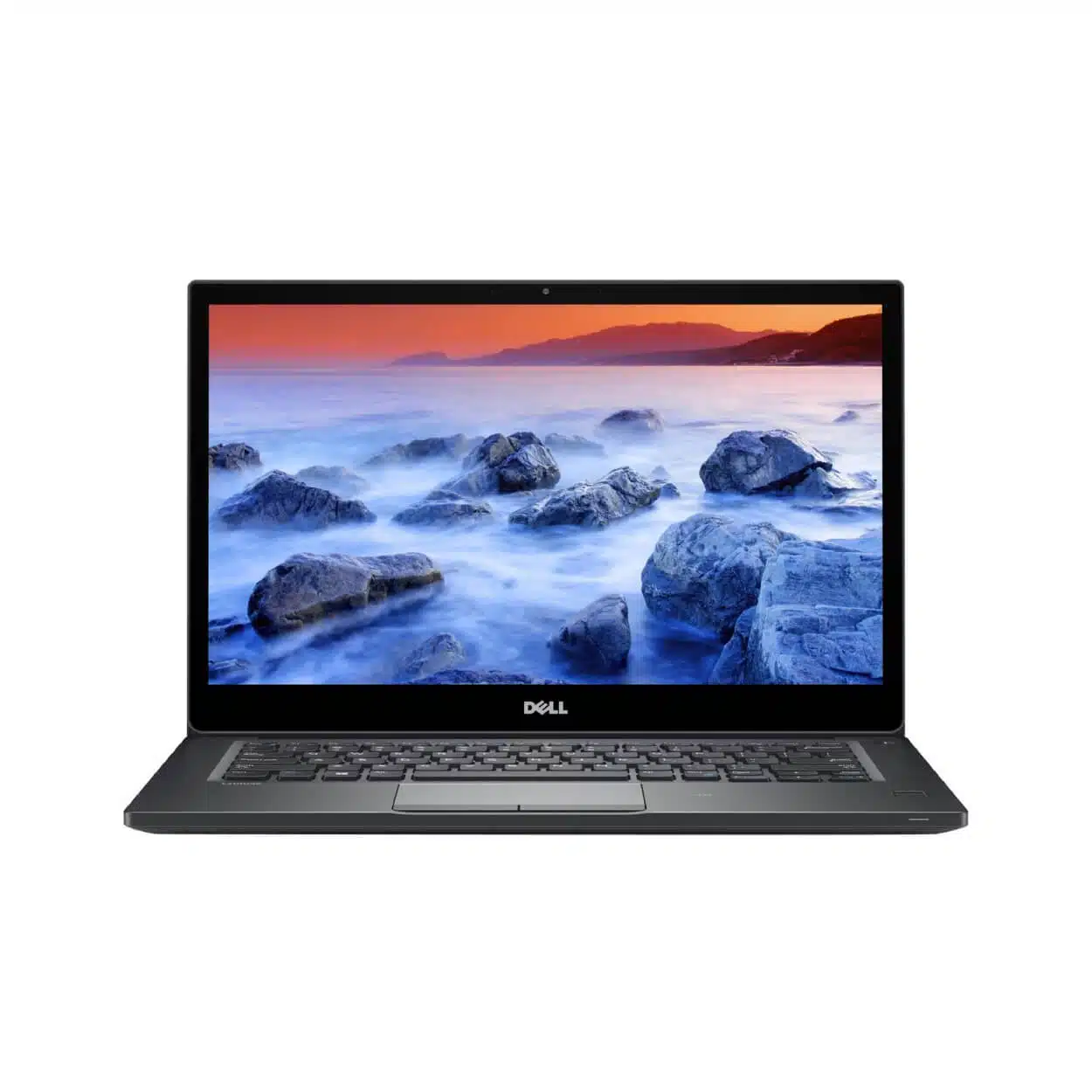
A Dell Latitude and a Dell Inspiron can both be suitable for students or office work, depending on the exact model. The family label is a useful starting point, but processor generation, memory, screen, battery condition and support should determine the purchase. This guide explains a fair comparison and links to verified Latitude catalogue examples; it does not claim an unverified Inspiron offer is currently stocked.
Catalogue and references checked: 20 October 2026. Prices below are Infinite Tech catalogue asking prices for the stated configuration. Confirm the actual unit, availability, accessories and written warranty before payment.
Start with the business laptop buying guide to define your office requirements. The EliteBook vs ProBook comparison shows how a similar family-level decision works within HP.
For course-specific needs, consult the university laptop guide. The ThinkPad vs IdeaPad student guide offers another route for comparing business and everyday laptop families.
Dell Latitude vs Inspiron: compare the workload
| Choice | What to compare | Buying implication |
|---|---|---|
| Student assignments | Documents, research, calls and exam tools | Check software requirements and usable battery health |
| Office work | Spreadsheets, browser tools and peripherals | Test keyboard, display and the actual monitor or dock |
| Refurbished versus newer offer | Different age and condition | Compare ready-to-use totals and written warranty terms |
Avoid turning the family name into a quality guarantee
Latitude is associated with business notebooks, while Inspiron has appeared across everyday consumer configurations. Those broad positions do not prove the performance, panel quality or reliability of an individual machine. An older premium design and a newer basic configuration should be compared on what is installed and how it performs for your task.
Ask for the full model and processor identifier on both quotes. Record RAM, SSD, screen resolution, condition and included accessories. If the seller only supplies a family name and an i5 badge, the comparison is not ready. A meaningful shortlist needs enough detail to identify the actual product and its supported operating system.
Use your course or office applications as the test
For university work, include any required examination software, engineering package or development tool. For office use, include large workbooks, the company VPN, printers and the video-call application. Check the publisher’s supported platform and hardware requirements before paying for a feature that may not address the real need.
Try a representative task on the actual laptop where possible. An SSD can improve the experience of opening files compared with an older hard-drive setup, but storage type does not settle every performance question. Enough memory, a comfortable screen and dependable peripherals can matter more than a small difference in a processor badge.
Compare keyboards, screens and repair plans directly
Typing comfort is personal and should be tested for more than a few seconds. Check all keys, the touchpad and the webcam or microphone required for calls. Inspect the display with ordinary documents as well as test backgrounds, and confirm its actual resolution and brightness comfort.
Then ask what can be serviced or upgraded on the exact model. Do not assume every Latitude has the same memory layout or every Inspiron is expandable. Use the matching Dell manual and service tag. If a future RAM or SSD change is part of the plan, obtain a practical quote for the supported work before treating the initial purchase price as the complete cost.
Keep condition and support in the final decision
For a refurbished offer, inspect battery health, charging, hinges and normal setup. For a machine sold as new, verify the model code, condition and actual local warranty arrangement. A recent-looking product photograph is not evidence of a sealed unit, and a business label does not remove the need to inspect a used laptop.
Check the exact CPU and device against the intended Windows requirements. A successful installation alone does not prove official eligibility. Add any charger, adapter or required upgrade to the budget, then compare the written totals. If no suitable Inspiron configuration is verified in the current catalogue, use the real Latitude links below as examples and request a precise Inspiron quote separately.
Real Infinite Tech catalogue examples
These links lead to individual listings, not a promise that every model in the wider family is available. Compare the complete configuration rather than the processor badge alone.
| Exact listing | Listed price | Next check |
|---|---|---|
| Dell Latitude 7490 Core i5 8th Gen 8GB RAM 256GB SSD | KSh 23,495 | Confirm unit condition, exact components and what is included |
| Dell Latitude 5410 14-inch Laptop Intel i5-10210U 10th Gen 8GB DDR4 256GB NV Me Windows10 BOXED | KSh 31,995 | Confirm unit condition, exact components and what is included |
| Dell Latitude 5450 Core Ultra 5 16GB RAM 256GB SSD | KSh 115,995 | Confirm unit condition, exact components and what is included |
A practical buying decision
Choose between actual configurations, not stereotypes about the families. A verified Latitude can be a practical student or office option; evaluate any Inspiron quote with the same software, memory, screen, condition and complete-cost checks.
Frequently asked questions
Is Latitude always better for students?
No. Suitability depends on the course, exact configuration, condition and budget.
Does this article list confirmed Inspiron stock?
No. It provides a comparison method and verified Latitude examples. Request an exact Inspiron quote if needed.
Are RAM upgrades guaranteed on every Dell?
No. Check the model-specific service documentation.
What should an office buyer test first?
The actual applications, keyboard, screen, video calls, required peripherals and charging behaviour.
Related Infinite Tech buying pages
- Laptop Knowledge Centre
- Compare all laptops
- Dell Latitude guide
- Best Laptops for University Students in Kenya 2026: Course & Budget Guide
More Dell buying guides
- Dell Laptop Prices in Kenya: Latitude, Inspiron, XPS and Precision
- Dell Latitude 5400 vs 5410 vs 5420: Which Offers Better Value?
- Best Dell Laptops Under KSh 40,000 in Kenya
Manufacturer references and research method
This is a research-based buying guide, not a hands-on test or a benchmark report. Manufacturer references describe supported options; the linked catalogue identifies the configuration being offered. Model-specific details should be matched to the full product code or service tag.
- Dell Latitude 5400 setup and specifications
- Dell Latitude 5420 manuals
- Microsoft: Windows 11 system requirements
- Microsoft: Windows 10 support transition
Confirm your laptop with Infinite Tech
Contact Infinite Tech at Rehema House, Nairobi, on 0720450148. Ask for the full model code, a written specification and the applicable warranty. Read warranty information, delivery information and contact Infinite Tech before placing an order.
One thought on “Dell Latitude vs Inspiron for Students and Office Work”
Comments are closed.