

Latest News & Articles
BOYA USB-C Microphone Not Working? Android Troubleshooting

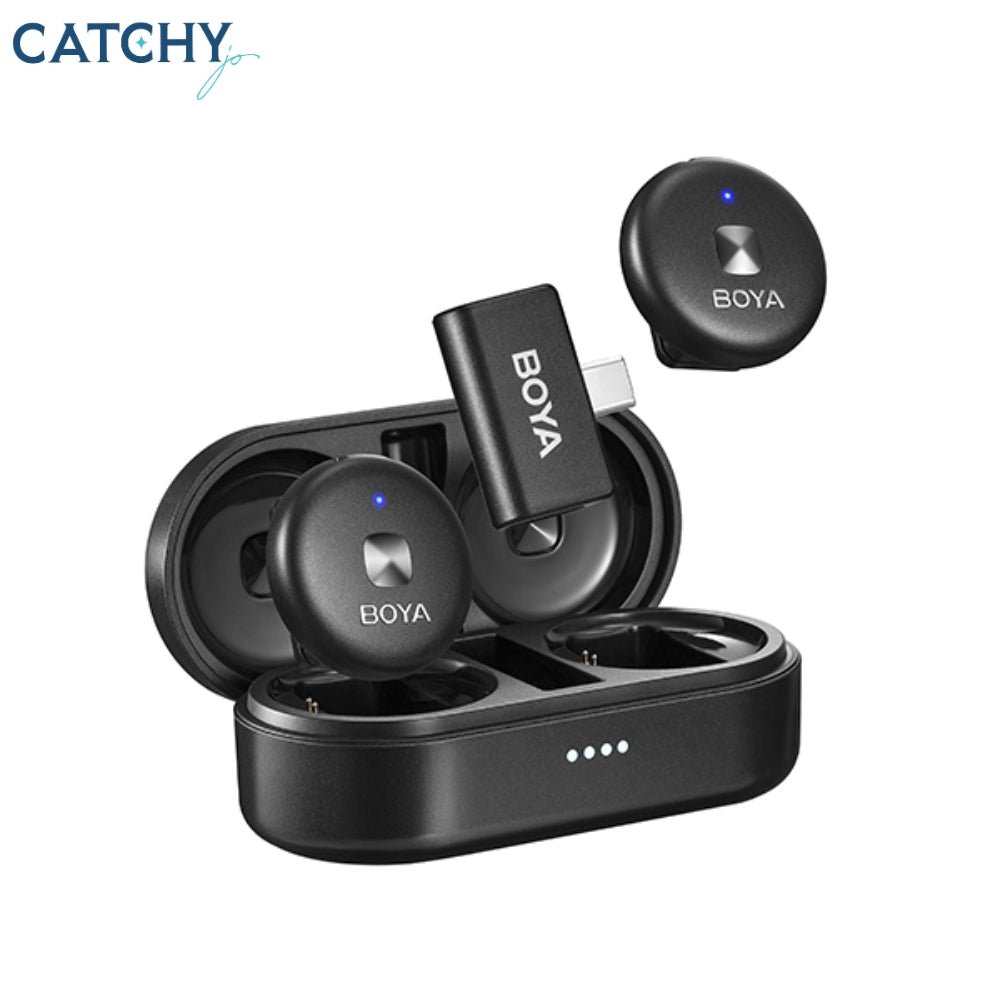
October 2026 technical guide. If an Android phone ignores a BOYA USB-C receiver, troubleshoot the physical port, USB host support, application permissions and wireless pairing systematically before assuming the microphone is faulty. These steps are general troubleshooting, not a substitute for the exact manufacturer’s instructions for your microphone and recording device.
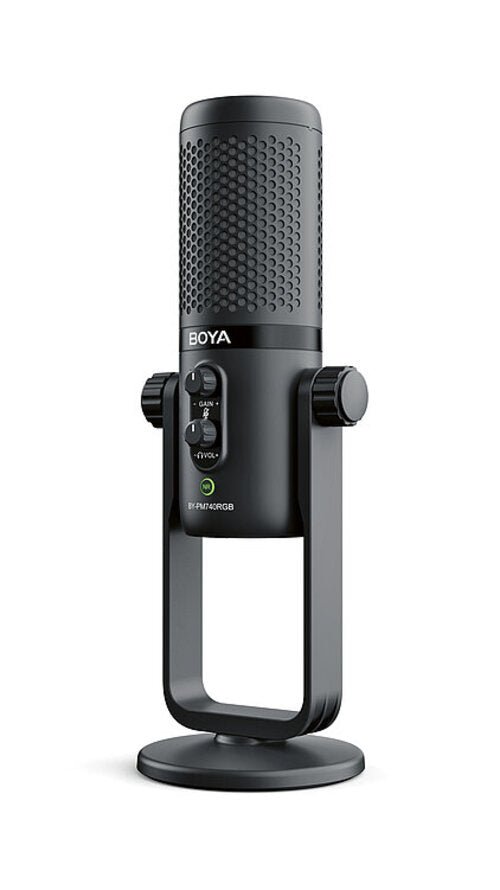
Step-by-step procedure
- Step 1. Turn off the camera app and fully reseat the receiver; remove the phone case if it prevents proper insertion.
- Step 2. Charge the transmitter and follow the kit’s pairing lights or reconnecting procedure.
- Step 3. Try a recording application known to support external USB microphones; some apps do not route USB audio consistently.
- Step 4. Check microphone permissions and any OTG setting on phones that expose one.
- Step 5. Make a test recording near the clip-on transmitter; then move it away or cover the phone microphone to determine the active audio input.
- Step 6. Unplug other USB peripherals or power adapters that might interfere with receiver routing.
- Step 7. Check the manufacturer’s support page for the exact model suffix and supported Android version.
- Step 8. When the same mic fails across devices, check physical connector damage or retailer warranty options instead of repeatedly resetting at random.
Related microphones and accessory prices in Kenya
| Model | Price | Use case |
|---|---|---|
| BOYA BY-V10 | KSh 6,250 | clip-on USB-C creator microphone |
| BOYA BY-V20 | KSh 7,750 | two-person wireless mobile mic |
| BOYA BY-V30 | KSh 9,450 | charging-case wireless mobile kit |
| BOYA Omic-U | KSh 11,950 | USB-C clip-on wireless kit |
How the equipment changes your setup
BOYA BY-V10
Use case: clip-on USB-C creator microphone. For clearer audio, position the microphone appropriately and test it under the actual environmental conditions. Infinite Tech lists it at KSh 6,250. BOYA BY-V10.
BOYA BY-V20
Use case: two-person wireless mobile mic. For troubleshooting, verify the plug, power supply and software input first before concluding that the product is defective. Infinite Tech lists it at KSh 7,750. BOYA BY-V20.
BOYA BY-V30
Use case: charging-case wireless mobile kit. For clearer audio, position the microphone appropriately and test it under the actual environmental conditions. Infinite Tech lists it at KSh 9,450. BOYA BY-V30.
BOYA Omic-U
Use case: USB-C clip-on wireless kit. For troubleshooting, verify the plug, power supply and software input first before concluding that the product is defective. Infinite Tech lists it at KSh 11,950. BOYA Omic-U.
Pre-shoot audio quality checklist
Before live lessons, weddings, interviews, podcasts or product videos, run a short test recording with the exact camera or application you will use. Verify that the external microphone — not the device’s built-in microphone — supplied the sound. Record quiet speech, normal speech and a loud phrase; watch for clipping and listen for unexpected hum or clothing rub.
Check battery status, wireless receiver pairing, cable strain and wind protection. When two presenters speak, place a separate clip-on microphone on each if supported. Close excessive ambient noise sources and choose a less echoing room where possible. Keep a fallback recording method ready if the main system fails.
Frequently asked questions
Does BOYA BY-V10 need Bluetooth pairing?
Start with the device input type and the exact manufacturer model; incompatible power, cabling or receiver routing is a common cause of missing audio.
Why is the receiver LED on but the audio missing?
Record a short clip in a supported app and listen to the microphone channel; a power indicator does not always prove that the correct input was selected.
Can phone cases block USB receivers?
Sound quality depends heavily on distance, placement, room acoustics and handling. Correct setup matters more than the brand name alone.
How do I know the phone is using the external microphone?
If the problem persists, test with another known compatible setup and ask the retailer to confirm supported connections and warranty conditions.
Keep learning
Android microphone setup · iPhone troubleshooting · DSLR microphones · Podcast equipment prices · BOYA price guide.
Browse recording equipment or contact Infinite Tech Kenya. Official references: BOYA, RØDE.
A structured diagnostic sequence, not guesswork
When the receiver appears powered but no audio records
Power indication and audio routing are separate. Unplug and reconnect the receiver firmly, check Android microphone permissions and test the stock recorder plus another supported application. Speak next to the wearable transmitter while keeping the phone distant enough to identify the true input.
When audio cuts out halfway through a take
Check transmitter battery, receiver fit and whether the phone operating system killed the recording app in the background. A long USB receiver hanging from the phone may lose connection as the operator walks. Avoid obstructing the receiver, and keep gear in a stable mounting position.
When only one interview guest is heard
Confirm the actual kit has two transmitters, both are charged and paired, and the app is capturing both sources. Depending on the receiver, two inputs may be mixed or appear on separate channels. A pan or mono/stereo setting can make one channel sound absent on certain playback devices.
When replacement makes sense
If there is physical damage, a known good receiver still fails or repeated trials on compatible documented phones produce no microphone signal, contact Infinite Tech with model code, purchase date and test details. Do not make warranty claims based solely on a vague ‘not compatible’ report.