
Ray-Ban Meta Gen 2 Phone Pairing: Android and iPhone App Checklist

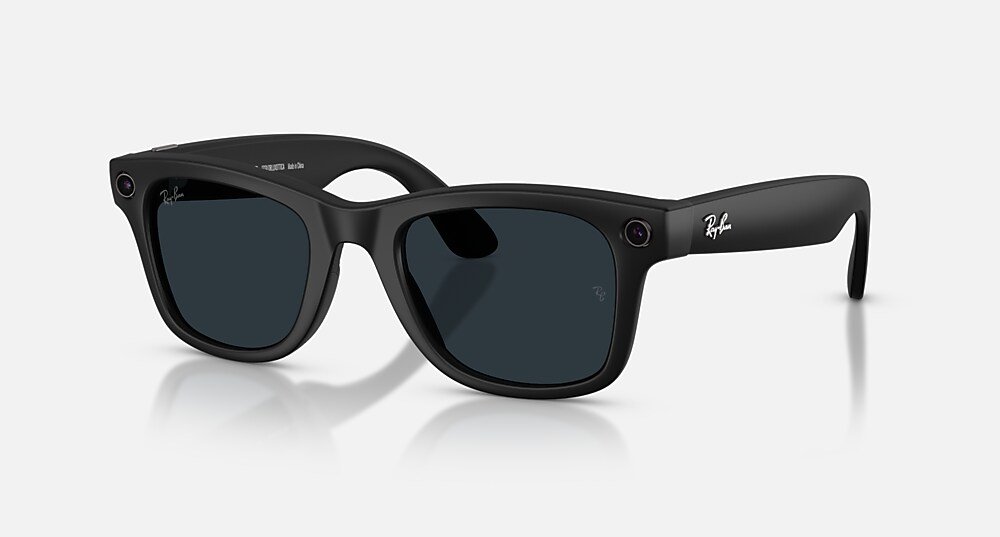
Check supported phones, Bluetooth permissions and app requirements before relying on Ray-Ban Meta smart glasses.
Before you begin
Verify current app availability and operating-system requirements using the official help pages. Install only the official app, create or sign into your own account and check any region-dependent features.
Practical checks
Charge the glasses and case, follow pairing prompts and grant only permissions needed for the features you want. Make a brief test call and a permitted camera clip to confirm the connection.
Make the right decision
When changing phones, transfer important media and follow the official unpairing process. A used device may need the prior owner’s account removed. Do not share passwords or verification codes with the seller.
Frequently asked question
Will all AI functions work on any Kenyan phone?
Not necessarily. Availability can vary by region, app version, language and device.
Compare Ray-Ban Meta Gen 2 at Infinite Tech. Read the official manufacturer support information and contact our Nairobi shop for current availability and warranty.
