
How to Test an Ex-UK iPhone Microphone Using Voice Memos

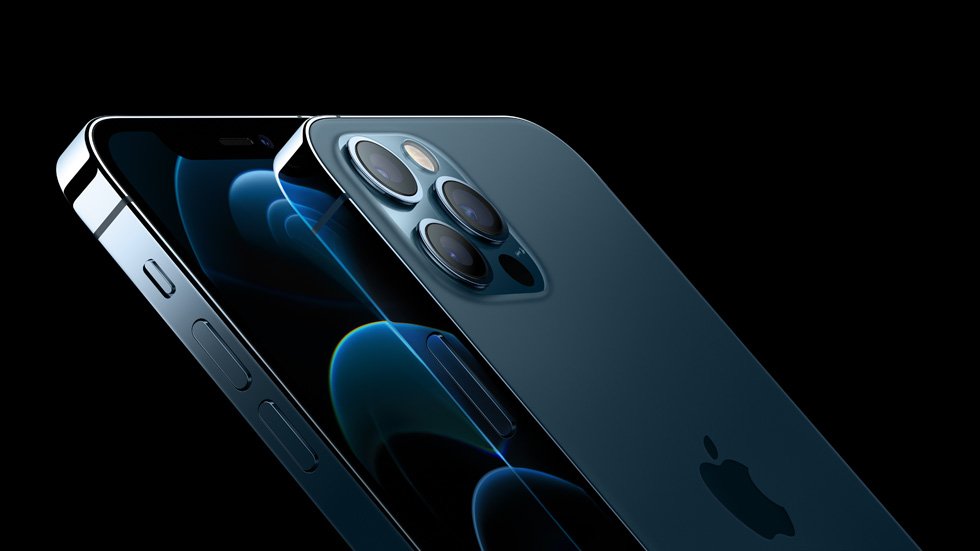
How to Test an Ex-UK iPhone Microphone Using Voice Memos offers a specific practical buying or inspection method for second-hand imported phones in Nairobi. Use it on the actual unit rather than relying only on marketing specifications or a condition grade.
Why a single successful call is not a complete microphone test
Modern iPhones can use more than one microphone for calls, video recording and noise management. A handset may sound clear when held normally but produce distorted audio on speakerphone or when recording video. A used phone’s grille may also be blocked by dirt, a poorly fitted case or previous repair work. Testing two or three ordinary features takes little time and reduces surprises.
Use your own speech for the test and obtain permission before recording anyone else. Avoid sensitive conversations, customers or unrelated bystanders.
Test one: a short Voice Memos recording
Open Apple’s Voice Memos app on the actual iPhone. Record a short sentence in a quiet area at a normal speaking distance, including a few soft and louder words. Stop and play it back through the phone’s speaker and, if possible, a trusted compatible headset. Listen for severe muffling, dropouts, clipping or unexpected static.
Repeat once after checking that the microphone opening is not obstructed by a case. This test may not isolate every microphone module, so a successful clip is useful but not a guarantee that all call and video paths work.
Test two: a normal cellular call and speakerphone
With the seller’s permission, make a short call using the intended SIM/network. Ask the other person whether your voice is clear while you hold the phone normally, then switch to speakerphone and compare. Check both incoming and outgoing audio; a poor earpiece is a different defect from a faulty microphone.
Wi-Fi calling or noise cancellation settings can change behaviour. Test standard network calling where possible, but do not interpret one weak-signal call as proof of hardware failure.
Test three: front and rear camera audio
Record brief clips with the rear camera and then the front camera, speaking at a consistent distance. Play them back and listen for audio level, distortion, left/right imbalance where relevant, and unexpected silence. The camera, microphone and speaker systems each need separate evaluation.
If a recording sounds poor only when certain hardware is used, ask for further diagnosis rather than assuming a factory reset will solve it. Never open the phone or pierce microphone grilles with sharp tools.
Document an issue before paying
Record the exact model, iOS version, storage and observed symptoms, and ask the shop about prior repairs. Minor muffling from a case can be correctable; a damaged microphone or audio board may require service. Do not rely on a promised later fix without a written repair proposal or choose another inspected handset.
Compare the Ex-UK iPhone catalogue and, when appropriate, a second unit of the same model. Apple’s microphone troubleshooting guidance describes supported checks.
Quick checklist
- Identify the exact model, storage and regional hardware version.
- Check legitimate account release, screen, charging, call audio and relevant function.
- Obtain written current price, known defects, accessories and return/warranty terms.
Frequently asked questions
Does one working Voice Memo prove every microphone is good?
No. Also test calls, speakerphone and video recording, since different audio paths may use different microphones.
Should I clean microphone holes with a sharp needle?
No. Avoid inserting sharp objects. Ask a qualified technician to assess any suspected obstruction or damage.
Inspect an actual handset in Nairobi
Infinite Tech is at Rehema House, Standard Street off Kimathi Street, First Floor Shop 2, Nairobi CBD. Call 0720 450 148 to enquire about exact Ex-UK stock and a device-specific inspection. Photos in a catalogue can be model illustrations rather than the actual pre-owned unit; written pricing, warranty and trade-in terms should be confirmed before payment.