
How to Test an Ex-UK iPhone Proximity Sensor During a Call

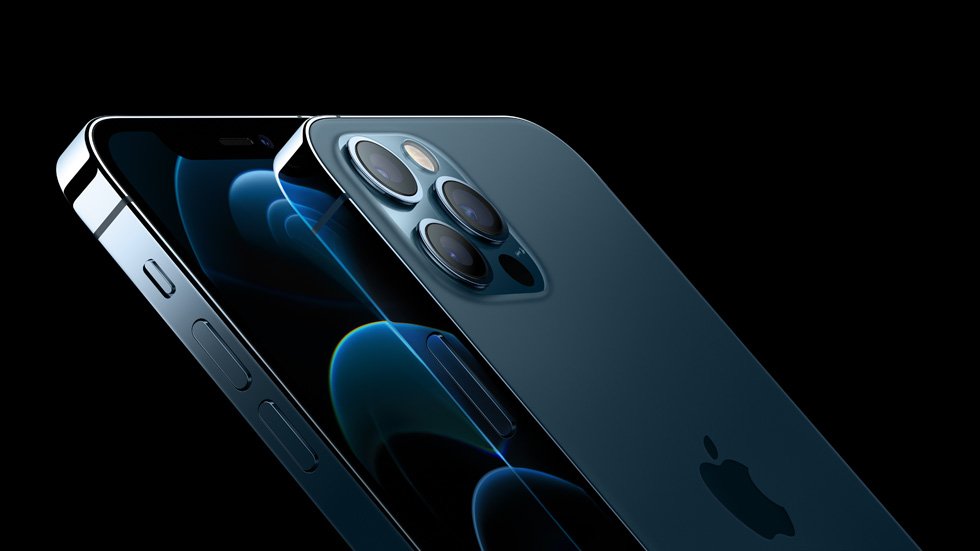
How to Test an Ex-UK iPhone Proximity Sensor During a Call offers a specific practical buying or inspection method for second-hand imported phones in Nairobi. Use it on the actual unit rather than relying only on marketing specifications or a condition grade.
What the proximity sensor is meant to do
On supported iPhones, the proximity system helps prevent accidental touches by dimming or switching off the screen when you bring a handset close to your ear during an active call. If it fails, your cheek may mute the call, press keypad buttons or make other unintended screen interactions. This is a practical used-phone test, especially on devices with previously replaced displays.
Do not confuse normal screen dimming from brightness settings or auto-lock with a proximity response during a call. Test with the phone’s regular Phone app and an actual call when permitted.
A simple in-store call test
Ask the seller to permit a short call on a known-good network. With the call active and without speakerphone, slowly move the phone toward your ear. Observe whether the screen becomes dark or inactive before your cheek contacts it; move the phone away and check that the screen comes back. Repeat twice. Actual behaviour can vary with model and software.
Do not cover the display with force or tape over the sensor. The goal is to see the phone behave naturally in a real calling posture. A single brief delay may require retesting rather than declaring an immediate hardware fault.
Rule out cases, screen protectors and unusual settings
A thick case, poorly positioned tempered glass or dirt around the earpiece/sensor area can obstruct normal sensing. With permission, remove an easily detachable case or check the protector alignment. Use a clean, dry cloth for the exterior. Do not peel a fused display component or pry at the sensor opening.
Try a second call. Consider whether speakerphone, Bluetooth audio or another call mode changes the screen’s expected response. Repeated failure under normal conditions warrants a technician’s assessment.
Why this matters on a repaired Ex-UK iPhone
Previous screen or earpiece repairs can sometimes affect sensor-related components or alignment. On compatible models, check available Parts and Service History details. Do not infer that every replaced screen causes a proximity failure; inspect the actual handset. Also test Face ID, earpiece quality, front camera and touch function because these systems are physically close.
A phone that looks cosmetically perfect but repeatedly activates buttons against the ear may be frustrating for long customer calls. Ask the seller to document the issue and provide written repair options rather than guessing at cost.
Make a responsible purchase decision
Combine the result with other essential tests: carrier compatibility, microphone, speakers, charging, screen, battery and legitimate account-release status. If this is the only problem, compare a qualified repair estimate with another unit’s price; the cheapest used flagship is not always the lowest-risk option.
Browse Ex-UK iPhone listings and arrange an exact-unit inspection. The current WooCommerce price is the selling-price reference; any warranty needs to be confirmed in writing.
Quick checklist
- Identify the exact model, storage and regional hardware version.
- Check legitimate account release, screen, charging, call audio and relevant function.
- Obtain written current price, known defects, accessories and return/warranty terms.
Frequently asked questions
Does a screen that stays on during every call indicate a possible problem?
It may. Repeat under normal call conditions, check accessories and seek diagnosis if the issue persists.
Can I confirm proximity sensor condition just from a seller’s photo?
No. A live functional call test is needed; photographs cannot demonstrate the sensor’s response.
Inspect an actual handset in Nairobi
Infinite Tech is at Rehema House, Standard Street off Kimathi Street, First Floor Shop 2, Nairobi CBD. Call 0720 450 148 to enquire about exact Ex-UK stock and a device-specific inspection. Photos in a catalogue can be model illustrations rather than the actual pre-owned unit; written pricing, warranty and trade-in terms should be confirmed before payment.