
Moving to TECNO Spark 50C: transfer contacts, photos and WhatsApp safely

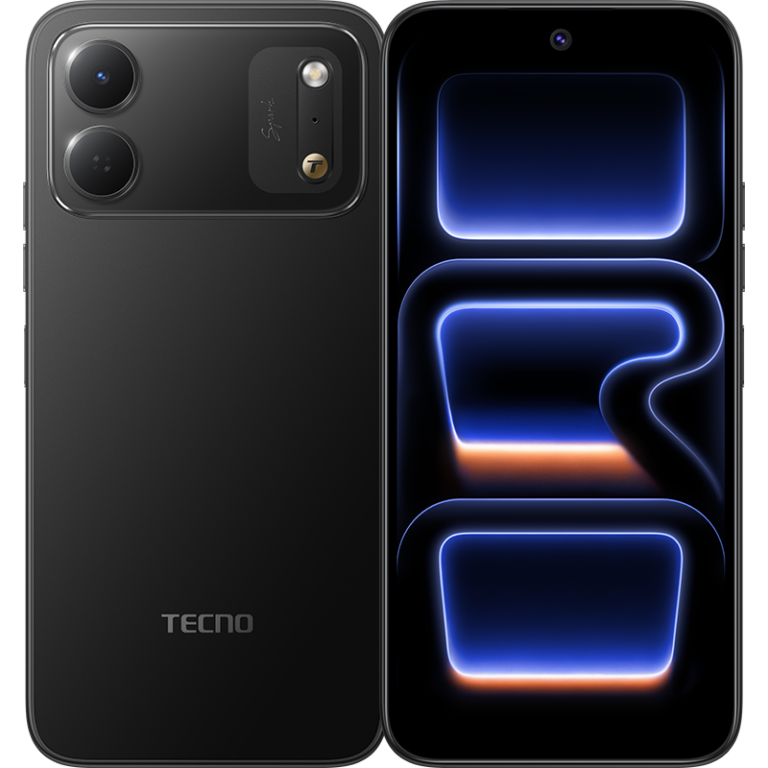
Move your important data to a new Spark 50C without losing access to your old accounts.
Prepare the old phone
Connect to a trusted Wi-Fi network, charge both handsets and check available storage. Verify that contacts are synced and that important photographs, documents and messages have recoverable backups. If changing operating systems, check each application’s supported migration process.
Transfer in a sensible order
- Use the official Android setup transfer option or supported manufacturer method for contacts and files.
- Follow WhatsApp’s official chat migration or backup instructions for your platform and telephone number.
- Sign into financial apps through their official procedures; never hand over PINs or verification codes.
- Check photos, contacts, messages and important files individually before deleting anything.
After the transfer
Review permissions and security updates using the Android setup checklist. Keep the old device until you have confirmed account recovery and backup access. If selling or trading it in, remove your accounts and follow the factory reset process only after the data has been verified.
Exact transfer options depend on the old handset and software version; a complete transfer is not guaranteed for every app.
See TECNO’s official Spark 50C specifications and the Spark 50C product listing for current price and availability. Infinite Tech Nairobi: 0720450148.
