
TECNO Spark 50C Android 16 setup and privacy checklist

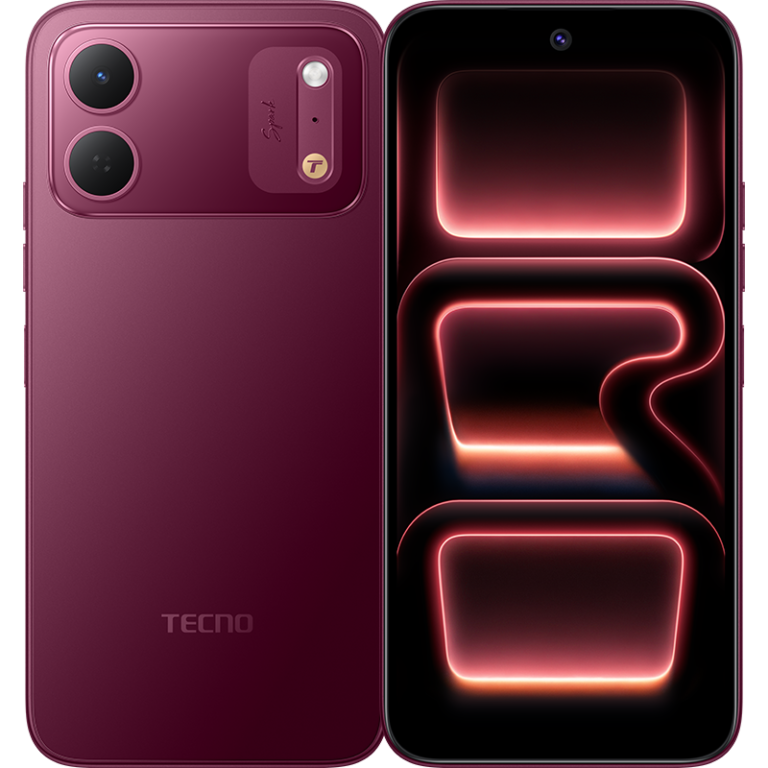
Set up a new Spark 50C with sensible privacy, backup and security settings.
Start with a secure setup
The Spark 50C is listed with Android 16. During initial setup, choose a strong screen PIN, sign in to your own Google account and review the requested permissions. The exact menu names may differ with TECNO’s software version.
Essential settings
- Check for available system and security updates over a trusted Wi-Fi connection.
- Enable automatic backups and confirm the account receiving them.
- Review location, microphone and camera permissions for each app.
- Install apps from official stores and disable unknown-source installation unless genuinely needed.
- Configure device-finding features and keep account recovery information current.
Before transferring data
Check that contacts, photos and messages are backed up on your previous phone. Keep your old device intact until you verify important files and account access on the new one. Never share one-time codes or banking PINs with a salesperson.
Update expectations
Android 16 at launch does not establish a particular number of future major updates. Ask TECNO for a regional support policy if software longevity is a priority.
Source: TECNO official product information. See the Spark 50C listing at Infinite Tech for price and availability. Nairobi CBD: 0720450148.
