
Surface Pro 11 and 12 Keyboard and Pen Compatibility Guide for Kenya

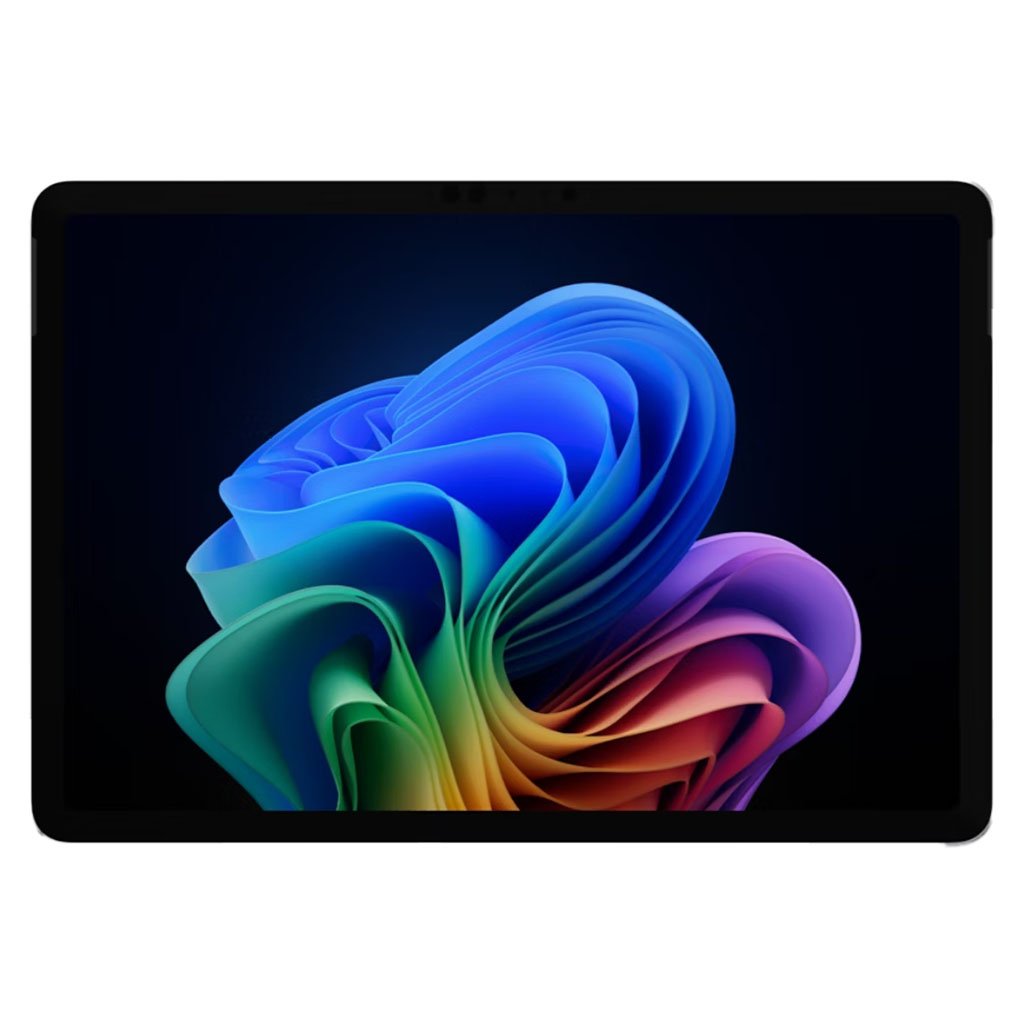
Updated November 2026. The product name ‘Surface Pro 12’ can refer to a 12-inch model rather than a 12th Edition 13-inch model. The screen size and generation affect the keyboard cover, stand and stylus you can buy. This guide prevents an expensive compatibility mistake at checkout.
Quick recommendation
Check the operating system, intended programs, exact SKU, installed RAM, storage, accessories and warranty before selecting a model. The correct choice depends on your daily work rather than marketing labels.
Identify the Surface by exact edition and size
Ask whether the computer is the 13-inch Surface Pro 11 Snapdragon, 12-inch Surface Pro first edition, or 13-inch Surface Pro 12th Edition. They are not the same accessory platform. Check Microsoft’s published technical specifications or the Windows device information and match the retail accessory part number to that exact family.
Keyboard fitting and portability
Surface Pro 11 supports keyboard accessories intended for the 13-inch contemporary Pro form factor. The 12-inch Surface Pro has its own compact keyboard accessory. A photograph of a keyboard attached to a tablet does not prove compatibility; magnet attachment, connectors, case cutouts and physical size must all match.
Pen pairing and charging
Compatible Surface pen models can differ in pairing, charging and attachment method. Do not assume that a third-party active pen will support every advertised pressure/tilt feature. If note taking or drawing is critical, ask the retailer to demonstrate pairing, writing response, charging and storage with the exact device.
What to inspect with an accessory bundle
Confirm whether the supplier includes a keyboard and Surface Slim Pen or sells them separately. Identify keyboard layout, backlighting, local warranty, power adapter and the number of attached accessories. The total price of a detachable laptop setup may be materially higher than the tablet-only retail tag.
Available products and further reading
Use the live store links to compare current prices and confirm availability. Related articles provide further model-specific details.
Frequently asked questions
Are all listed models exactly the same configuration?
No. RAM, storage, operating system, screen, region and accessories can differ even within one name. Check the product title and request the exact manufacturer’s model number.
Do the prices include every accessory?
Never assume that a detachable keyboard, active pen, cable, sleeve or other accessory is included unless the product listing and supplier bundle say so.
Surface Pro keyboard and pen compatibility: practical buying checks
Bring the tablet or its full model information when buying a keyboard. Test attachment, typing, trackpad operation and the stand angle together. For pen use, test writing as well as storage and charging: a pen that writes can still need a separate charging arrangement. Check keyboard language and whether the advertised price includes the pen, because a keyboard picture alone does not establish bundle contents.
- Identify tablet size, edition and model number.
- Match the official keyboard and pen compatibility lists.
- Test typing, pointer control, pen input and charging.
Does a magnetic attachment prove complete compatibility?
No. Physical attachment, electrical connection, supported functions and pen charging are separate checks.
Related buying guides
Surface Pro 11 vs Surface Pro 12 · Surface Pro 11 vs Surface Laptop Go 3 · Windows on Arm software compatibility
Manufacturer reference: Microsoft official documentation. Check the exact model and supported configuration.
Buying support in Nairobi
Infinite Tech, Rehema House, Standard Street, Nairobi CBD, 1st Floor Shop 2. Call 0720 450 148 to confirm current stock, warranty and compatibility. This guide compares documented features and usage scenarios, not claimed hands-on benchmark results.