
Sonos Speaker Authenticity and Warranty Guide for Kenya

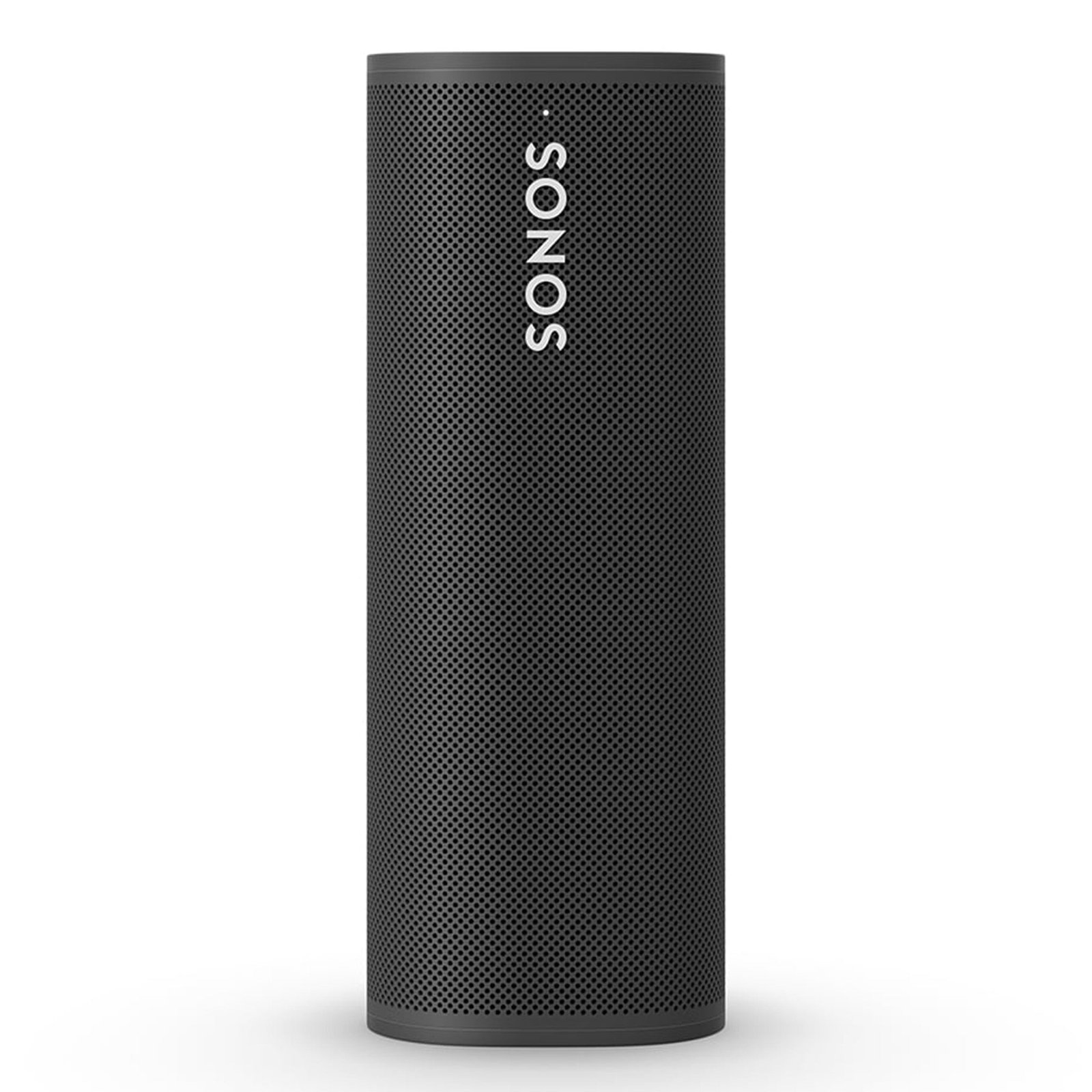
Check the exact Sonos model, condition, package contents and warranty terms before purchasing.
Confirm what you are buying
Roam, Roam 2 and Roam SL are separate models. Request the model designation, condition, accessories and available colour before paying. Check official documentation against the packaging and product label. Packaging appearance or a serial number on its own is not independent proof that an item is genuine. Ask for a receipt identifying the supplied product.
Warranty checklist
| Question | Why it matters |
|---|---|
| Who provides the warranty? | Determines where to submit a claim |
| What region is covered? | Imported stock may have different coverage |
| What is included? | Distinguishes speaker and accessory coverage |
| What evidence is required? | Receipt, serial details and fault description |
Consult the manufacturer for actual regional warranty terms; do not rely on a verbal promise. If buying a previously owned device, ask about account removal, battery condition and service history. Inspect the charging port and enclosure, and test sound and supported connectivity with the seller’s permission.
Compare listings
View Sonos Roam 2, Sonos Roam and Roam SL. Confirm the exact unit and local warranty terms before buying. Infinite Tech’s product pages do not establish manufacturer-authorised dealership or international warranty status.
FAQs
Can a low price prove a speaker is counterfeit?
No. Investigate the unit, seller and documentation.
Does a wireless charging dock come with every Roam?
No. Check package contents.
Where should a warranty claim be submitted?
Follow the written seller and manufacturer terms applicable to your unit.
Reference: Sonos support and service guidance.
Infinite Tech, Rehema House, Standard Street, Nairobi CBD. Call 0720450148 to confirm stock and exact model. Research-based guidance, not independent testing.
