
HP EliteBook for Students in Kenya: What Parents Should Check Before Buying

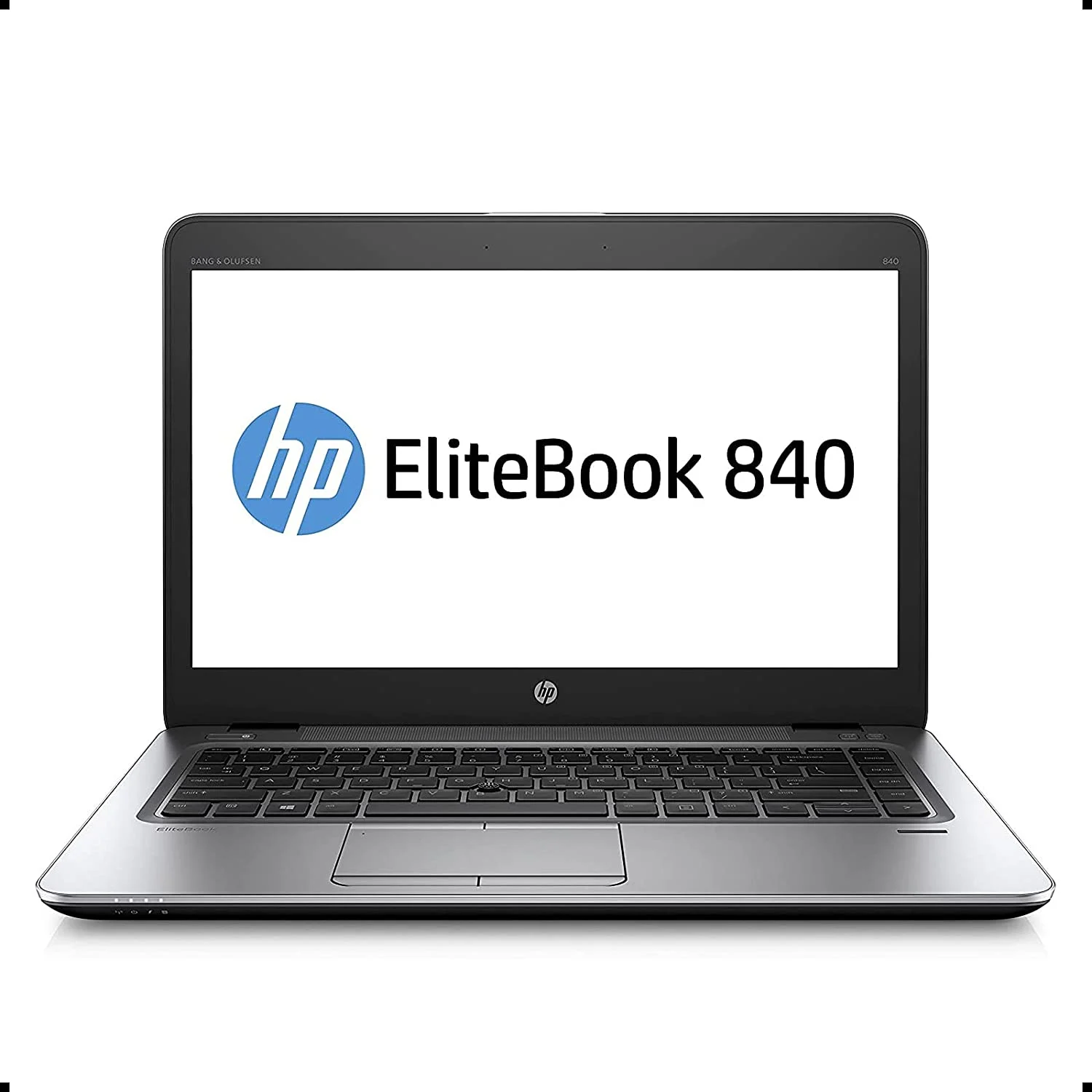
HP EliteBook laptops are business-class computers that some Kenyan parents consider when looking for a practical machine for schoolwork. The name EliteBook covers many generations and configurations, however, so the badge alone does not tell you whether a particular laptop is suitable or good value.
Before buying an HP EliteBook for a secondary-school learner, compare the exact processor, RAM, storage, screen, battery condition and software requirements. This guide explains what to check rather than assuming every EliteBook has the same specifications.
Start with the learner’s schoolwork
Ask the school which applications and platforms the learner is expected to use. Word processing, PDFs, web research and presentations have different requirements from specialist engineering, creative or coding applications. Confirm whether a Windows laptop is required, whether offline work is important and whether the learner needs a webcam, particular ports or a full-size keyboard.
Do not assume every Grade 10, Grade 11 or Grade 12 learner must own a personal laptop. School policies and subject requirements vary. The right device is the one that meets the learner’s real needs without paying for features that will not be used.
Understand the exact EliteBook configuration
Processor and generation
Ask for the full processor name and generation, not simply “Core i5” or “Core i7”. Processor families contain different models, and performance also depends on cooling, power settings and the condition of the laptop. Compare the exact chip with the applications the learner will run.
RAM
Check the installed memory in system settings. Everyday school tasks may work comfortably with a modest configuration, while many browser tabs, large spreadsheets, coding tools or specialist applications can benefit from more RAM. Ask whether the memory is upgradeable; some laptop designs have memory soldered to the board.
SSD capacity
Confirm whether the laptop has an SSD and its actual capacity. An SSD helps with responsive startup and file access. Consider how much space the learner needs for documents, downloaded course materials, software and backups. Ask whether storage can be upgraded and whether the existing drive is healthy.
Check portability and everyday usability
A laptop carried between home and school should be comfortable to transport. Check the actual screen size and weight, hinge condition, keyboard layout and touchpad. A smaller display can be easier to carry, while a larger screen may be more comfortable for long reading or spreadsheet sessions.
Test the webcam, microphone, speakers, Wi-Fi, Bluetooth and the ports the learner needs. Inspect USB, HDMI, audio and USB-C ports where present. Do not assume that every EliteBook generation includes the same port selection or features.
Inspect a used or refurbished EliteBook carefully
Many affordable business laptops on the second-hand market have had a previous owner. Their condition can vary significantly, even when two devices share the same model name. Test the exact unit before paying.
- Check the display for dead pixels, bright spots, pressure marks and flicker.
- Test every keyboard key, touchpad button, webcam and microphone.
- Inspect hinges, casing, screws and the bottom cover for damage.
- Review battery health and test the laptop unplugged.
- Check that the charger is suitable and charges reliably.
- Confirm the processor, RAM, SSD and operating system in system settings.
- Ask about BIOS or administrator passwords and confirm you can access the device normally.
Check Windows and application compatibility
If the school needs Windows applications, confirm the installed Windows edition and activation status in Settings. Also check whether the device is eligible for the security updates required by the software the learner will use. Do not rely on a seller’s verbal assurance alone; ask to see the system information and activation screen.
For specialised applications, compare the software publisher’s minimum and recommended requirements with the exact laptop configuration. An older business laptop may handle documents and web research but may not be suitable for demanding graphics, engineering or video-editing workloads.
Compare the whole purchase, not just the price
Ask what is included: charger, operating system, any stated warranty and receipt. Get the after-sales terms in writing, including duration, exclusions and the process for reporting a fault. Consider the cost of any needed upgrade or replacement battery before deciding whether a particular unit is good value.
Frequently asked questions
Is an HP EliteBook suitable for secondary-school students?
It can be, if the exact configuration meets the learner’s school software needs and the unit is in good condition. Check the specifications and test it before buying.
Are all HP EliteBooks touchscreen?
No. Touchscreen availability depends on the specific model and configuration. Confirm it on the exact device.
Is Core i7 always better than Core i5?
Not necessarily. Compare the exact processor generation and model, cooling, RAM and the applications the learner needs rather than relying on the i5 or i7 label alone.
How much RAM should a student laptop have?
The right amount depends on the learner’s applications and multitasking. Check the school’s requirements and whether the laptop can be upgraded.
Can an older EliteBook run demanding software?
Some older configurations may not meet the requirements of demanding creative, engineering or technical applications. Check the software publisher’s specifications first.
What should I check on a refurbished EliteBook?
Inspect the screen, keyboard, ports, hinges, battery, charger, webcam, SSD, RAM, Windows activation and written after-sales terms.
Example EliteBook configuration to inspect
Our HP EliteBook 840 G3 non-touch product listing provides an example of a specific configuration to compare. Check software support and battery condition before purchase. For alternatives, see the student laptop budget guide.
Ask Infinite Tech about current availability
Infinite Tech can help parents compare available laptops against the learner’s requirements. Before visiting or paying, ask for the current stock list, exact processor and memory configuration, condition and applicable after-sales terms.
WhatsApp/Call: 0720450148
Visit: Rehema House, 1st Floor, Shop No. 2, Standard Street (off Kimathi Street), behind Sarova Stanley Hotel, Nairobi.
Stock, prices and specifications may change. Confirm the exact unit and its condition before purchase.
