
How to Check Samsung Wireless PowerShare on a Pre-Owned Galaxy

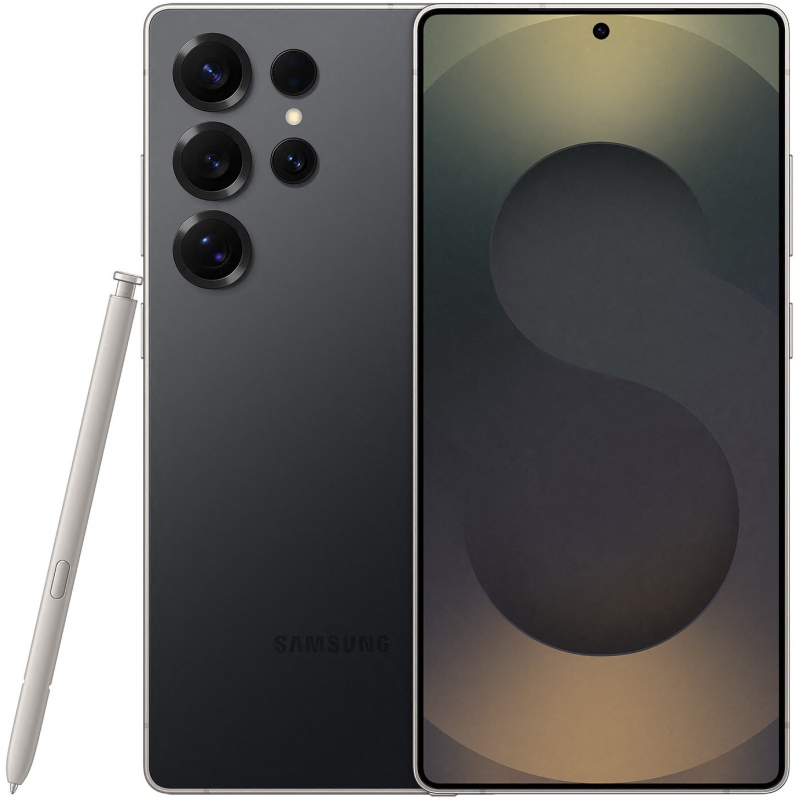
This is a practical guide for buyers assessing a particular Ex-UK handset in Nairobi. Manufacturer model details and genuine performance should be verified on the actual phone; a model-reference image never proves the current device is fault-free.
What Wireless PowerShare is
Wireless PowerShare is Samsung’s reverse wireless-charging feature on selected Galaxy models. It allows a supported phone to provide power to certain Qi-compatible accessories through the back of the handset. Support and conditions vary by model, battery level and accessory, so do not assume every Ex-UK Samsung device supports it merely because it has normal wireless charging.
Run a safe, repeatable check
Ask the seller to verify the feature is available in the device’s quick settings or settings menu. Use a compatible accessory with a known-good battery and follow the device’s on-screen instructions. Place it carefully near the phone’s charging area without forcing it against the camera bumps. Remove thick cases or magnetic attachments only with the owner’s permission. If charging does not start, check battery level, accessory alignment and compatibility before making any conclusion.
Understand limitations of the test
PowerShare can be disabled or restricted by low battery, heat, case thickness or other conditions. A slow charge is not necessarily a defect because reverse wireless charging is not the same as a dedicated fast charger. Do not use an unverified device that overheats or smells unusual. Document any warnings, interruptions or failure, and stop the test if the phone becomes unexpectedly hot.
Check normal wireless charging separately
Receiving charge on a compatible pad and sending charge by Wireless PowerShare are different tests. Test each mode independently when relevant. Inspect the rear cover for cracks and signs of repairs; a replaced glass back does not guarantee that charging coils or seals are intact. Record whether the advertised accessories are actually included.
Which Ex-UK Galaxy should you inspect?
Review S23 Ultra and S25 Ultra model offers. Check Samsung’s specific support resources for the exact regional handset. If PowerShare fails on a phone proposed for trade-in, disclose it and request a real assessment rather than applying a fixed online valuation.
See the relevant phones in stock
Compare the Ex-UK range listed by Infinite Tech, including Galaxy S25 Ultra Ex-UK. Product availability, price, battery and warranty must be confirmed for the exact unit. For a trade-in enquiry bring your old handset to Infinite Tech, Rehema House, Standard Street, First Floor Shop 2, Nairobi CBD, or call 0720450148. No trade-in quote or acceptance is promised before inspection.
FAQs
Can model photos show repair history or the exact condition?
No. Reference imagery can show design, but current unit condition requires inspection.
Does one passed check prove the phone is fully working?
No. Each test covers only a limited function. Document any unclear result and request independent verification when necessary.
