
How to Inspect the USB-C Port on Used iPhone 15 and 16 Pro Models

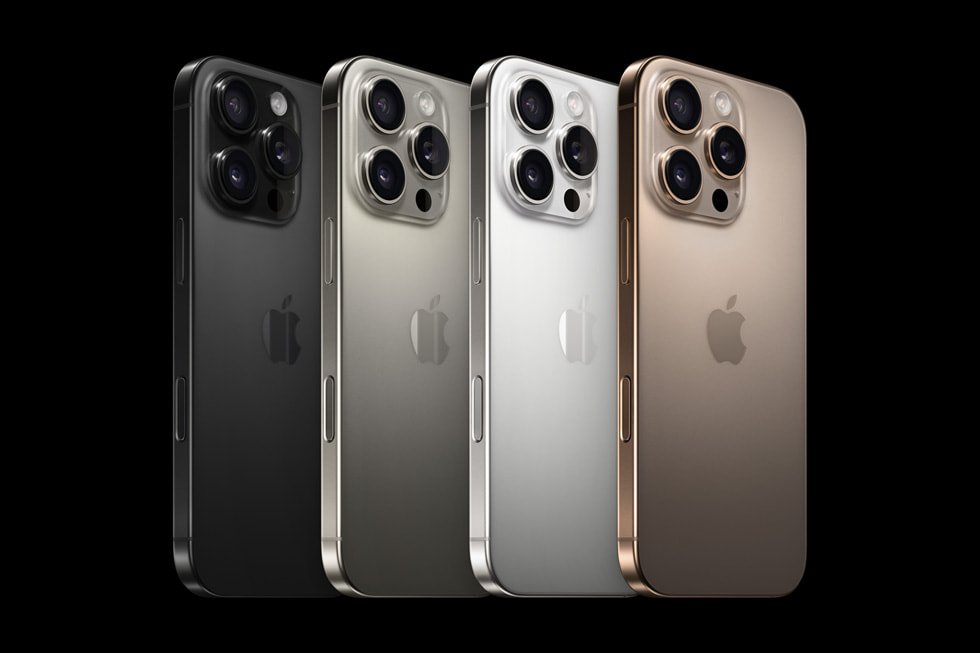
Ex-UK buyer guide for Kenya: Use these checks on the exact pre-owned handset offered for sale; no individual unit has been personally tested for this article. Manufacturer model specifications and current device condition are separate facts.
Check the model and cable before testing
Apple iPhone 15 and 16 Pro devices use USB-C, unlike older Lightning iPhones. Verify that a listing for iPhone 15 Pro 256GB Ex-UK or iPhone 16 Pro 256GB Ex-UK corresponds to the actual model code. USB-C describes the connector’s shape, not the supported speed or the charging ability of any random cable.
Visual inspection
In bright light, look for a bent centre tongue, visible corrosion, trapped fibres and physical damage to the surrounding frame. Do not use needles or pry inside the connector. Ask the owner to demonstrate that a good compatible cable fits securely and charging does not repeatedly disconnect during normal handling. A device with intermittent charging needs a specific explanation, not an assurance that the port is ‘fine’.
Test with appropriate accessories
Use a known-good cable and charger, then repeat with another accessory if the result is unclear. Observe whether charging starts promptly and whether the device reports accessories or data-transfer prompts as expected. Different USB-C cables can have different data capability; distinguish an unsupported accessory from a defective phone. Never override a moisture warning to force charging.
Check the wider repair picture
On eligible iPhones, check Settings → General → About for Parts and Service History. That list does not necessarily disclose every charging-port repair. Verify that the screen, cameras, microphones and speaker work independently. A replaced port or prior opening may change the reliability of seals, so the original manufacturer’s water-resistance specification cannot certify a used handset.
Buying and trade-in decision
Ask for written details on the actual handset condition, battery health, SIM configuration and included charging accessories. A malfunctioning USB-C connector is material to any trade-in assessment; no online listing can predetermine the credit. Apple offers a pre-owned iPhone checklist covering ownership and inspection.
View real product options and ask for inspection
See Infinite Tech’s live Ex-UK catalogue and an example listing, iPhone 15 Pro Ex-UK. Confirm the real unit’s photos, price, condition, warranty and availability first. For an optional trade-in inspection, visit Infinite Tech, Rehema House, Standard Street off Kimathi Street, First Floor Shop 2, Nairobi CBD, or call 0720450148. Trade-in value is determined only after assessment, not by this article.
Quick FAQ
Does passing this single test guarantee a used phone?
No. It is one check in a wider inspection and does not establish all repair history or future reliability.
Are the article images actual-unit photos?
Only photos explicitly labelled as an inspected unit should be treated that way. Other pictures are manufacturer or model references.
