
Galaxy S26 Ultra S Pen Needs No Bluetooth Pairing: What That Means

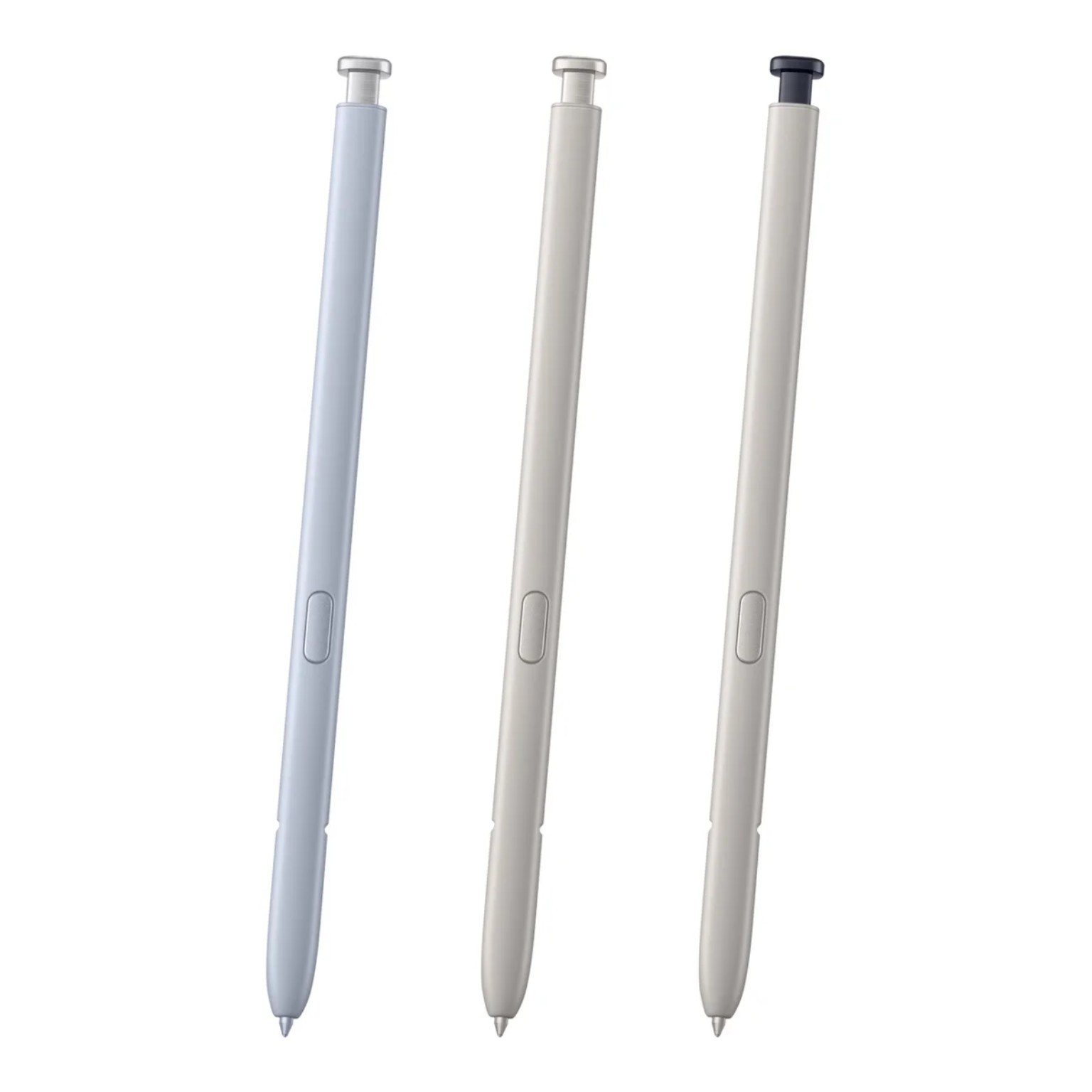
A common question from Galaxy S26 Ultra owners is how to pair or recharge the S Pen. Samsung’s official instructions explain that the original integrated pen works without Bluetooth pairing or charging for its normal functions.
Why the question comes up
Earlier Ultra phones such as the S22, S23 and S24 supported Bluetooth Air Actions using their original pens. Owners upgrading to the S26 Ultra sometimes expect the same menu and remote behaviour.
What Samsung confirms
For the original Galaxy S26 Ultra S Pen, Samsung says no Bluetooth connection or charging is required for normal pen use. It also lists the S26 Ultra pen among models that do not support Air Actions.
Do not confuse remote and local controls
Handwriting on the screen, selecting text and using supported pen interfaces are not the same thing as controlling an app remotely while the pen is held away from the screen.
What to test on a replacement
Check screen-writing reliability, tip feel, cap movement and safe storage. A generic replacement that looks like the original may have a different response or may not fit properly.
Avoid ineffective troubleshooting
If a purported S26 Ultra pen cannot pair to Bluetooth, that alone is not proof of failure. Diagnose actual writing input and physical fit instead of repeatedly searching for a remote-pairing option.
Frequently asked question
Do I need to charge the original S26 Ultra S Pen?
No. Samsung says the original S26 Ultra integrated pen requires neither Bluetooth pairing nor charging for normal writing.
Shop for your exact device
View the Galaxy S26 Ultra replacement-style S Pen at Infinite Tech — KSh 4,995. Check actual colour, manufacturer details, model-specific fit and stock before ordering.
Infinite Tech is at Rehema House, Standard Street, Nairobi CBD, 1st Floor Shop 2. Contact: 0720 450 148. These are replacement-style listings; shared product photos are not proof of official Samsung manufacture or interchangeable fit.
Compare with Samsung’s original Galaxy S26 Ultra S Pen instructions and Samsung’s Air Actions compatibility guide. Those documents describe Samsung’s original products, not unverified third-party replacements.
