
S24 Ultra Air Command vs Air Actions: Understanding the Difference

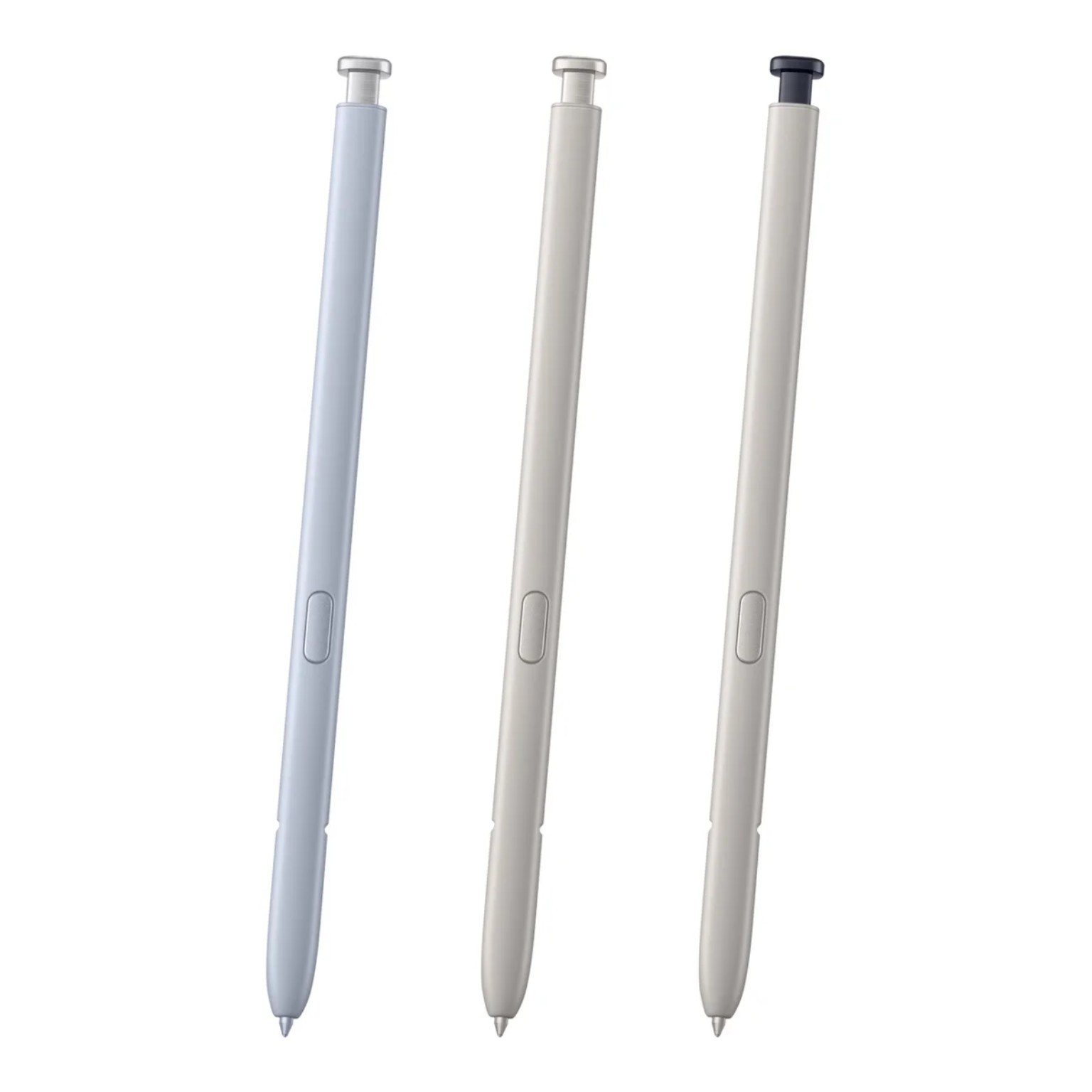
Air Command and Air Actions are often mentioned together, but they serve different purposes. Understanding the difference is useful when shopping for a replacement Galaxy S24 Ultra S Pen, especially one without proven Bluetooth support.
Air Command is an on-screen shortcut hub
With a supported pen and software, Air Command provides a menu for S Pen-related phone functions. Depending on the device’s app and settings, these may include creating notes or screen-related shortcuts.
Air Actions are remote controls
Samsung’s original S24 Ultra pen uses supported remote interactions such as button and movement gestures. Air Actions are not synonymous with ordinary handwriting, and they should not be assumed for a generic-looking pen.
How to test the difference
Open a relevant S Pen settings screen, then use a known compatible stylus to access Air Command and try a basic writing action. Test any advertised remote feature separately while the pen is away from the display.
What matters when replacing a lost pen
If your primary work is marking PDFs, a good tip and dependable writing may be enough. If a remote shutter is essential, choose a model whose Bluetooth remote features have actually been demonstrated.
Avoid mismatched expectations
Ask specifically whether the replacement supports screen writing, Air Command, the side button, Bluetooth pairing and Air Actions. Do not accept ‘works with Samsung’ as a complete feature list.
Frequently asked question
Can an S24 Ultra pen write but lack Air Actions?
Yes. Writing input and Bluetooth remote functions are separate capabilities.
Find the model-specific replacement
Check Infinite Tech’s Galaxy S24 Ultra replacement-style S Pen listing at KSh 4,995. Images are shared references across Ultra models. Verify the exact physical fit, colour, manufacturer status and available functions before ordering. Infinite Tech is at Rehema House, Standard Street, Nairobi CBD, 1st Floor Shop 2. Phone: 0720 450 148.
For handset capabilities, read Samsung’s official Galaxy S24 Ultra S Pen feature guide. Features of the original Samsung pen are not automatically specifications of a replacement.
