
MacBook Air M5 for Teachers: Lesson Materials, Online Classes and School Projectors

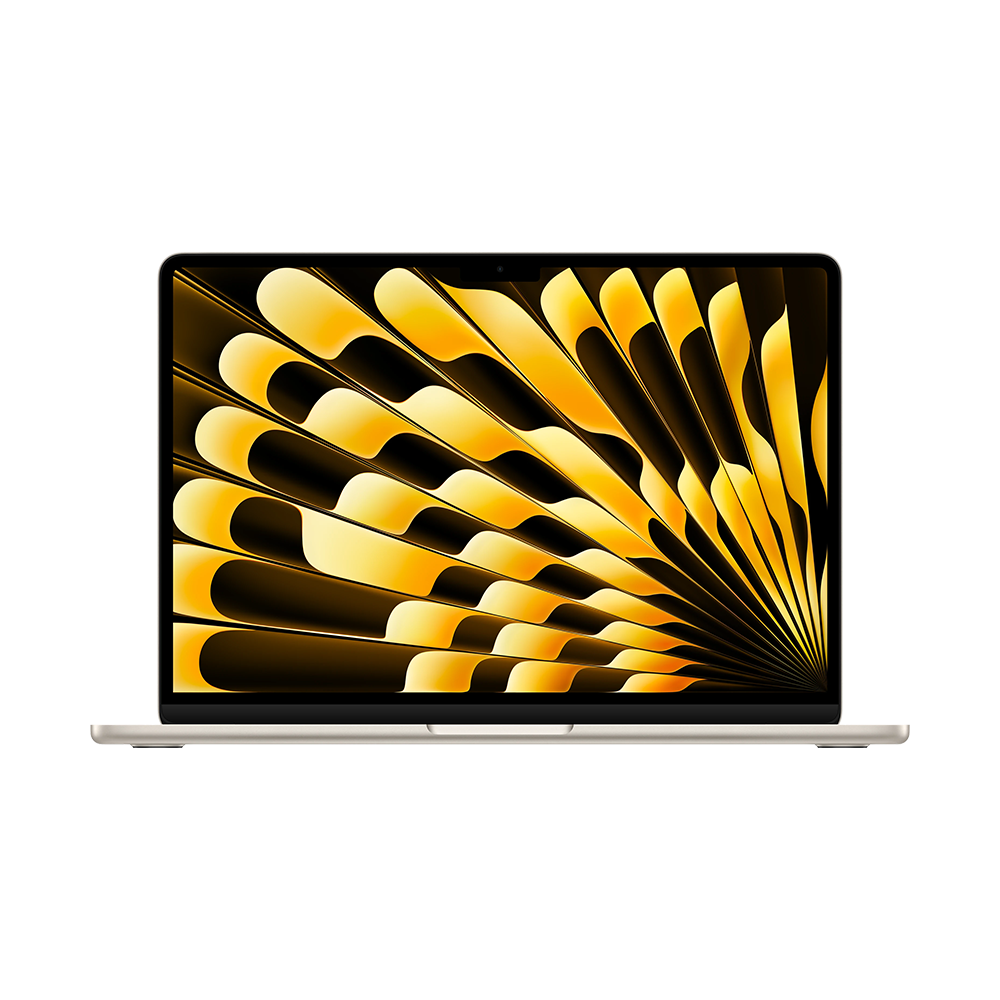
Assess a MacBook Air for Kenyan teaching workflows using lesson preparation, online classes and classroom equipment.
Check school applications
List required learning platforms, document formats and examination tools. Confirm supported macOS or browser versions, particularly when a school uses Windows-only systems. Test file submission with sample material.
Build a lesson workflow
Organize materials by class and term, prepare offline copies and use accessible presentation formats. Test screen sharing and audio before an online class. Avoid retaining unnecessary learner information on personal devices.
Prepare for the classroom
Check the actual projector input, adapter and audio system. Carry a backup presentation and compatible power equipment. Verify your institution’s data protection and device policies.
Frequently asked question
Will every school projector connect directly to a MacBook?
No. You may need a suitable video adapter.
Shop MacBook Air 13-inch M5, MacBook Air 15-inch M5. Check manufacturer information, then contact Infinite Tech Nairobi for current prices, configuration and warranty.
