
HomePod mini Personal Requests: Privacy Settings for Shared Homes

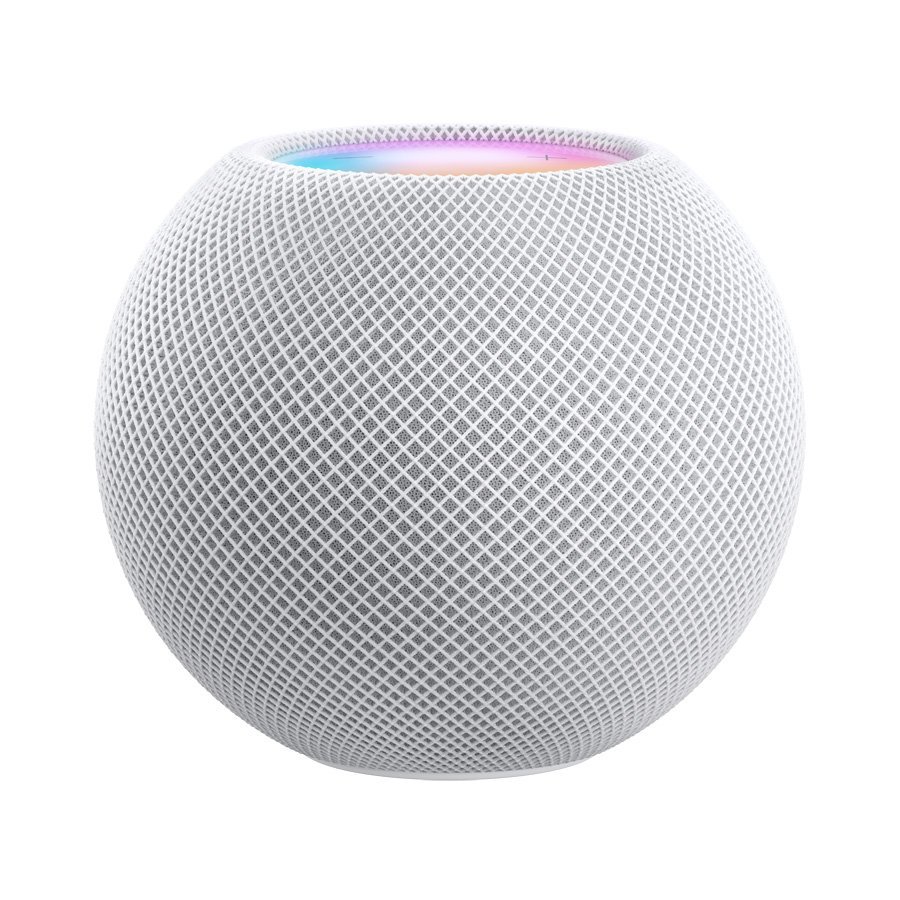
Review personal-request and household permissions before using a shared speaker for messages or private information.
Understand the setting
Apple Home and Siri support different controls depending on region, software and recognized users. Read the official explanation of personal requests before enabling them. Decide whether the household wants access to personal services at all.
Configure individual access
Use each household member’s own account and appropriate Home permissions. Avoid sharing an Apple ID across unrelated people. Test permitted requests and check how the speaker handles recognition failures.
Revisit permissions
Remove access when a guest or former household member no longer needs it. Do not speak sensitive information aloud in a shared room. Use your personal phone for confidential requests when in doubt.
Frequently asked question
Is voice recognition a substitute for a strong account password?
No. Maintain independent account security and appropriate permissions.
Shop HomePod mini. Check manufacturer information, then contact Infinite Tech Nairobi for current prices, configuration and warranty.
