
MacBook Air M5 External SSD for Working Files: APFS, exFAT and USB-C Speed

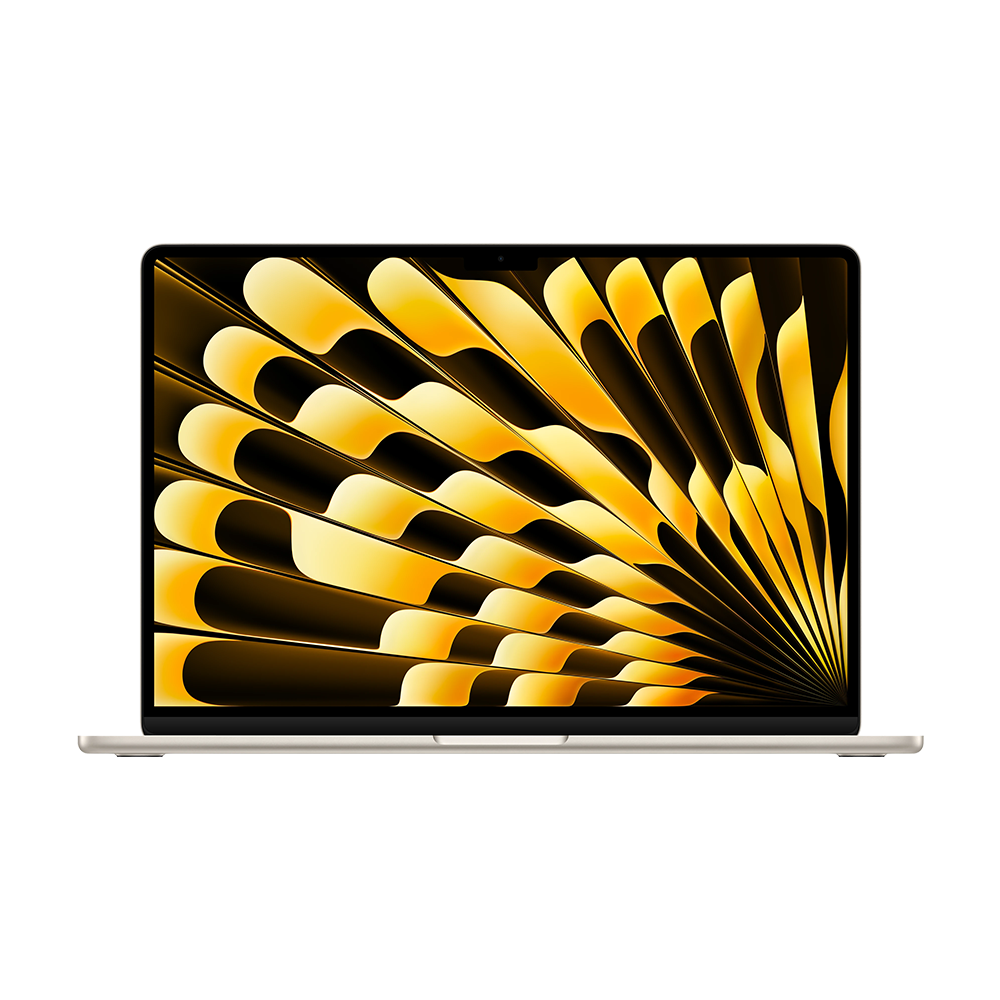
Choose an external working drive by checking filesystem compatibility, sustained transfer performance and backup needs.
Choose the filesystem
APFS is suited to modern Mac workflows, while exFAT can be useful for sharing ordinary files between macOS and Windows. Check application and encryption requirements before formatting. Formatting erases existing files, so back up the drive first.
Check transfer requirements
A USB-C connector alone does not identify the drive or cable’s actual speed. Compare the documented protocol and test a large file transfer with your intended port and cable. Video editing may depend on sustained performance rather than a short peak figure.
Keep working and backup storage separate
Use a clear project folder structure and safely eject the drive before disconnecting it. A portable working SSD can be lost or damaged, so maintain a verified independent backup. Test your editing application with files stored on the drive.
Frequently asked question
Is exFAT a backup strategy by itself?
No. It is a filesystem choice; separate copies remain necessary.
Compare MacBook Air 15-inch M5, MacBook Air 13-inch M5. Consult manufacturer guidance and contact Infinite Tech Nairobi for current stock and warranty.
