

MacBook 256GB vs 512GB vs 1TB SSD in Kenya: Which Storage Should You Buy?

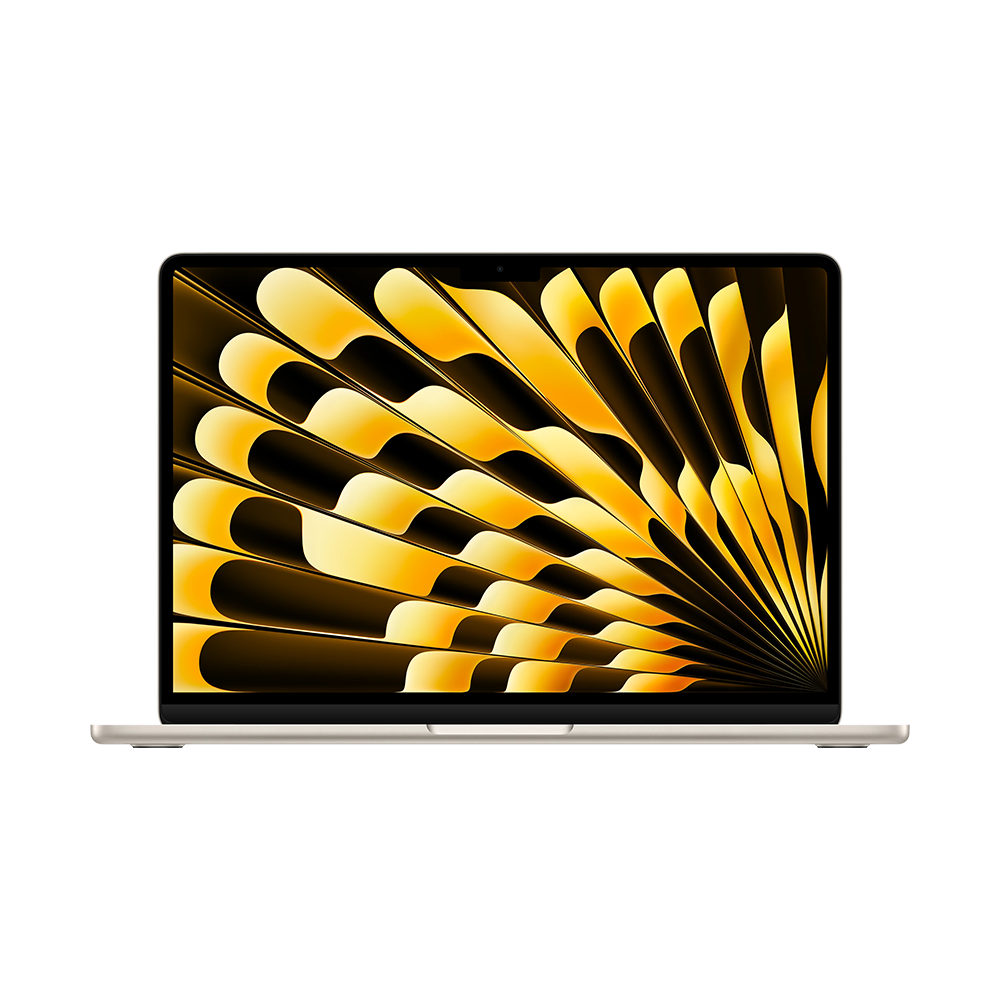
Infinite Tech Kenya | 28 October 2026. Choosing MacBook storage correctly matters because most modern Mac laptops do not offer a normal user-upgradeable internal SSD.
Why storage size matters more than the headline chip
A fast Apple silicon processor cannot compensate for a full drive that prevents macOS updates, large application installs or video exports. Check how much local storage you use today and how long you expect to keep the machine. Use System Settings → General → Storage on an existing Mac to identify large files and applications.
When 256GB is enough
256GB can work for students using browser apps, essays, presentations and cloud storage. However, operating-system files, creative applications and local caches consume space. If your coursework includes programming tools, engineering software, virtual machines or large media, you may outgrow it quickly.
Why 512GB is a versatile choice
512GB gives room for a broad mix of business documents, photos, apps and offline videos without the higher cost of 1TB. It is often a balanced choice for a Nairobi professional who carries a laptop between office and home. Still, local storage can fill when editing 4K footage or keeping multiple project archives.
Who benefits from a 1TB SSD?
Video editors, musicians with large sample libraries, developers using virtual machines and photographers working with raw files may need 1TB or more. Buy sufficient capacity at the start rather than assuming a repair shop can upgrade an Apple silicon MacBook’s soldered internal storage.
External SSDs and cloud storage
A fast external SSD can store projects and backups, but it adds a cable and can be disconnected unexpectedly. Check USB-C or Thunderbolt transfer limits and whether a drive needs encryption. Cloud services offer off-site access but may incur subscriptions and internet data costs. Maintain a separate tested backup regardless of internal capacity.
RAM is a separate decision
Storage capacity is not unified memory. A 1TB SSD does not make a machine with insufficient RAM suitable for heavy software. Compare processor, memory, display, battery and warranty alongside the capacity. Don’t compare prices across different MacBook generations without normalizing specifications.
Frequently asked questions
Can I add a microSD to a MacBook?
Not as equivalent permanent built-in storage; port availability varies by model.
Can I replace Apple silicon SSD modules?
Many MacBooks are not designed for normal user SSD upgrades; check the exact machine.
Is 256GB enough for university?
Often for light coursework, but heavy applications change the answer.
Does 1TB make the CPU faster?
No, capacity alone doesn’t improve processor performance.
Should I use an external SSD for backups?
Yes, when part of a tested multi-copy backup plan.
Compare MacBook prices in Nairobi
See the MacBook Air M5 16GB/512GB listing and our M5 Air buying guide. Ask Infinite Tech on 0720450148 for exact SSD availability, condition and warranty. Manufacturer reference: Apple Mac Support.
