
LG Soundbar HDMI ARC, Optical and Bluetooth: TV Compatibility Checklist Kenya

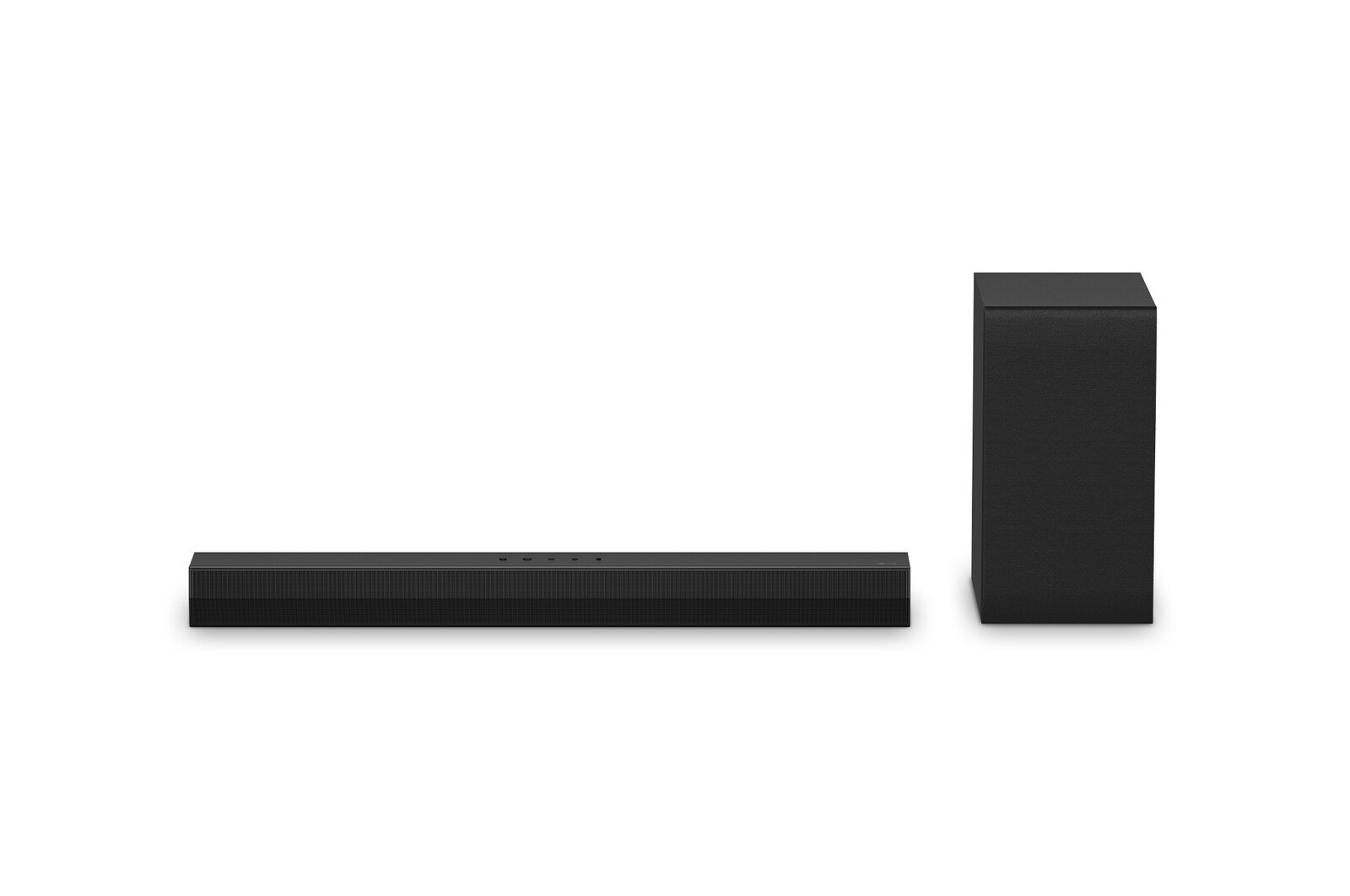
Identify the shared audio connection and supported formats before buying or connecting an LG soundbar.
Start with the two exact model numbers
Read the TV and soundbar labels and their official connection specifications. HDMI ARC sends TV audio to a compatible device over a suitable HDMI connection. eARC is an enhanced version and may support additional audio formats when the entire chain is compatible. Optical and Bluetooth are different connection options. Do not assume all LG TV and soundbar models support all three.
| Connection | Check |
|---|---|
| HDMI ARC/eARC | Correct marked TV port, matching soundbar input/output and supported formats |
| Optical | Matching ports and supported audio format |
| Bluetooth | Supported profiles, latency and volume-control behavior |
Practical setup checks
- Consult both manuals and choose a shared connection.
- Select the matching TV sound output and soundbar input.
- Check HDMI control settings if using ARC.
- Test a familiar program; review supported format settings if sound is missing.
- Adjust placement and lip-sync settings only after basic playback works.
Compare LG S40T and LG S40TR using exact manufacturer specifications. Do not infer HDMI eARC or Dolby Atmos support from another model’s product listing.
FAQs
Does HDMI always sound better than optical?
It depends on the source formats and supported equipment.
Can every LG soundbar connect to every TV?
No; verify a shared compatible interface and audio format.
Reference: LG soundbar range and LG support.
Infinite Tech, Rehema House, Standard Street, Nairobi CBD. Call 0720450148 for current availability and exact model details. Research-based guidance, not independent testing.
