Is 8GB RAM Enough for an All-in-One Desktop in 2026?

Is 8GB RAM Enough for an All-in-One Desktop in 2026? — Choosing a desktop in Kenya requires more than checking a headline processor name. This guide compares the relevant Infinite Tech all-in-one options by practical usage, total cost and buyer risk so you can make an informed decision before contacting the shop.
When 8GB works
A basic setup running a few browser tabs, email and word processing can often operate acceptably with 8GB RAM. The real limitation appears when many browser tabs, large spreadsheets, communication apps and background security tools compete for memory. Modern browsers can consume several gigabytes by themselves during heavy use.
Why 16GB may be the smarter purchase
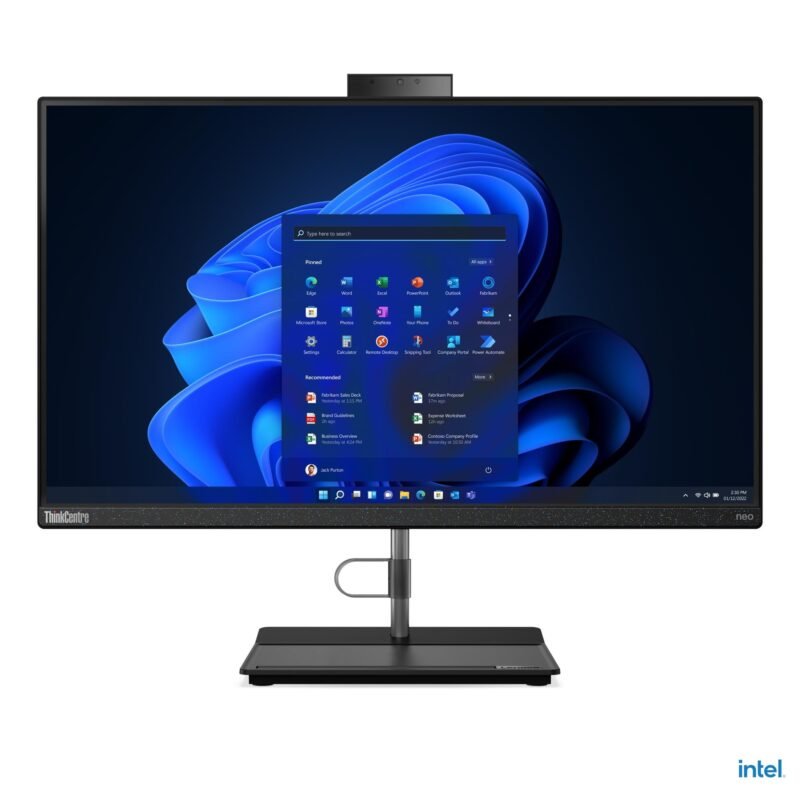
In your catalogue, the Lenovo Neo 30a offers 16GB/512GB at KSh 57,500, close to 8GB systems with smaller SSDs. For offices that keep several tabs and apps open throughout the day, spending a little more for 16GB can prevent swapping and delays. The exact CPU and warranty still matter.
Can you upgrade later?
Check the motherboard’s maximum RAM and whether it uses replaceable SODIMM modules. Some all-in-ones have restricted service access or memory fitted in ways that limit upgrades. Request a manufacturer maintenance document before assuming a cheap RAM expansion will be possible.
Relevant Infinite Tech all-in-one prices and product links
| Infinite Tech model | Price (28 October 2026) |
|---|---|
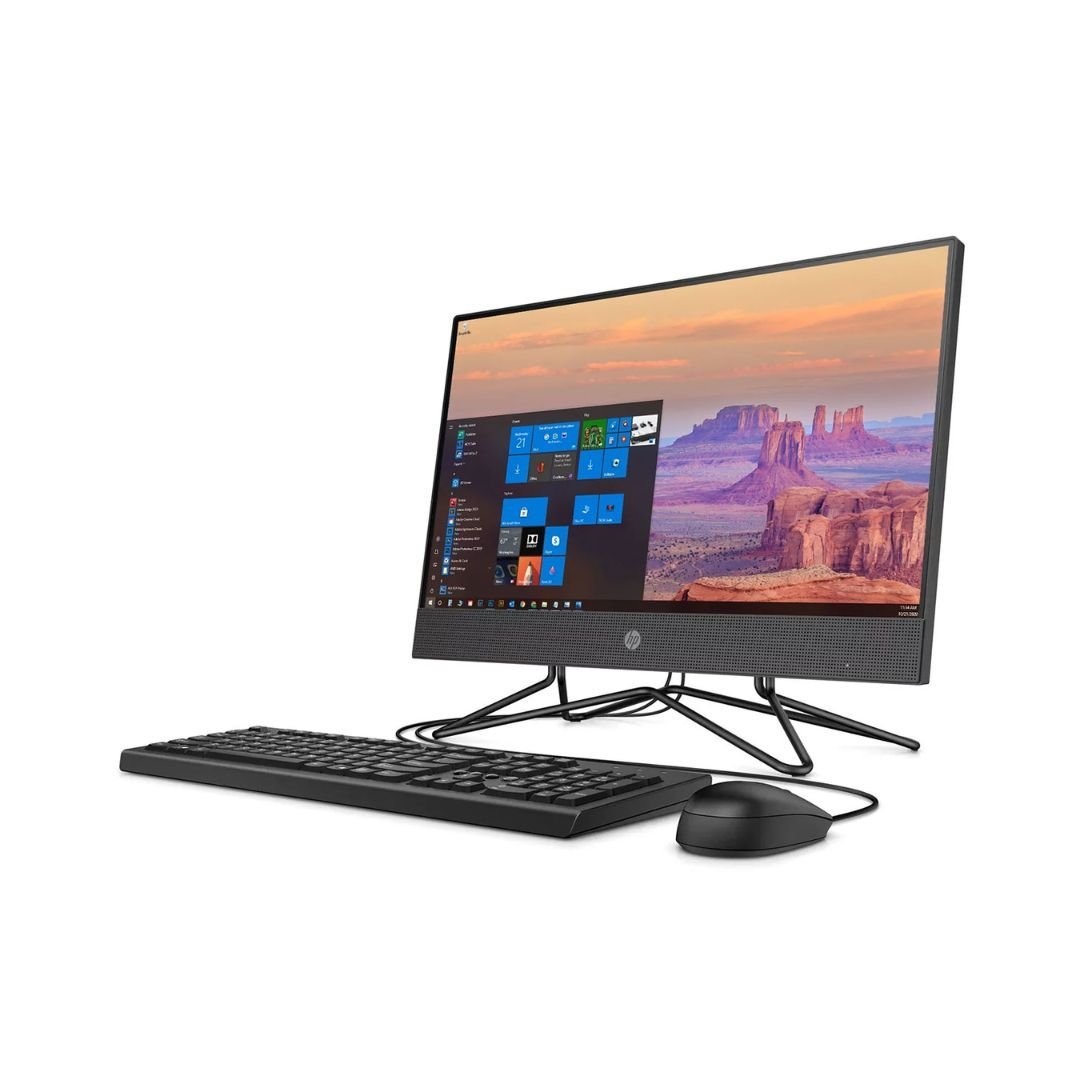
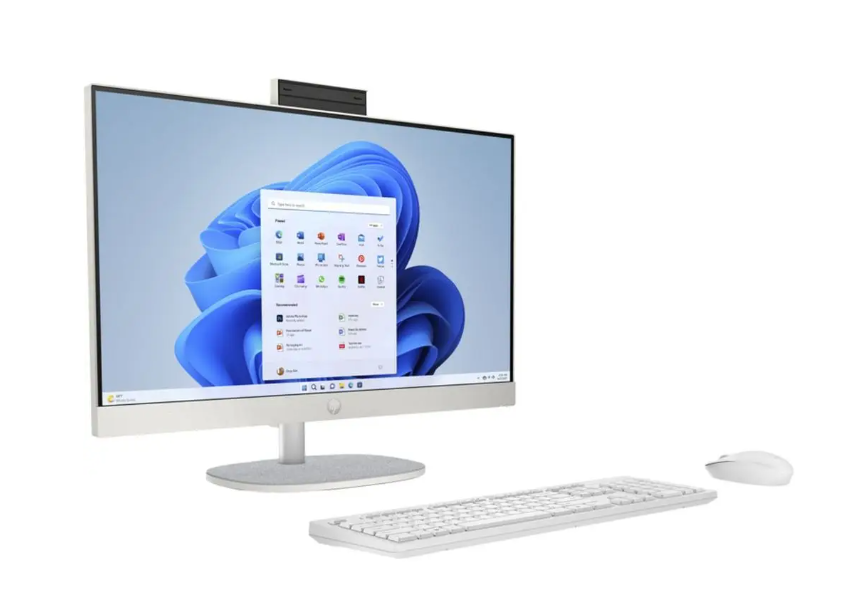
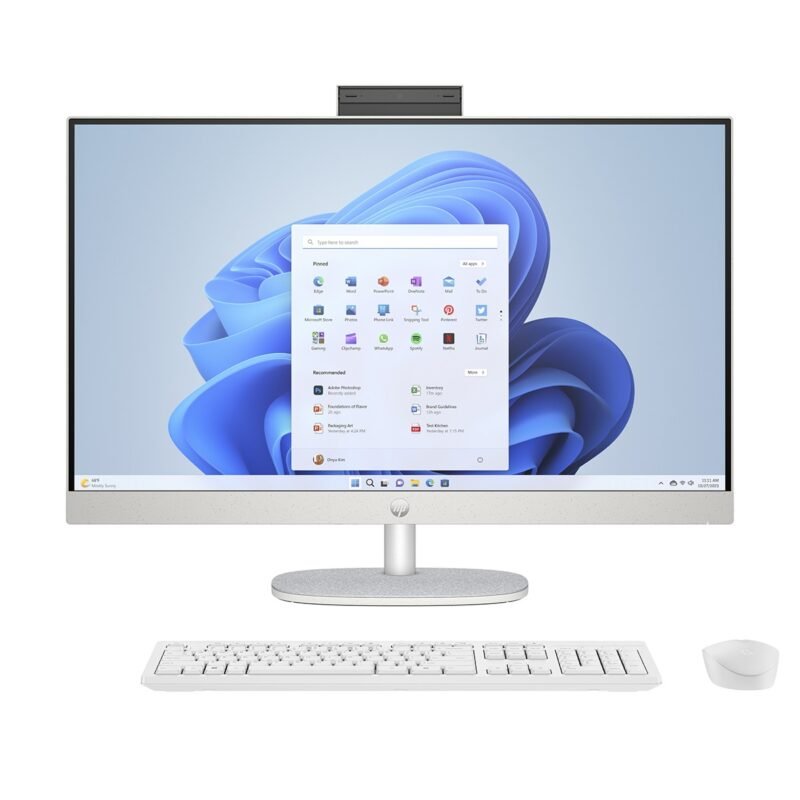
| HP 200 G4 Core i3 (10th Gen), 8GB/256GB, 22-inch | KSh 47,500 |
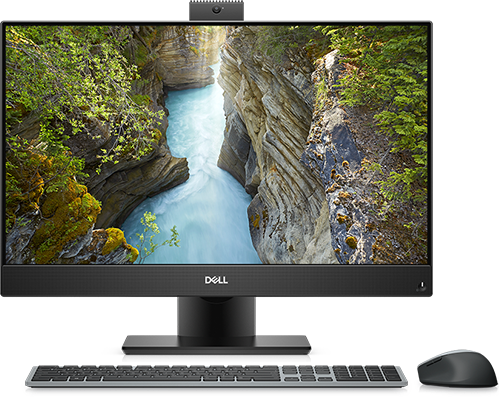
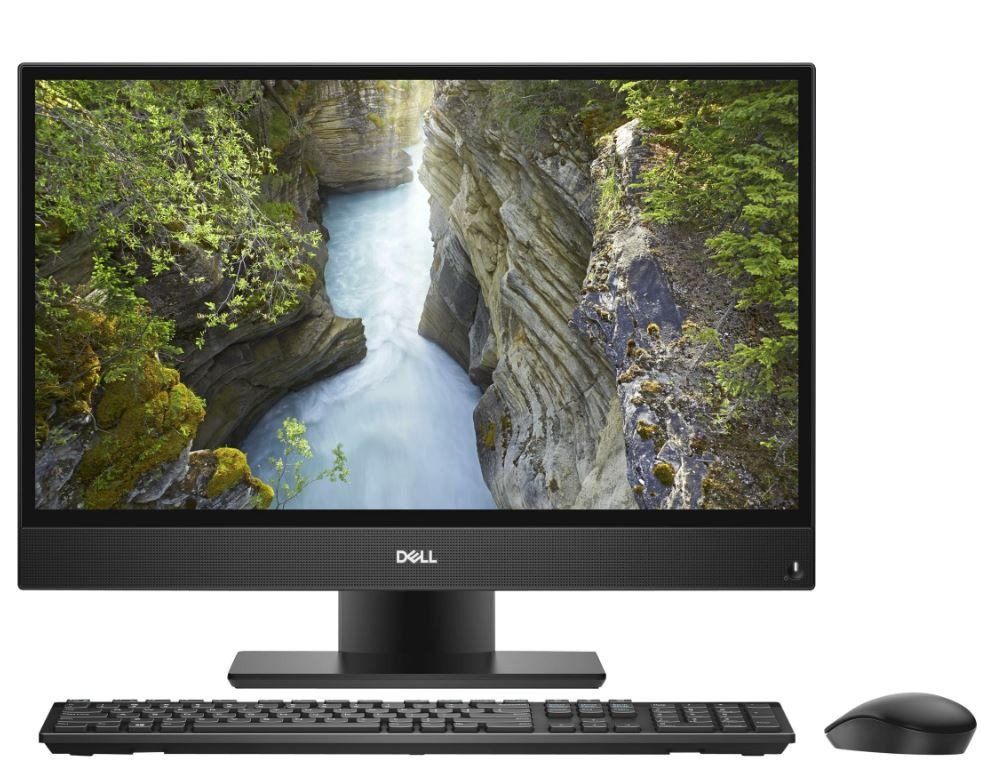
| Dell OptiPlex 5270 Core i5 (9th Gen), 8GB/256GB, 22-inch | KSh 52,500 |
| Dell OptiPlex 7490 Core i5 (10th Gen), 8GB/256GB, 24-inch | KSh 60,500 |
| Lenovo ThinkCentre Neo 30a Gen 3 Core i3 (12th Gen), 16GB/512GB, 24-inch | KSh 57,500 |
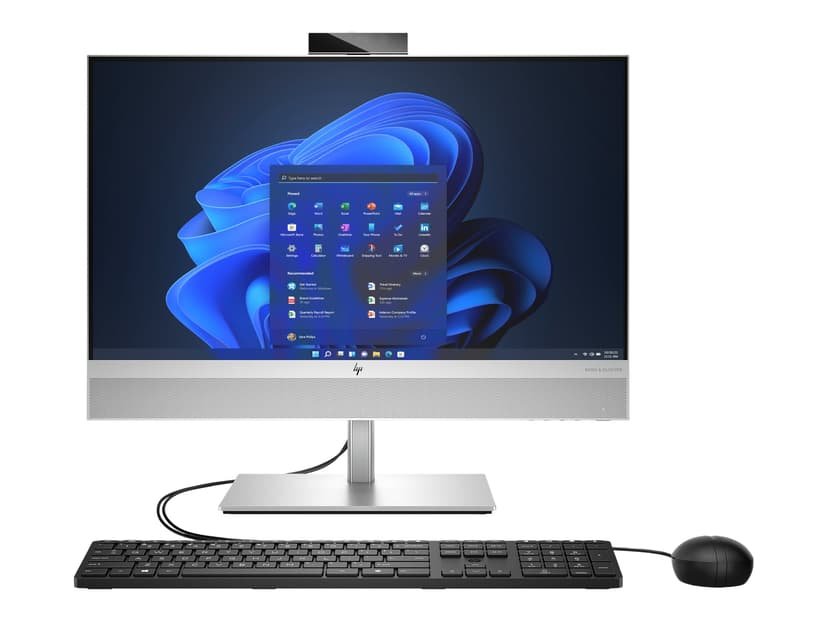
| HP EliteOne 840 G9 Core i3 (13th Gen), 16GB/512GB, 24-inch | KSh 67,500 |
Follow each linked product page for the listed memory and storage configuration. For a more complete comparison, visit our main all-in-one buying guide. The current catalogue also includes the all-in-one desktop category.
Five checks to make before ordering
- Verify the complete manufacturer model or serial number and the installed CPU.
- Confirm whether the unit is new or refurbished and obtain its written warranty.
- Check screen condition, resolution, touch functionality and the stand.
- Confirm licensed operating system, storage capacity, included peripherals and network ports.
- Ask about delivery, availability, power supply and after-sales support.
For technical compatibility and configuration ranges, consult Lenovo’s official ThinkCentre neo 30a 24 specification reference.
Frequently asked questions
Does Windows 11 require 16GB?
Not universally, but 16GB gives more comfortable headroom for multitasking.
Will an SSD replace the need for RAM?
No. An SSD improves storage responsiveness but cannot match physical RAM for active workloads.
Can I order from Infinite Tech in Nairobi?
Yes. Visit Rehema House, Standard Street off Kimathi Street, first floor Shop 2, behind Sarova Stanley Hotel, Nairobi CBD. Call or WhatsApp 0720450148 to confirm availability and exact specifications.
Editorial transparency: This is a specification-based buying guide prepared from Infinite Tech’s catalogue and manufacturer documentation where noted. No physical benchmark or hands-on test has been conducted for these exact supplier units. Prices are snapshots from 28 October 2026; condition, exact CPU models, panel type, operating system, warranty and stock should be reconfirmed before checkout.
Next step: Review HP 200 G4 Core i3 (10th Gen), Dell OptiPlex 5270 Core i5 (9th Gen), Dell OptiPlex 7490 Core i5 (10th Gen) and contact Infinite Tech with the model you prefer.