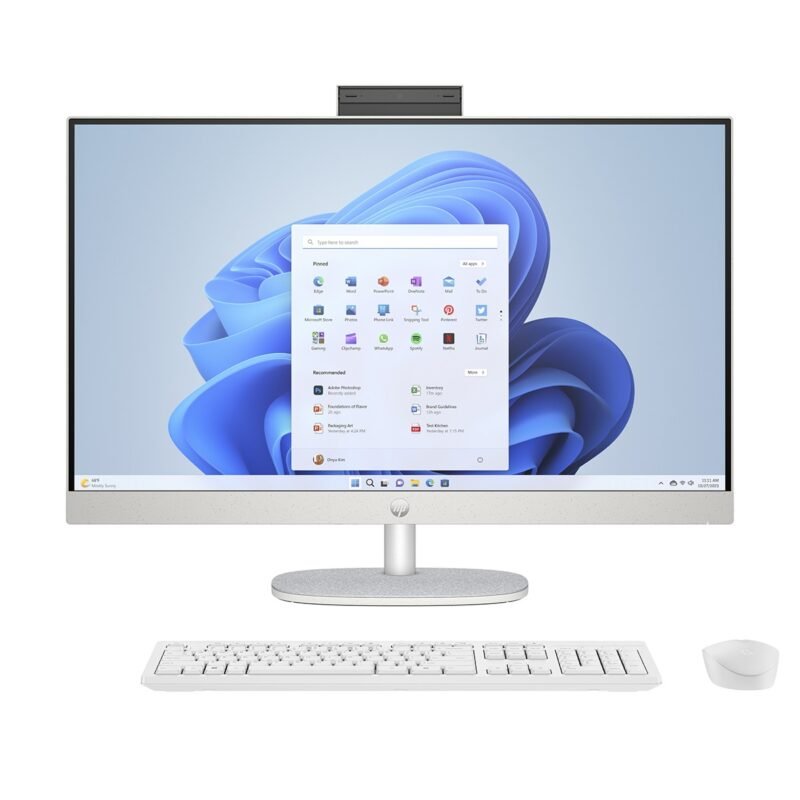
How to Inspect an Ex-UK All-in-One Desktop Before Buying in Kenya

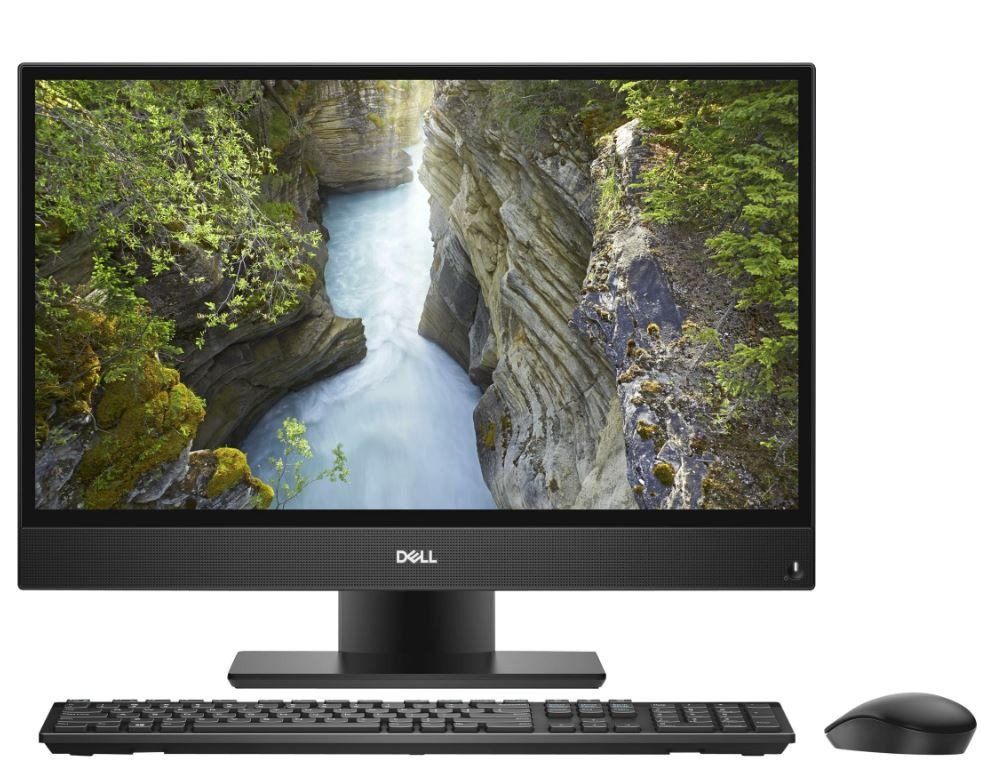
How to Inspect an Ex-UK All-in-One Desktop Before Buying in Kenya: A practical guide for Kenyan shoppers comparing computer performance, long-term ownership cost and technical details before buying. This is a buying guide based on model listings and public specifications, not a claim of hands-on product testing.
Confirm seller claims before checking aesthetics
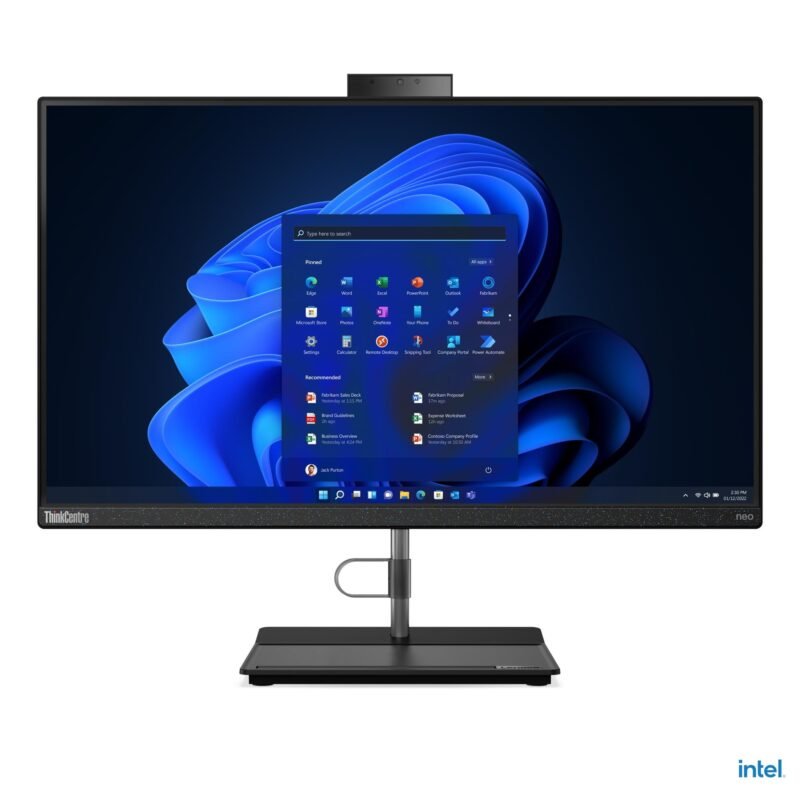
Obtain the full Dell Service Tag, HP product number or Lenovo MTM. Verify the CPU generation and precise chip model using system information rather than trusting only a sticker. Ask whether the computer is new, imported refurbished, ex-UK or locally used; request the invoice and a written warranty with return terms.
Inspect the integrated screen carefully
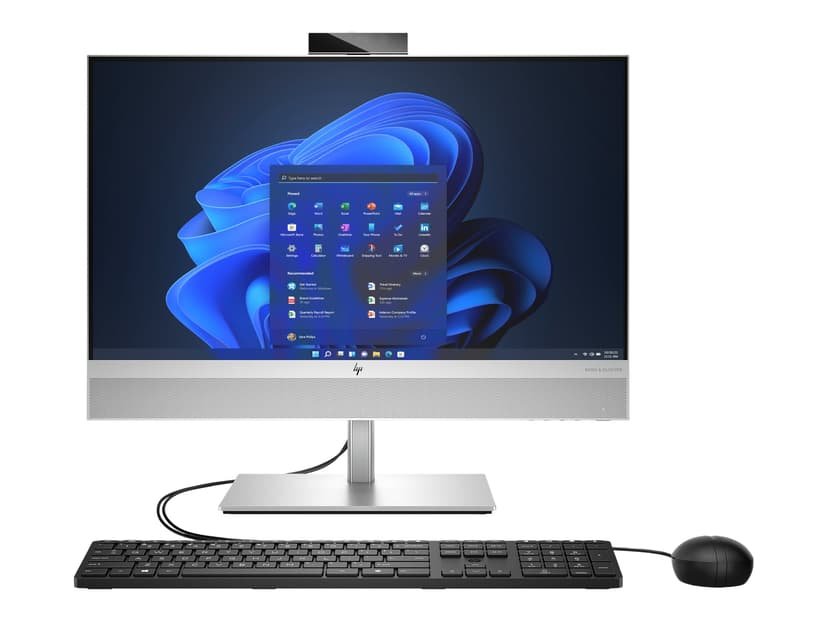
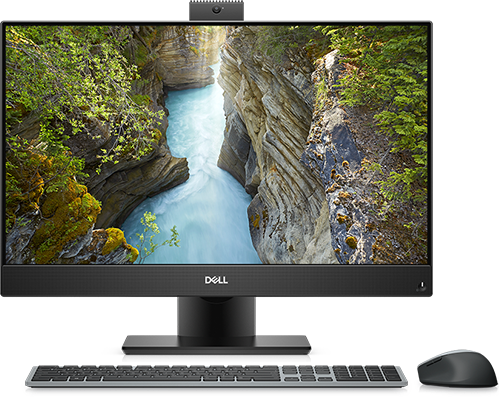
Use solid white, grey and dark display backgrounds to look for bright spots, stuck pixels, pressure marks and uneven backlighting. Check the stand’s stability, webcam, microphones, speakers and screen angle adjustment. Test all USB ports, network ports and the supplied AC power adapter. If touch was promised, try multiple touch points around the display.
Run useful performance and health checks
Boot the machine several times and check for startup errors. Confirm memory and storage capacity, inspect SSD health through a reputable diagnostic program, connect Wi-Fi and Ethernet, and play audio while the computer runs under ordinary load. Fan noise alone does not prove a defect, but grinding noises and persistent overheating warrant investigation.
Compare repair cost and support
For integrated computers, repairs to the display, mainboard or internal power system can be expensive relative to the purchase price. Ask the retailer whether genuine compatible parts and technicians are available. For older machines, choose a documented return window over a small discount with no protection.
Examples from Infinite Tech’s all-in-one catalogue
| Related model | Listed price |
|---|---|
| Dell OptiPlex 5270 22-inch | KSh 52,500 |
| Dell OptiPlex 7490 24-inch | KSh 60,500 |
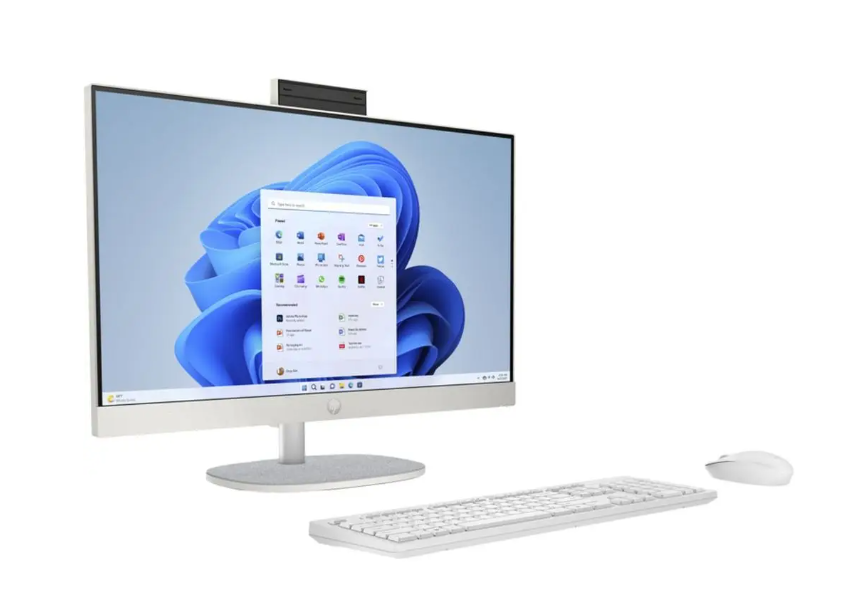
| HP 200 G4 Core i3 | KSh 47,500 |
Prices are snapshots from 28 October 2026. Read our complete all-in-one desktop buyer’s guide, small business desktop guide, and the all-in-one desktop shop category.
Before purchasing
- Check the manufacturer’s exact model number and processor part number.
- Confirm monitor type, RAM, SSD, operating system and condition.
- Ask about warranty, service costs and included accessories.
- Confirm availability and price before travelling.
FAQs
D
o
N
o
Where can I buy an all-in-one desktop in Nairobi?
Infinite Tech, Rehema House on Standard Street (off Kimathi Street), Nairobi CBD, first floor Shop 2. Call 0720450148 to verify the unit before ordering.
Source note: Prices are based on current Infinite Tech product listings, not a representative Kenya-wide price survey. Specifications needing supplier confirmation are not treated as verified. Buyers should obtain written terms for warranty and repairs.