
HP EliteBook 830 vs 840 vs 850: Choosing the Right Size

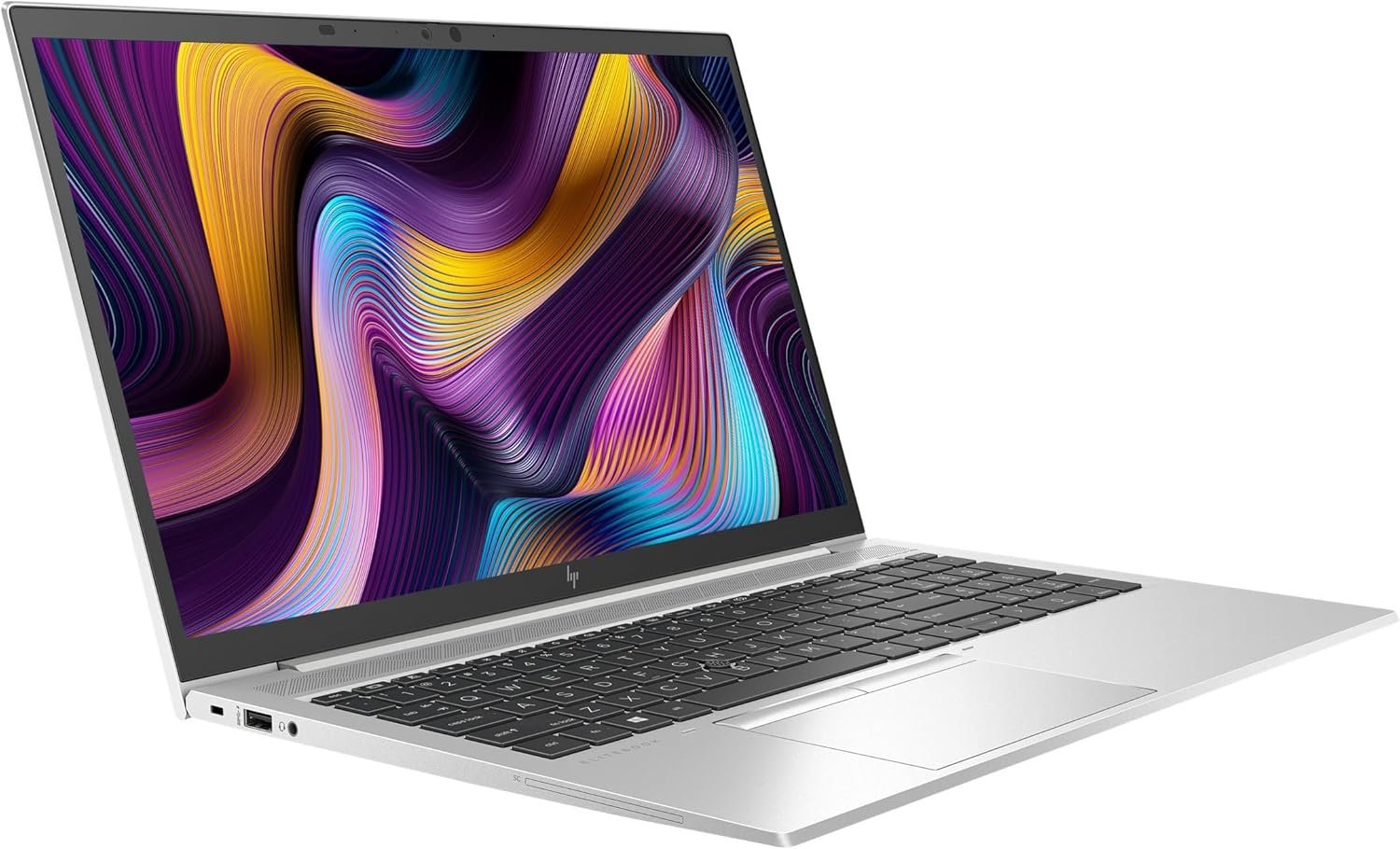
Choosing an HP EliteBook 830, 840 or 850 starts with screen comfort and portability, then requires an exact-generation comparison. The numbers are useful family-size cues, but they do not make every CPU, panel, hinge or memory configuration equivalent. This guide uses real 830, 840 and 850 offers to help Kenyan buyers choose a practical working format.
Catalogue and references checked: 20 October 2026. Prices below are Infinite Tech catalogue asking prices for the stated configuration. Confirm the actual unit, availability, accessories and written warranty before payment.
Use the university laptop guide to weigh carrying comfort against your course requirements. The HP x360 buying guide is useful when pen input or a convertible hinge matters alongside screen size.
For desk-based work, the business laptop guide explains the wider purchase checks. The EliteBook vs ProBook comparison helps separate size preferences from the business family you choose.
EliteBook 830, 840 and 850: size and workflow
| Choice | What to compare | Buying implication |
|---|---|---|
| 830 example | Compact x360 830 G7 offer with 16GB/512GB | Consider carrying needs and the particular convertible features |
| 840 example | 14-inch 840 G8 offer with 8GB/256GB touch | A different generation and capacity, not a size-only comparison |
| 850 example | 15.6-inch 850 G8 offer with 16GB/512GB | Consider screen workspace, desk use and the full carry package |
Try the screen with the work you normally do
Open a spreadsheet, a document and your normal browser layout. A larger screen can make side-by-side work easier, while a smaller chassis can be convenient on public transport or between classrooms. Comfortable text scaling matters more than choosing a size because it sounds more professional.
Check resolution and panel quality separately from diagonal size. Two 14-inch EliteBooks can offer different displays, and a touchscreen does not establish brightness or colour performance. Inspect the actual panel at a normal viewing distance and with both light and dark content. If an external monitor will be used most days, include that desk setup in the choice.
Do not mistake the catalogue examples for an equal-generation test
The 830 example below is a G7 convertible, while the 840 and 850 examples are G8 offers with different installed capacities. Their prices therefore cannot be explained by screen size alone. CPU, RAM, SSD, touch and condition must remain visible when comparing them.
If size is the main question, request equivalent-generation configurations with similar memory and storage where practical. If the budget requires a mixed shortlist, make the trade-offs explicit. A lower-priced larger laptop is not proof that the smaller family is poor value; the individual offer may differ in age, panel, condition or included accessories.
Check the carrying setup, keyboard and connections
Compare the laptop together with its suitable charger, sleeve and any adapters you carry. A compact notebook can lose some convenience if the required desk connections need extra accessories. Confirm the exact ports and test the monitor or projector arrangement you will use.
Try the keyboard layout with actual typing and spreadsheet navigation. Do not assume a numeric keypad, backlight or other feature merely from the family number. For the x360 example, inspect supported hinge positions and touch behaviour, and confirm any pen requirement separately. The best physical format is the one that makes the daily task comfortable rather than the one with the largest specification number.
Use condition and support to finish the decision
Inspect battery health and stable charging, especially if the laptop will be used away from power. A larger display or a compact chassis does not guarantee a particular runtime on a used unit. Test webcam, microphone, speakers, wireless and required ports, and confirm normal personal setup.
Check the exact CPU and intended operating-system support, then compare the full price with any essential memory or storage work included. Keep the model code, screen, touch configuration, RAM, SSD, charger and written warranty on the quotation. This prevents an apparently similar family member from being substituted after the size decision has already been made.
Real Infinite Tech catalogue examples
These links lead to individual listings, not a promise that every model in the wider family is available. Compare the complete configuration rather than the processor badge alone.
| Exact listing | Listed price | Next check |
|---|---|---|
| HP EliteBook 830 G7 Core i7 10th Gen 16GB RAM 512GB SSD Touchscreen x360 | KSh 50,000 | Confirm unit condition, exact components and what is included |
| HP EliteBook 840 G8 Core i5 11th Gen 8GB RAM 256GB SSD Touchscreen | KSh 38,500 | Confirm unit condition, exact components and what is included |
| HP EliteBook 850 G8 15.6 FHD Laptop 11th Gen Intel i5-1145G7 16GB RAM 512GB SSD Win 11 Pro | KSh 36,000 | Confirm unit condition, exact components and what is included |
A practical buying decision
Choose the compact, middle-size or larger format after trying the actual screen and carry setup. Then compare equivalent generations where possible. When the shortlist mixes G7, G8, conventional and x360 offers, keep those differences in the value calculation.
Frequently asked questions
Is this a size-only performance comparison?
No. The linked offers differ in generation, capacity and form factor as well as screen size.
Does a bigger EliteBook always have better battery life?
No. Inspect present battery health and test the actual unit under a normal task.
Does the 830 label guarantee x360?
No. Confirm the exact full model; the linked example specifically identifies a convertible offer.
Should I choose the largest screen for accounting?
Try your real workbook and keyboard layout. An external monitor can also change the most useful laptop size.
Related Infinite Tech buying pages
- Laptop Knowledge Centre
- Compare all laptops
- EliteBook buying guide
- Best Laptops for Accounting Students in Kenya 2026
More HP buying guides
- HP Laptop Prices in Kenya: New vs Refurbished Buying Guide
- HP EliteBook vs ProBook: Which Should You Buy?
- HP EliteBook 840 G7 vs G8: Is the Upgrade Worth It?
Manufacturer references and research method
This is a research-based buying guide, not a hands-on test or a benchmark report. Manufacturer references describe supported options; the linked catalogue identifies the configuration being offered. Model-specific details should be matched to the full product code or service tag.
- HP EliteBook 840 G8 specifications
- HP EliteBook 840 G7 model specifications
- HP EliteBook 850 G8 specifications
Confirm your laptop with Infinite Tech
Contact Infinite Tech at Rehema House, Nairobi, on 0720450148. Ask for the full model code, a written specification and the applicable warranty. Read warranty information, delivery information and contact Infinite Tech before placing an order.