
Five Practical Note-Taking Uses for the Galaxy S22 Ultra S Pen

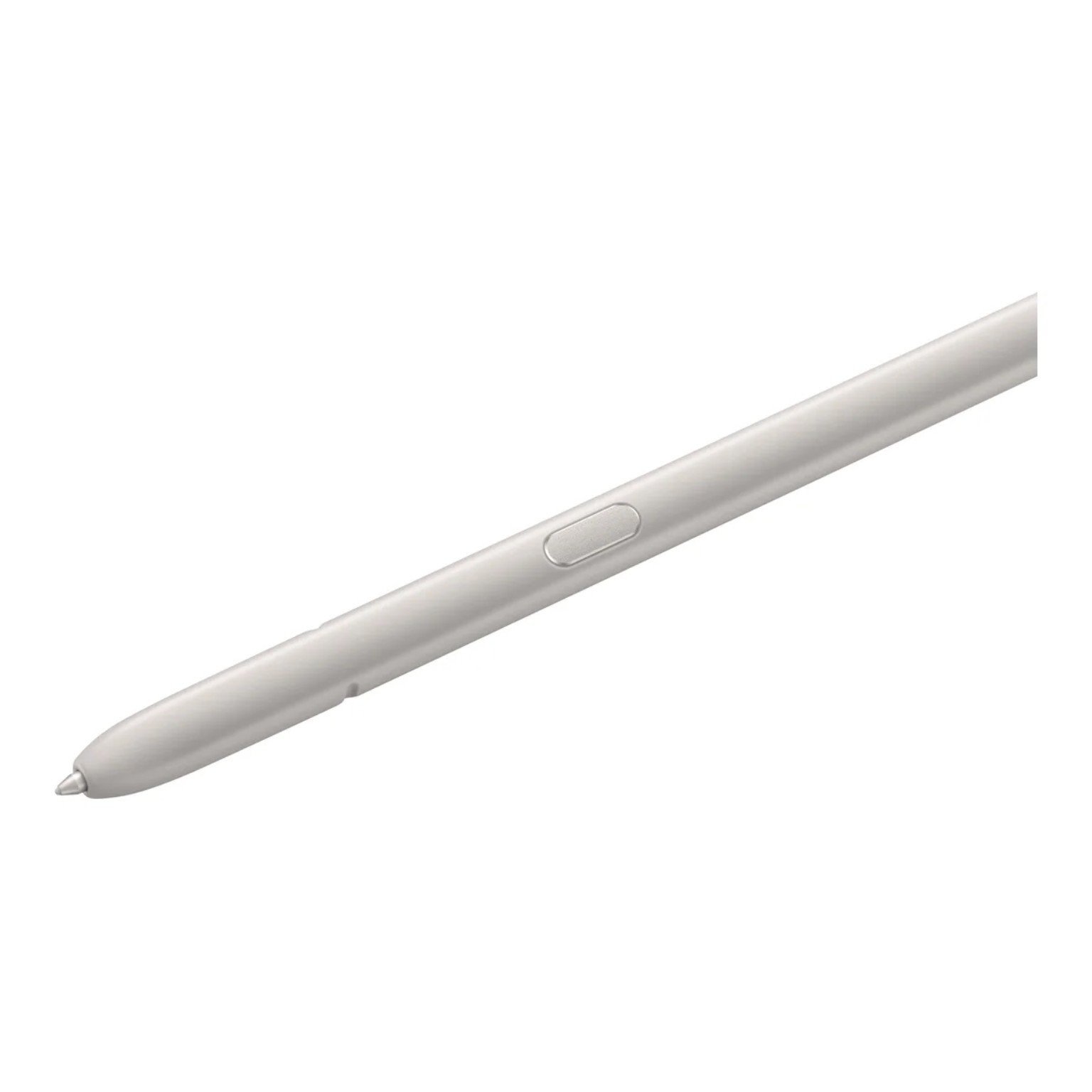
A replacement S Pen has value when it helps you work faster, not simply because it fits in the phone. The S22 Ultra’s pen-enabled software can make everyday notes, markups and planning more convenient once a compatible stylus is fitted.
Capture a quick thought
Use Samsung Notes for a short meeting point, a shopping list or a number you do not want to mistype. Keep headings and dates consistent so you can locate the note later.
Annotate a screenshot
Capture the screen, use available editing controls to circle the important number or address, then share the image. This is useful when sending a specification or delivery clarification to another person.
Review documents precisely
A pen tip makes it easier to highlight a line, circle a clause or mark a diagram. Test input in your preferred PDF app, because functions vary by app and software version.
Draw a rough diagram
Sketch a seating plan, a cable route or a room layout rather than explaining it over several messages. Use different line thicknesses where available.
Keep pen and phone together
After use, check the stylus is seated without resistance. If you buy a replacement, prioritize physical fit and dependable strokes before optional Bluetooth functions.
Frequently asked question
Do I need Bluetooth to write notes on S22 Ultra?
Basic handwriting and Bluetooth Air Actions are distinct capabilities; ask for a live writing test on the offered replacement.
Replacement options in Kenya
See the Galaxy S22 Ultra replacement-style S Pen at Infinite Tech, currently listed at KSh 4,995. The supplied photos cover a shared stylus style; originality, exact model fit, colour, stock quantity and Bluetooth support must be confirmed before buying. Infinite Tech is at Rehema House, Standard Street, Nairobi CBD, 1st Floor Shop 2; call 0720 450 148.
For official model information, consult Samsung’s S Pen compatibility guide. This buying guide distinguishes Samsung’s documented original-pen features from features not verified on the store’s replacement item.
