
Is an Ex-UK Phone Right for a Student in Nairobi? Costs, Safety and Study Needs

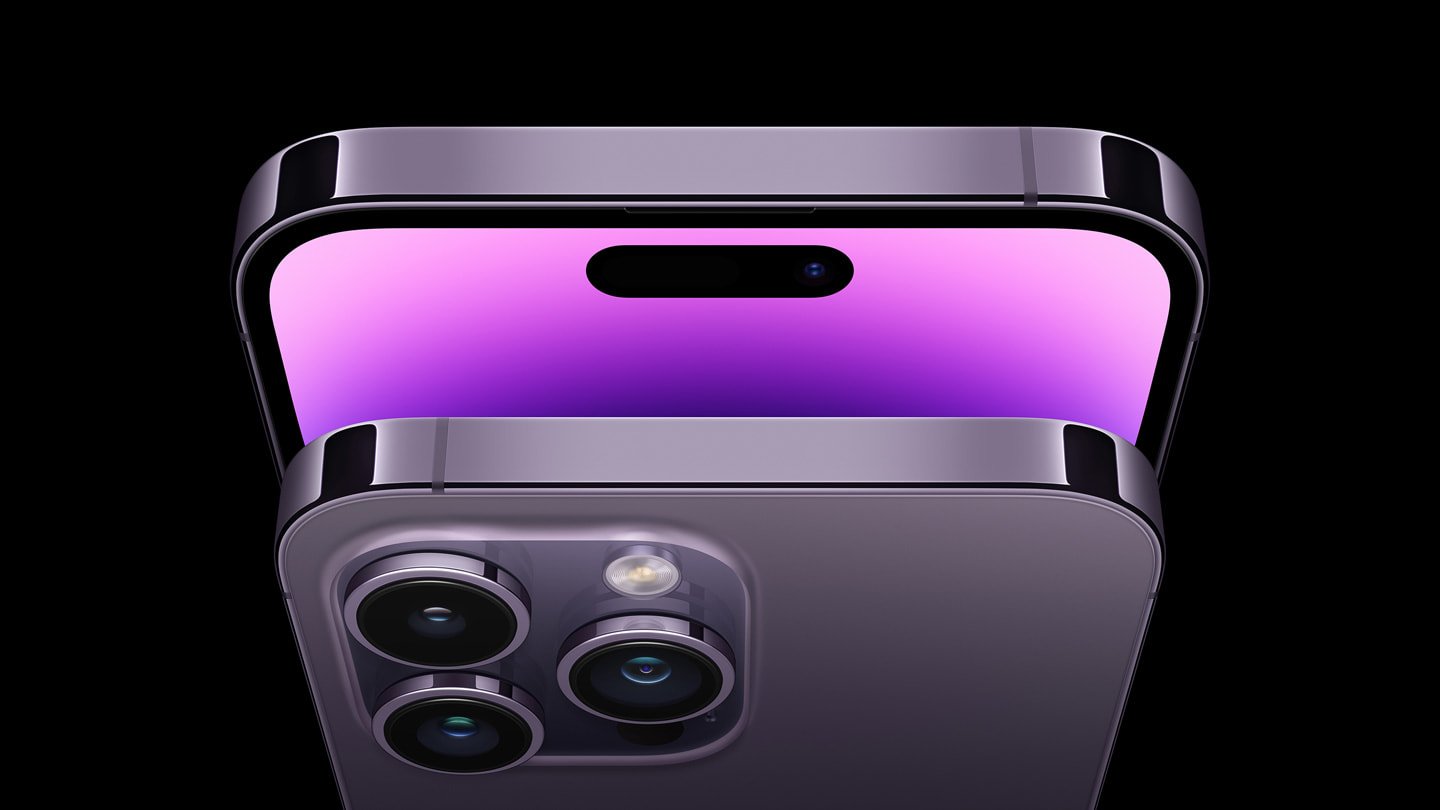
Is an Ex-UK Phone Right for a Student in Nairobi? Costs, Safety and Study Needs is a decision guide for Kenyan buyers comparing actual Ex-UK units. Read the differences below, then verify the condition of the exact handset rather than relying only on model-year or product-photo claims.
Start with the student’s real daily requirements
A student who uses a phone primarily for WhatsApp study groups, PDFs, a browser, classes and mobile money does not automatically need an older flagship. List the core apps, required storage, whether online classes demand a stable selfie camera and microphone, and how often the student can recharge. An Ex-UK phone may provide excellent hardware for the budget, but the unit is not new and must be examined individually.
Think about how the phone will be carried on campus and during a Nairobi commute. Weight, one-handed use, durability and a case can matter more than a high-end zoom camera. If the device will be shared with siblings, confirm its account and privacy arrangements before purchase.
Battery and charging are practical, not marketing questions
A headline battery capacity reflects a model when new, not the remaining endurance of a particular imported handset. Ask the seller to demonstrate reliable charging, inspect the port and review whatever battery health indicators the model exposes. Students who spend long days away from sockets should prefer the better-tested unit rather than the one with the most impressive launch-day battery claim.
Ask what charger or cable is included and budget for a reliable compatible accessory if necessary. Avoid assuming a used handset retains its original water-resistance rating; previous repairs can affect seals.
Storage and software compatibility
Check the capacity in device settings, not only on the advert. A phone that constantly runs out of storage may compromise lecture videos, scanned notes and app updates. If the student records many lectures or carries offline files, compare practical 128GB and 256GB variants where available. Cloud backups are useful but cannot replace reliable local access during an outage.
Check the model’s current software and security-update support, plus compatibility with the institution’s apps. A device that is inexpensive but cannot run required applications may cost more in inconvenience.
Ownership checks and safer purchasing
A real used iPhone should be free of Activation Lock and an Android device free of unresolved Google account or business-management restrictions. Ask to test calls, Wi-Fi, touchscreen, Face ID or fingerprint, speakers, camera and microphone. Do not share passwords or one-time codes with a seller. Obtain written details of the actual unit, price, accessories and warranty terms.
A parent or student can compare current Ex-UK iPhones and Ex-UK Samsung phones online. Catalogue images may be manufacturer references, not the physical stock unit.
A student-friendly decision rubric
Give the strongest weight to dependable battery, essential app support, security, intact screen and repairability. Camera creativity, gaming and storage are next-level choices that depend on the student’s course and interests. If a cheaper new Android offers better practical reliability for the same money, that can be the stronger purchase.
Visit the shop together where practical, test two units and compare the current WooCommerce prices. See hidden costs of used flagship buying for a broader two-year ownership framework.
Frequently asked questions
Is an old flagship better than a new budget phone for school?
Not automatically. Prioritise supported learning apps, reliable battery, screen and charging condition, usable storage and security support, then compare camera and gaming features.
What should a parent test before paying?
Try video calls, document viewing, Wi-Fi, mobile data, headphones, charging and the actual student’s accessibility settings on the specific unit.
What to confirm before leaving the shop
- Exact model number, capacity, regional SIM arrangement and current selling price.
- Account-unlock state, screen, cameras, charging, speaker, microphone, biometrics and battery condition.
- Written accessories, return/warranty terms and any repair history.
Visit Infinite Tech for inspection
Infinite Tech: Rehema House, Standard Street off Kimathi Street, First Floor Shop 2, Nairobi CBD. Enquire at 0720 450 148 about actual-unit stock, warranty and an in-store examination. Manufacturer-model pictures are illustrative until an exact-unit image is identified; all trade-in amounts require separate inspection.