
Ex-UK Flagship Checklist for Mobile Money and Business Users in Kenya

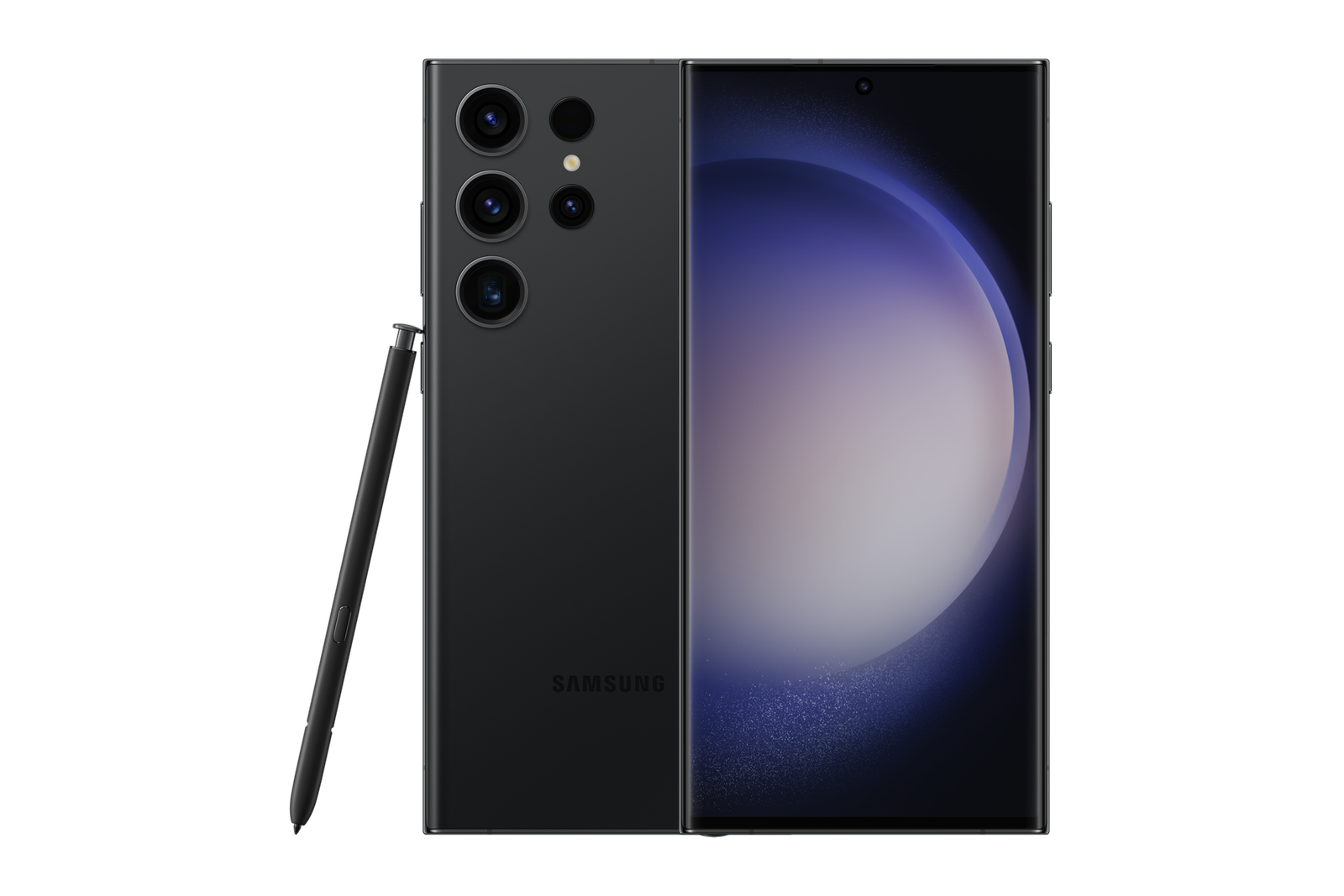
Ex-UK Flagship Checklist for Mobile Money and Business Users in Kenya focuses on a practical buying task for Kenyan shoppers. Apply the checks to the actual handset rather than relying solely on a model advert or a seller’s cosmetic grade.
A business phone is an operating tool, not merely a camera
If you use a handset for payments, WhatsApp customer enquiries, merchant applications, two-factor codes and order tracking, downtime can interrupt sales. Prioritise stable calls, mobile-data compatibility, a clean account state, security updates and dependable charging. A powerful Ex-UK flagship with an attractive camera is still a poor purchase if it cannot run a critical banking or payments app.
List the exact applications you rely on before shopping. Test their availability and account-transfer requirements without exposing private business data in the store. Work-issued devices may have company-management restrictions that require authorised release.
Protect mobile-money and banking access
Confirm with the relevant service provider which version of Android or iOS your payments app supports. Do not assume every older flagship still receives appropriate security maintenance. Use strong device protection and avoid rooting, jailbreaking or unknown firmware. Never show a seller your PIN, transaction OTP or authenticator recovery code.
The used handset must be lawfully transferable. For iPhones, check Activation Lock. For Samsung, investigate account, Knox Guard and enterprise-management restrictions. Those cannot be solved safely by a random paid ‘unlocking’ service.
Two phone numbers and network continuity
Business owners may separate customer calls from personal calls. Check whether the exact imported device supports dual physical SIM, a nano-SIM plus eSIM or another configuration. The model region matters: two phones with the same marketing name may support different mobile arrangements. Ask Safaricom or Airtel about eSIM transfers where relevant.
Make a call with your intended network where permitted and check mobile data. Do not rely on the words ‘5G ready’ without confirming the particular model’s bands and carrier restrictions.
A practical resilience checklist
Check actual battery information, charging stability, speakerphone, microphone, Wi-Fi, camera scanning, Bluetooth and storage. Ask whether an appropriate charger is included; a faulty port can interrupt trading even if the phone performs well otherwise. Bring your own test SIM but do not sign in to financial accounts merely to prove the handset works.
A backup strategy also matters. Record your cloud recovery options and keep a spare way to receive essential verification codes during migration.
Compare real devices and total cost
Review Ex-UK iPhones and Ex-UK Samsung phones. Use the current WooCommerce selling price; add an appropriate case, cable and any known repairs to the decision. If you plan to trade in your working phone, consider whether you still need a reliable spare for orders.
A trustworthy business-device choice is the phone that passes essential tests with predictable support, not automatically the one with the newest name.
Quick inspection checklist
- Verify exact model, memory, SIM region and legal account-transfer status.
- Inspect physical condition, charging, screen response, network, microphone and relevant features.
- Confirm current selling price, accessories and written warranty/return conditions.
Related buying and trade-in checks
For practical network readiness, check hotspot and carrier Wi-Fi Calling on imported Galaxy phones and actual voice, data and SMS tests with a Kenyan SIM.
Frequently asked questions
Does a 5G badge guarantee the right Kenyan network features?
No. Confirm the exact regional model, carrier-lock state and supported features with the mobile operator.
Should I transfer financial apps in the store?
Only through authorised processes, without disclosing passwords or OTPs. Make sure recovery methods work before erasing the old phone.
Compare an actual unit in Nairobi
Infinite Tech operates at Rehema House, Standard Street off Kimathi Street, First Floor Shop 2, Nairobi CBD. For current stock and an individual inspection, call 0720 450 148. Any used-phone condition, warranty or trade-in terms must be confirmed for the actual device.