
How to Prepare and Test a Kenyan SIM Before Buying an Ex-UK Phone in Store

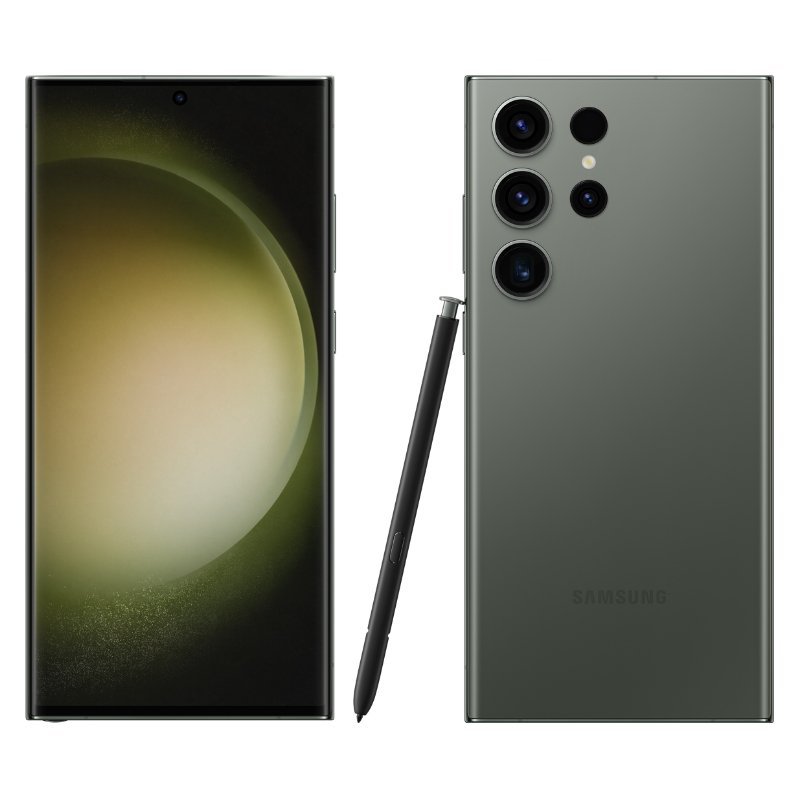
An imported iPhone or Galaxy can look correct in a product photograph and work on Wi-Fi, yet still be unsuitable for a particular Kenyan network or SIM arrangement. Before buying an Ex-UK phone in Nairobi, it is reasonable to request a supervised local SIM test using your intended provider. This is not a network-certification service; it is a practical way to catch obvious issues with carrier locking, physical SIM compatibility, voice and data.
Bring the right SIM and protect your account
Use a SIM that you own or are authorised to test and know its physical size or eSIM arrangement. Check the phone’s exact model and regional configuration. Some iPhone versions use only eSIM, while others have one or two physical SIM positions. Do not insert the wrong tray or cut cards improvisationally. If the phone needs eSIM activation, confirm the mobile operator’s official process before attempting a transfer, and avoid sharing activation QR codes or personal OTPs with anyone at the shop.
A safe sequence for a ten-minute shop test
- With the seller’s permission, check the exact model number and confirm any network-lock information available in Settings.
- Insert your active compatible physical SIM correctly, or use an already active operator-supported eSIM if appropriate.
- Confirm the phone detects the network and shows the expected operator information.
- Make an authorised outgoing voice call and receive a test call from a trusted number.
- Send and receive a non-sensitive SMS if your plan supports it.
- Disable Wi-Fi briefly and load a lightweight webpage over mobile data.
- Check that mobile data remains usable during a simple ordinary activity and re-enable Wi-Fi after the test.
- Remove your SIM and verify you have signed out of any temporary services before leaving.
Why a signal icon is not enough
A signal indicator does not prove that voice calls, mobile data and SMS work as expected. A phone might connect on one mobile band but not offer the performance you need elsewhere. VoLTE and Wi-Fi Calling have additional carrier and regional software dependencies, so their absence is not automatically a defective radio. Read our Wi-Fi Calling and hotspot guide for those separate checks.
Regional codes, carrier locks and account security
Record the model code and ask whether the device is network-unlocked. A legitimate imported phone is not guaranteed to support every Kenyan carrier feature or band; compatibility depends on the hardware variant and network. Never use an unofficial lock-bypass service to make a phone appear to accept a SIM. Decline the purchase if previous-owner controls, financing restrictions or unresolved carrier locks prevent lawful use.
What to confirm on the receipt
Document model, storage, SIM type, observed voice/data results, any unavailable test and written warranty/return terms. Use the used-phone receipt checklist and inspection template. Do not assume a successful short test guarantees coverage everywhere in Kenya or future operator compatibility.
Related buying and trade-in checks
After the initial SIM test, check whether the handset is carrier-locked and dual-SIM requirements for two Kenyan lines.
Frequently asked questions
Can I trust a phone that only works on the shop’s Wi-Fi?
That alone does not test cellular functionality. Verify your intended SIM, calls and data separately.
Does a physical SIM slot prove any local operator works?
No. It must be compatible with the hardware, network lock status and operator configuration.
Does a successful Safaricom SIM test guarantee Airtel works?
No. Test the provider you intend to use and consult current carrier requirements.
Ask Infinite Tech about inspectable current stock at Rehema House, Standard Street off Kimathi Street, first floor shop 2, Nairobi CBD, or call 0720 450 148. The current WooCommerce selling price and written terms should take precedence over any historical blog quotation. Model images do not show the condition of a specific used unit.
One thought on “How to Prepare and Test a Kenyan SIM Before Buying an Ex-UK Phone in Store”
Comments are closed.