
Preparing a Dual Physical-SIM iPhone for Trade-In in Kenya

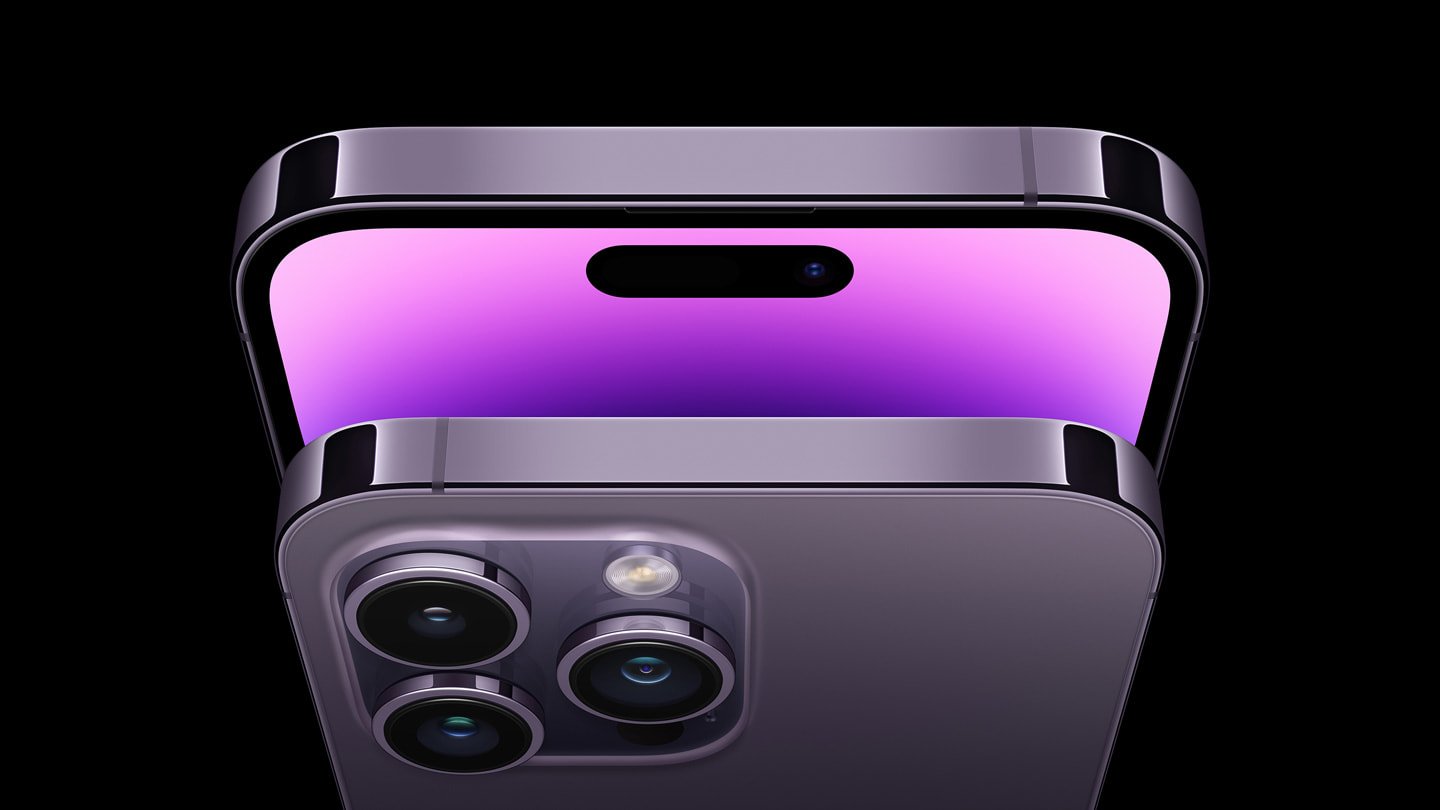
This guide addresses Preparing a Dual Physical-SIM iPhone for Trade-In in Kenya for Kenyan buyers comparing Ex-UK phones, ownership risk and an actual inspected trade-in offer. It explains what to verify instead of publishing speculative prices or guarantees.
Start with the exact regional model, not an assumption
Some iPhones sold for particular markets have different physical SIM and eSIM configurations. An advertisement reading ‘dual SIM’ is not sufficient evidence that an individual phone takes two physical nano-SIM cards. Check the model identification in Settings and inspect the tray without force. Match it against Apple’s region-specific guidance for that model.
Regional labels in supplier descriptions can be incomplete or mistaken. If you bought a CH-region handset, verify both physical slots on the actual device instead of assuming every model and generation operates identically.
Check both SIM paths separately
Before presenting the phone for trade-in, note whether each installed SIM can register on the intended network, make calls and send messages as appropriate. If a tray looks bent or water-damaged, do not keep inserting cards to force a connection. Ask a qualified technician for an assessment.
A SIM configuration claim is different from carrier unlocking. A handset can physically accept a card yet still have network restrictions. Request confirmation of the carrier-lock state where supported by the model.
Record identification without publishing private identifiers
Document the model name, storage, regional model code and relevant software version. Do not publish full IMEI or serial numbers on social media or public listings. Show identifying information directly to a legitimate assessor when needed. A photo of a box or invoice alone does not prove the phone inside matches it.
Prepare a record of visible damage, repair history and whether both SIM slots were tested. A repair to the SIM tray or internal reader may change condition and inspection findings.
Transfer accounts and mobile numbers safely
Create a backup before agreeing to hand over the phone. Moving a physical SIM does not automatically migrate app sessions, two-factor authenticators, banking access or an eSIM on a different handset. Check with Safaricom or Airtel about your mobile line if the intended replacement uses a different SIM format.
Once terms are agreed, use Apple’s supported process to sign out, remove the handset from your account and erase content. Never disclose an Apple Account password or verification code to a seller; complete sensitive actions yourself.
How this affects a trade-in or replacement decision
The storage, condition, legitimate unlock status and confirmed SIM configuration are facts that can influence an assessment; there is no universal price adjustment for ‘dual SIM’. For a replacement, check available Ex-UK iPhones and their exact region variants. Compare your verified existing phone against the intended model before calculating a top-up.
Read the top-up calculation explanation and request a final credit only after the physical handset is checked. Apple Dual SIM guidance offers manufacturer context; model support varies.
Frequently asked questions
Does a China-region iPhone always take two nano-SIM cards?
No. Apple specifies different SIM arrangements by model and country. Verify the exact regional model and actual tray rather than generalising from the CH label.
Does moving my SIM move my authenticator apps?
No. Device-based authentication and eSIM provisioning may need separate transfers. Back up first and arrange account recovery before wiping the old handset.
Questions to confirm at the counter
- What exact model, region, capacity and condition have been verified?
- Are the quoted replacement price and trade-in credit both final?
- What written warranty, return, accessories and payment terms apply?
Enquire about an inspected device in Nairobi
Infinite Tech is at Rehema House, Standard Street off Kimathi Street, First Floor Shop 2, Nairobi CBD. For exact model availability or a possible trade-in inspection, call 0720 450 148. A model reference picture is not evidence of the condition of an actual used phone. No valuation, acceptance, reservation or warranty is promised in this guide.
Related resources: trade-in quote versus final offer and how to calculate an upgrade top-up.