
DJI Osmo Mobile 8 Tilted Horizon: Calibration and Motor Clearance Checks

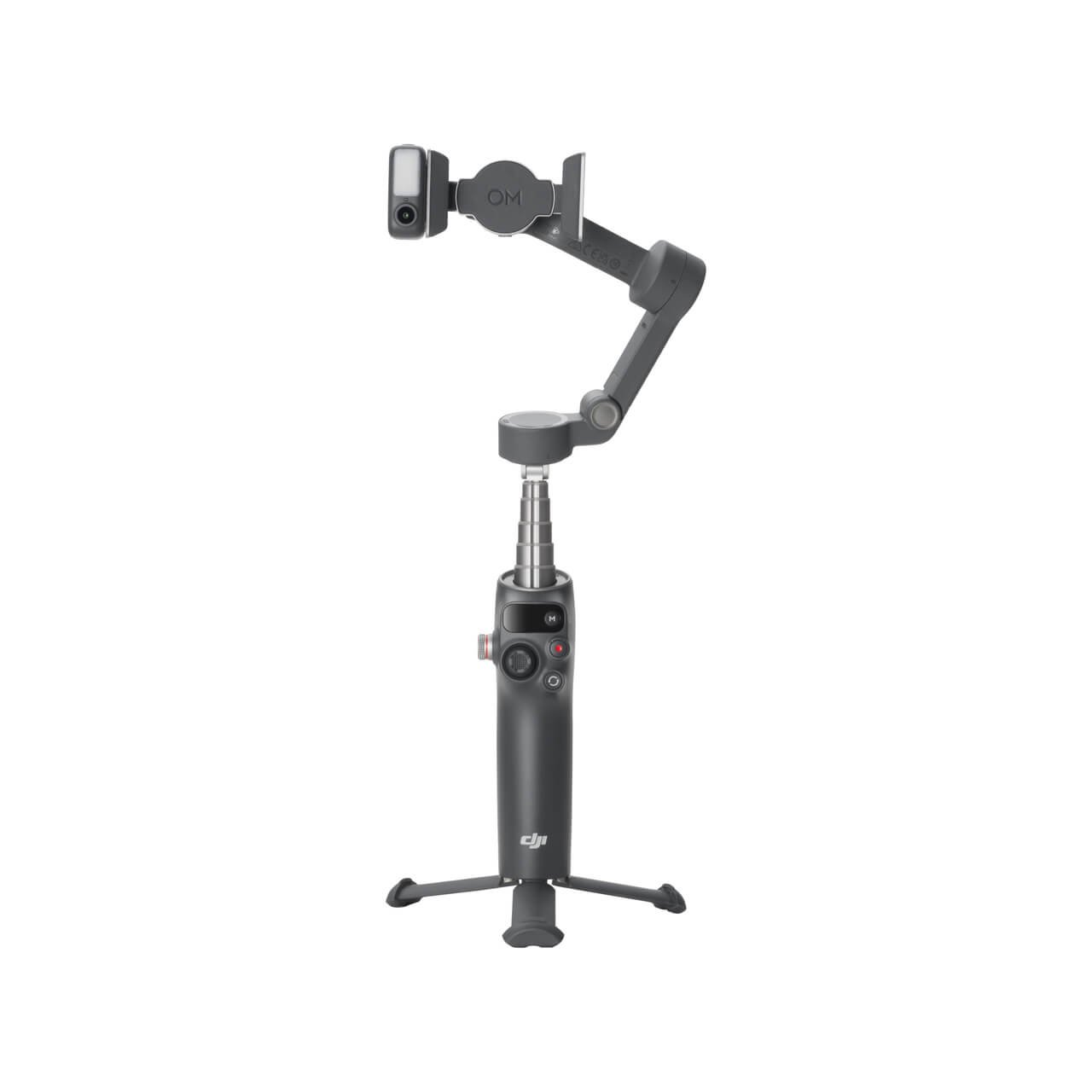
Troubleshoot a tilted horizon on a compatible phone gimbal using safe alignment and calibration checks.
Inspect mounting
Turn the gimbal off and check that the phone is securely clamped in the recommended position. Remove accessories that interfere with motor movement. Compare the total phone weight and dimensions with official limits.
Follow calibration guidance
Set the gimbal on a stable level surface and use the manufacturer’s documented calibration or horizontal adjustment function if available. Do not force the motor arms into alignment while powered.
Test and document
Record a stationary clip and a slow pan, then compare the horizon against a known straight reference. If the issue persists after supported steps, record symptoms and seek DJI or retailer support.
Frequently asked question
Should I twist a powered motor to straighten it?
No. Follow documented alignment or calibration steps without forcing the motor.
Compare DJI Osmo Mobile 8, DJI Osmo Mobile 7P, DJI Osmo Mobile 8P Standard Combo. Consult manufacturer guidance and contact Infinite Tech Nairobi for current stock and warranty.
