
DJI Osmo Mobile 7P Tracking Module and Fill Light: Useful Indoor Filming Checks

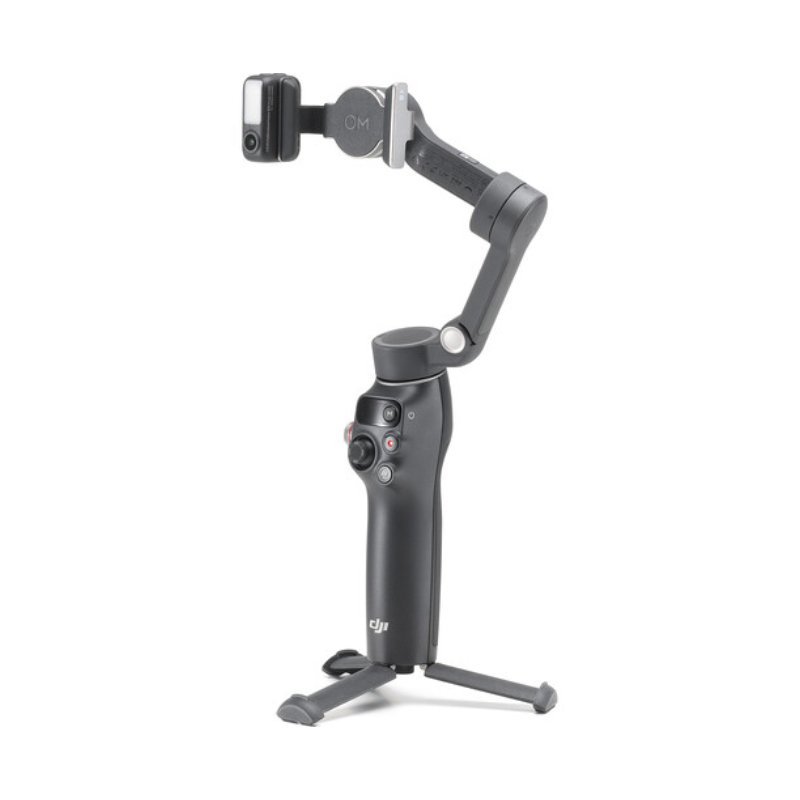
Check the included multifunctional module and its supported tracking and lighting controls before an indoor shoot.
Identify the package
Review DJI’s box contents for the exact 7P listing and confirm the module and accessories supplied. Some features depend on the attached module and the chosen application. Do not assume a standard Mobile 7 package includes identical equipment.
Test subject tracking
Use a clear background and make slow movements within the manufacturer’s supported range. See how the system behaves when another person enters the frame or the subject is temporarily obscured. Keep a manual framing option available.
Use light carefully
If the module provides adjustable lighting, compare a modest setting with room lighting. Avoid shining uncomfortable light directly into a subject’s eyes. For larger scenes, a dedicated light may produce a more even result.
Frequently asked question
Will tracking work in every third-party camera app?
Not necessarily. Check the supported module, phone and application combination.
Compare DJI Osmo Mobile 7P, DJI Osmo Mobile 7, DJI Osmo Mobile 8P Standard Combo. Consult manufacturer guidance and contact Infinite Tech Nairobi for current stock and warranty.
