

Latest News & Articles
Best Laptops for Civil Engineering, Surveying and Architecture in Kenya

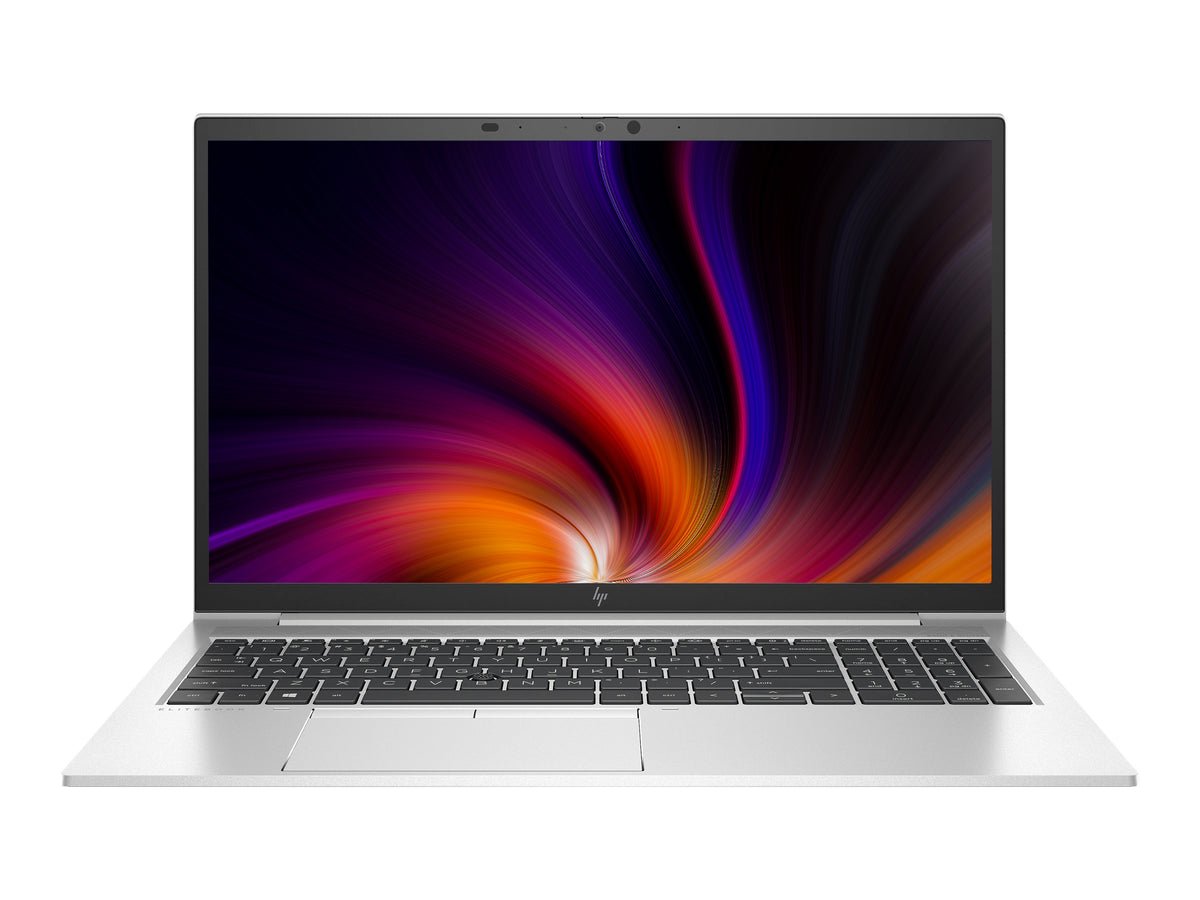
Best Laptops for Civil Engineering, Surveying and Architecture in Kenya. Civil engineering and surveying combine documents, technical drawings, field data, mapping, BIM and sometimes demanding 3D visualisation. A great campus laptop is not always a great rendering workstation.
laptop for civil engineering students Kenya is a useful comparison for civil engineering, surveying, BIM, architecture and CAD. Use the practical models and official software requirements below when choosing a laptop at Infinite Tech Kenya.
laptop for civil engineering students Kenya: quick price and configuration comparison
| Buyer need | HP laptop | Price |
|---|---|---|
| Surveying field and mapping | HP ProBook 445 G9 Ryzen 7 | KSh 55,995 |
| 32GB RAM for technical work | EliteBook x360 1040 G8 | KSh 65,000 |
| Dedicated GPU candidate | ZBook Firefly 14 G7 | KSh 63,500 |
Hardware guidance for this use
Autodesk Civil 3D 2026 recommends 32GB RAM and 8GB GPU graphics memory; very large point clouds and 3D visuals may need stronger configurations. Surveying work adds the need for reliable USB connectivity and robust offline backups. Prices are subject to current physical stock, condition, accessories and warranty details.
Verify before buying
Check the exact unit’s CPU suffix, memory, SSD, battery report, GPU and dedicated memory where relevant, Windows edition, webcam, keyboard, screen and charger. Compare specialist choices at the Engineering, GIS and Geology Buying Hub.
Written for Kenyan university students, practicing engineers, researchers and professional buyers comparing real HP options at Infinite Tech Kenya. The right choice depends on the actual software version and physical hardware, not solely on product tier or screen appearance.
Start with your drawing workload
Two-dimensional CAD drawings, site measurements and GIS attribute editing can be manageable on a recent CPU with 16GB RAM and a 512GB SSD. Complex Civil 3D corridors, Revit BIM projects, point clouds and real-time rendering need additional memory and graphics capacity. Autodesk recommends 32GB RAM and an 8GB GPU for Civil 3D 2026, while Revit 2026 provides different 16GB, 32GB and 64GB performance tiers.
The workstation shortlist
The HP ZBook Firefly 14 G7 has supplier-quoted 32GB RAM and dedicated NVIDIA graphics. It is a candidate for moderate CAD workloads after the exact GPU is verified; a 4GB GPU remains below Civil 3D’s 8GB recommended specification. The 32GB EliteBook 1040 G8 can handle memory-heavy calculations, spreadsheets, reports and lighter CAD tasks where a certified GPU is unnecessary.
Surveying and field mapping
Surveyors transfer GPS/GNSS point data, land parcel layers, AutoCAD drawings and orthophotos. Prioritise a machine with appropriate USB ports and adapters, reliable Wi-Fi, a readable screen, rugged carrying case and working battery. Back up field files daily. Confirm if your GIS stack requires Microsoft Windows, a particular graphics driver or company VPN.
Architecture and presentation needs
Architecture students may prioritize colour-accurate screens, 1TB storage and stylus-capable 2-in-1 designs for sketches, but visual attractiveness cannot replace a capable GPU in Revit or 3D rendering. For long studio sessions, an external monitor, wired mouse and sound cooling setup can improve daily productivity more than a costly cosmetic finish.
How to compare the exact laptop configuration
Before buying, get the CPU suffix, installed memory amount, SSD capacity, current battery health, exact GPU and dedicated graphics memory from the actual machine. For a refurbished unit inspect the touchscreen and hinges, charger, keyboard, SSD health, warranty and BIOS serial information. Manufacturer-family marketing images cannot prove a particular internal option. Prices are catalogue values checked on 13 October 2026, not proof of physical stock.
The official requirements differ substantially by workload: Civil 3D 2026 recommends 32GB RAM and an 8GB GPU, ArcGIS Pro recommends 32GB and a capable discrete GPU with 8GB dedicated memory for 3D, and Leapfrog Geo requires a supported 4GB graphics processor but does not support Intel integrated graphics. Test the most demanding application you actually need. Students who have access to a department workstation lab may be able to buy a lighter laptop for lectures and examination use.
Recommended HP models at Infinite Tech
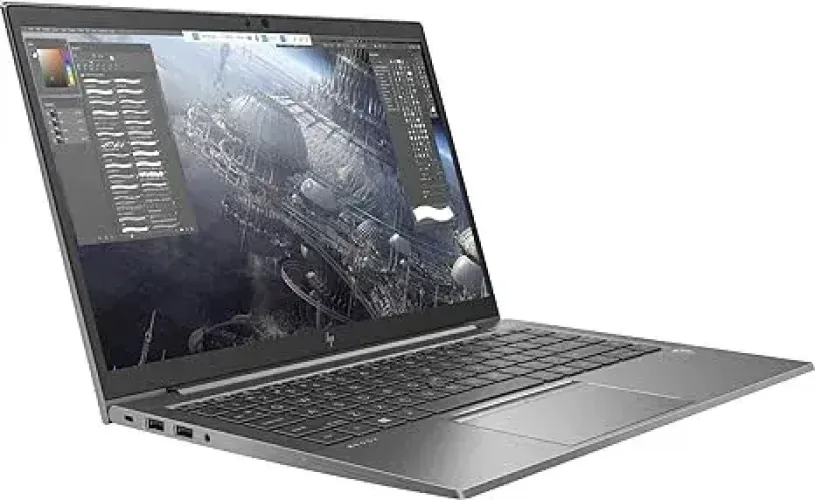
HP ZBook Firefly 14 G7 — i7 10th, 32GB/512GB, supplier-claimed 4GB NVIDIA
Catalogue price: KSh 63,500. Most promising specialist workstation, subject to physical GPU checks. Confirm the actual unit, model-specific accessories and current stock.
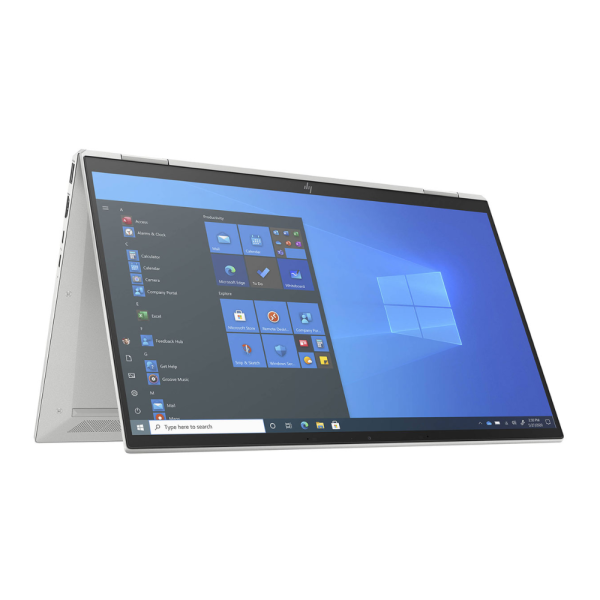
HP EliteBook x360 1040 G8 — i7 11th, 32GB/512GB
Catalogue price: KSh 65,000. Memory-intensive research and lighter CAD; not a proven dedicated-GPU workstation. Confirm the actual unit, model-specific accessories and current stock.
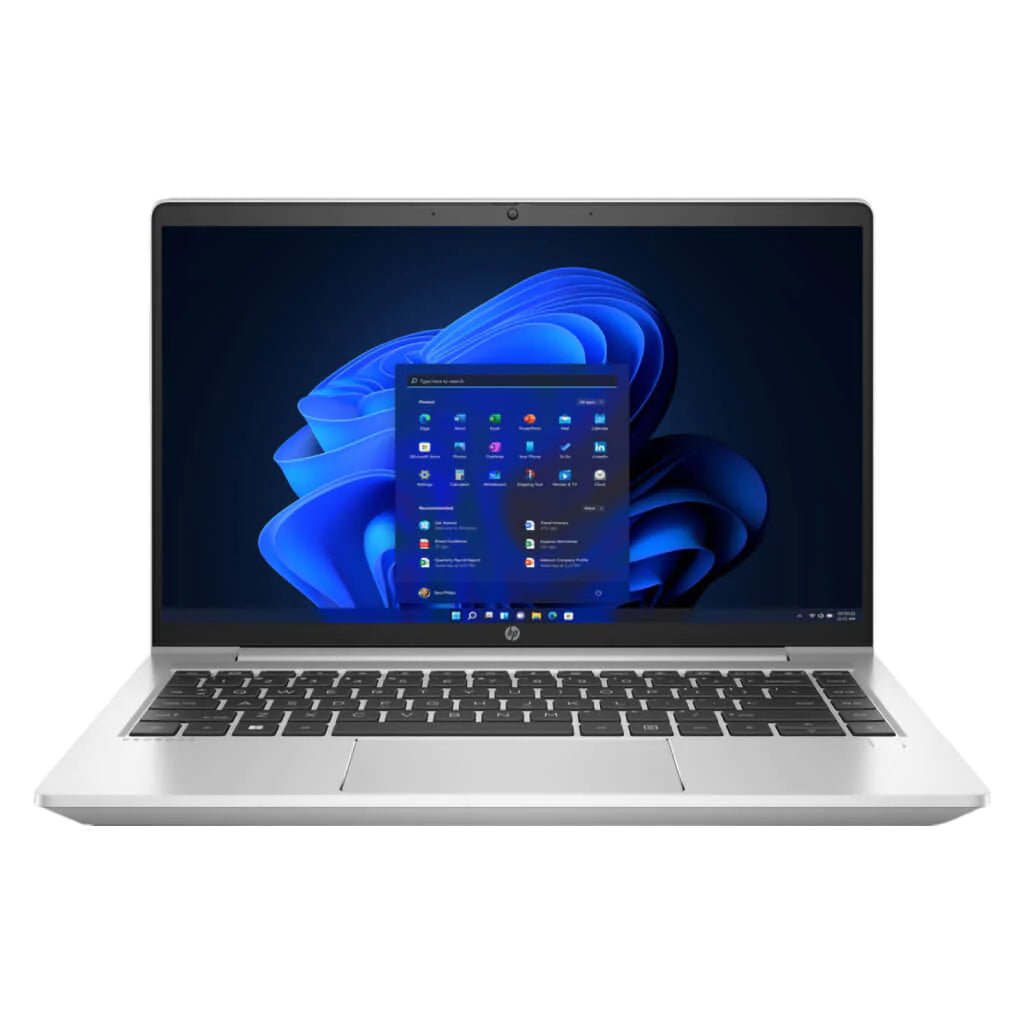
HP ProBook 445 G9 — Ryzen 7, 16GB/512GB
Catalogue price: KSh 55,995. Value-focused student programming and research. Confirm the actual unit, model-specific accessories and current stock.
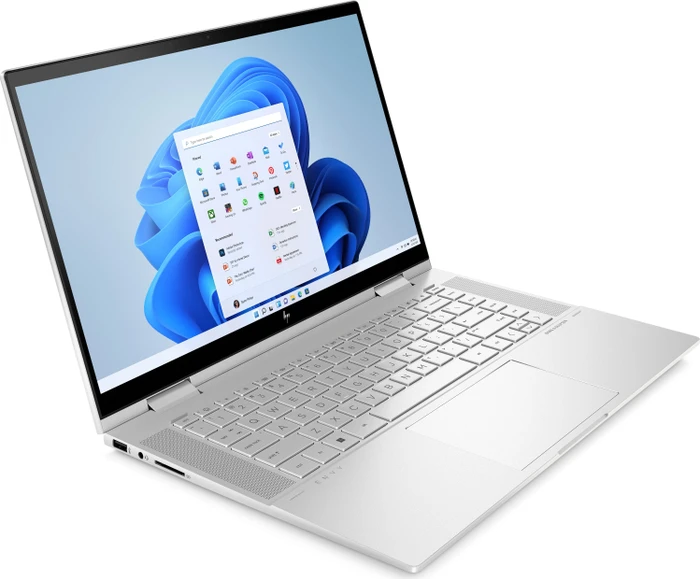
HP ENVY x360 15 — i7 12th, 16GB/1TB
Catalogue price: KSh 72,995. Large 2-in-1 screen and SSD capacity for presentations. Confirm the actual unit, model-specific accessories and current stock.
Buying checklist
- List the mandatory software for your course and check official requirements
- Validate GPU model, dedicated video memory, Windows version and RAM upgradeability
- Ask for physical-stock confirmation, actual-unit photos, the condition grade and warranty
- Include budgets for an SSD upgrade, licensed software, backup drive and possible external display
- Run a sample exam-browser test, video call and battery assessment before the semester starts
Frequently asked questions
Do I need a dedicated GPU for all engineering courses?
No. Basic coding, mathematics, technical reports and 2D drawings may be practical on integrated graphics. Specialist 3D, geological modelling and rendering often demand a supported discrete GPU.
What RAM should a GIS student prioritize?
Esri recommends 32GB RAM for ArcGIS Pro. Some smaller QGIS workflows run on 16GB. Assess dataset sizes and the software version used by the department.
Can I use an HP Spectre for Leapfrog Geo?
Do not assume so. Seequent’s Leapfrog Geo documentation lists supported graphics hardware and does not support Intel integrated graphics.
Is a Core i7 always faster than a Core i5?
No. Processor generation, suffix, power limit, cooling and application workload affect performance.
How much SSD storage do I need?
512GB is a sensible baseline, while 1TB gives more room for large CAD/GIS projects, virtual machines and research backups.
Does a touchscreen help CAD?
It can help annotation and presentation, but not every CAD workflow benefits. Seequent does not support touch-screen hardware for Leapfrog Geo.
Can I upgrade RAM later?
It depends on the exact model and motherboard. Thin x360 premium machines may use soldered RAM, so verify prior to purchase.
What is most important for online examinations?
The institution’s approved exam browser, OS version, webcam, microphone, network and battery condition are more important than premium graphics.
Are the prices guaranteed?
Prices reflect catalogue figures checked in October 2026 and may change. Confirm physical stock, variant, warranty and current price with Infinite Tech.
Where can I see additional options?
Use the Engineering, GIS & Geology Laptop Buying Hub to compare verified HP listings and more guides.
More guides about engineering and university laptops
Browse the Engineering, GIS and Geology Laptop Buying Hub and these related Infinite Tech articles:
- Best Laptops for Engineering Students in Kenya 2026
- Best Laptops for Geology, Mining and GIS Students
- Best Laptops for AutoCAD, Civil 3D and Revit
- Best Laptops for ArcGIS Pro and QGIS
- ZBook vs EliteBook vs ProBook for Engineers
- Best HP Laptops Above KSh 50,000
- Laptop Requirements for Leapfrog Geo
- 16GB vs 32GB RAM for Engineering and GIS
