Galaxy A07s Dual SIM and 4G: Kenya Setup Guide

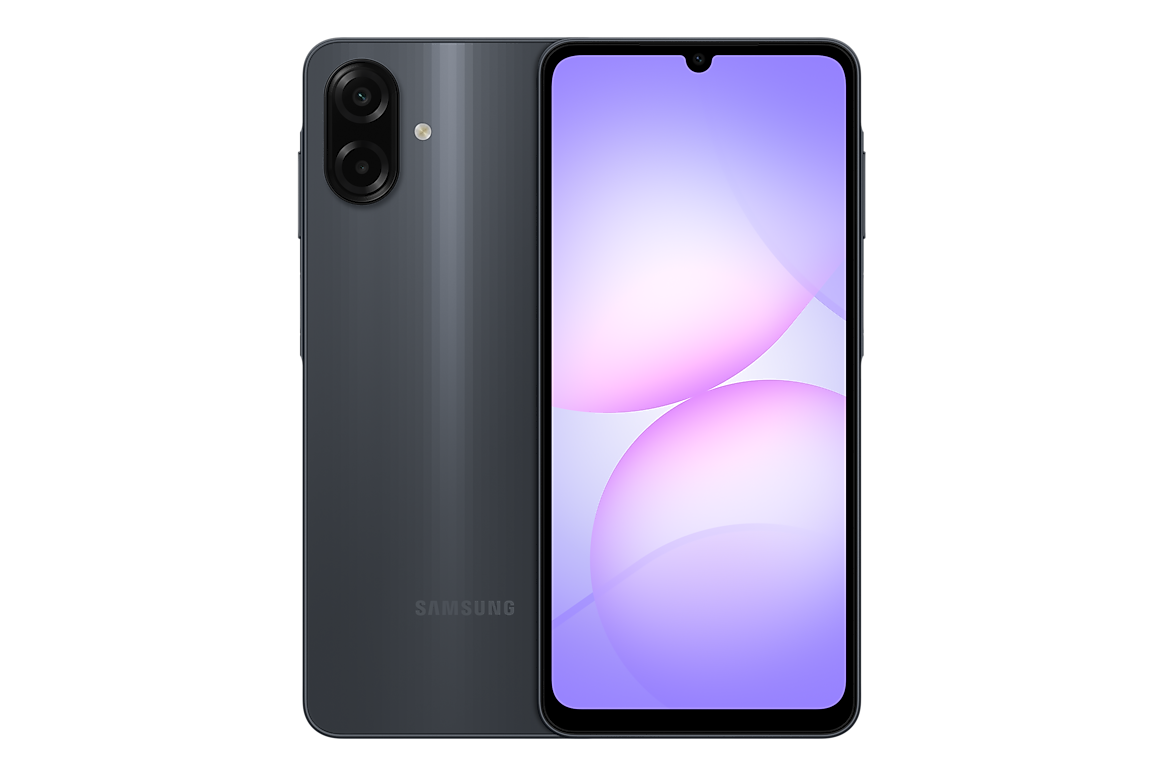
Updated 24 November 2026 by Infinite Tech.
The Galaxy A07s configuration described by Samsung Africa supports two nano-SIM cards and a separate microSD card, with 4G LTE connectivity. It is useful when you want separate personal and work numbers. The important setup choices are which SIM handles calls, which uses mobile data and whether your carrier’s service works well where you need it.
Check the tray and the exact model
Match the supplied phone to its regional model documentation before inserting cards. Use the tray diagram to identify each position, and do not force a card into the wrong slot. A nano-SIM is a physical card size; dual SIM does not automatically mean eSIM support.
After fitting the cards according to the manual, open the phone’s SIM settings. Menu labels can differ with software, so use the current settings search if necessary. Give each SIM a useful name so that selecting a work or personal line is less confusing.
Choose a default data line
- Confirm that both SIMs are recognised by the phone.
- Choose the line you intend to use for mobile data.
- Check that the selected line has an active data service and allowance.
- Choose your preferred calling line or a prompt that lets you decide.
- Test a call, a text message and a small web page before relying on the setup.
Two installed SIMs do not automatically combine two data bundles into one connection. Review any automatic data-switching option before enabling it, because use of the second line may affect your allowances. Keep the choice simple until you have confirmed how your carrier and handset handle it.
4G support and real-world coverage
This A07s is a 4G handset. A SIM or tariff promoted for 5G does not add 5G radio hardware to a 4G phone. For everyday connectivity, check coverage at home, at work and along your usual route rather than assuming a network label guarantees the same speed everywhere.
Voice features such as VoLTE and Wi-Fi calling depend on the exact handset variant, firmware and carrier provisioning. Ask the carrier about the supplied model if those services are essential. A list of supported radio bands alone is not a guarantee that every carrier feature is enabled.
Using Wi-Fi and Bluetooth
Samsung lists Wi-Fi on both 2.4GHz and 5GHz bands and Bluetooth 5.3. A 5GHz Wi-Fi network is different from 5G mobile service. When joining a home or office router, make sure you select the intended network and use the correct password.
If an app loads on Wi-Fi but not mobile data, investigate the selected SIM, data allowance and app data permissions. If it fails on both connections, check the app or service too. Changing random network settings is less useful than isolating which connection or app is failing.
Connectivity questions
Can I use two SIM cards and a memory card together?
Samsung Africa lists the slot arrangement as SIM 1 plus SIM 2 plus microSD. Confirm the tray on the exact supplied unit.
Is 5GHz Wi-Fi the same as a 5G phone?
No. One describes a Wi-Fi frequency band, while the other describes a generation of cellular service.
Source: Samsung Africa A07s SIM, network and connectivity specifications. Manufacturer information checked on 24 November 2026.
For the exact configuration and live price, open the Galaxy A07s 64GB product listing. Contact Infinite Tech on 0720450148, or visit Rehema House, Standard Street, first floor Shop 2, Nairobi CBD.
Related reading