Galaxy A07s Camera Guide: Better Photos and Video

Updated 24 November 2026 by Infinite Tech.
The Galaxy A07s has 50MP and 2MP rear cameras, an 8MP front camera, and Full HD video recording at 30 frames per second in Samsung’s Africa specification. Those figures describe the hardware and recording options. For sharper everyday photographs, how you use the camera matters too: choose light carefully, focus on the subject and keep the phone steady.
What the camera numbers do and do not tell you
A high megapixel count is not a guarantee that every photograph will be sharp. Focus, movement, lighting and image processing all influence the result. Samsung lists no rear optical image stabilisation for this model, so steady handling is especially useful when the light falls or the subject is moving.
If a high-resolution photo option is available in your current camera app, compare it with the standard mode in good light. Check detail on the saved files, not only the preview. A larger file is worthwhile when it preserves something you need; it can be less convenient for a quick message or repeated catalogue uploads.
A simple method for product photographs
- Clean the camera lens with a suitable soft cloth.
- Place the item near a bright window and use a plain background.
- Move the phone to frame the subject instead of immediately relying on digital zoom.
- Tap the main subject to focus, then hold the phone still while taking the picture.
- Capture the front, back, connectors and any detail a buyer needs to inspect.
- Open the saved image and enlarge the important area before packing the item away.
For an online seller, a clear photo of the exact colour, label or connector may be more useful than a dramatic background. Avoid editing a product image so heavily that its colour or condition becomes misleading. Keep an original copy if you later crop or resize it.
Documents, receipts and classroom notes
Keep the page flat and the phone parallel to it. Avoid casting your own shadow over the text, and check that every corner is included. Review small print before leaving the document behind. For a multi-page record, check the order of the files so that nothing important is missed.
Recording video for messages and social posts
The listed Full HD 30fps recording mode is suitable for making ordinary clips, but it is not a promise of 4K recording. Choose vertical or horizontal framing for the destination, test a short recording first and listen to the saved audio. Good light and clear sound often improve the usefulness of a clip more than a complicated edit.
Support the phone when filming a stationary item. When walking, use slow movements and avoid abrupt turns. Video also uses storage, so check free space before recording an event. Keep the original file until you have confirmed that any upload or compressed copy is usable.
Camera questions
Does the 2MP camera mean two 50MP cameras?
No. Samsung lists the rear resolutions as 50MP plus 2MP. Do not add the numbers together and describe it as a 52MP main camera.
Are the phone’s manufacturer images camera samples?
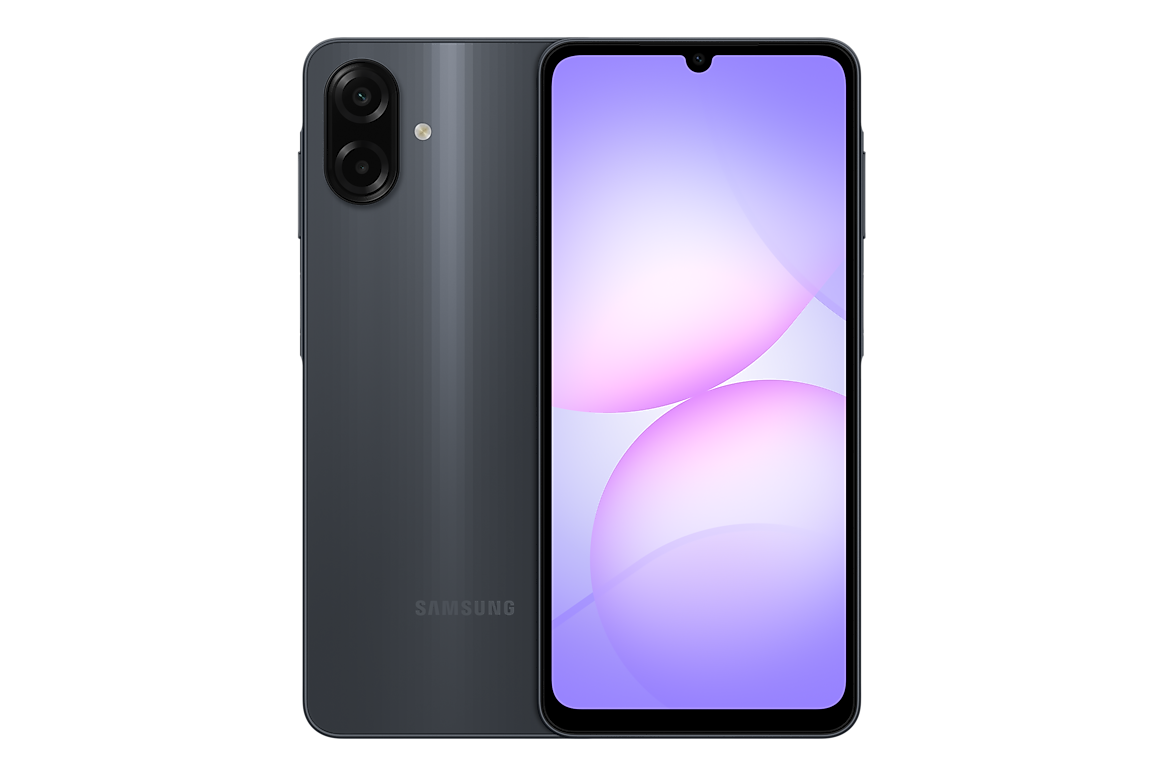
A picture showing the handset illustrates the product. Judge camera output using photographs actually taken with the device.
Source: Samsung Africa A07s camera and video specifications. Manufacturer information checked on 24 November 2026.
Check the Galaxy A07s 4GB RAM / 64GB listing for today’s offer. Infinite Tech is at Rehema House, Standard Street, first floor Shop 2, Nairobi CBD. Call 0720450148 for model, stock and collection questions.
Related A07s guides