
Galaxy Z Flip6 Ex-UK: Camera and FlexWindow Inspection Before Buying

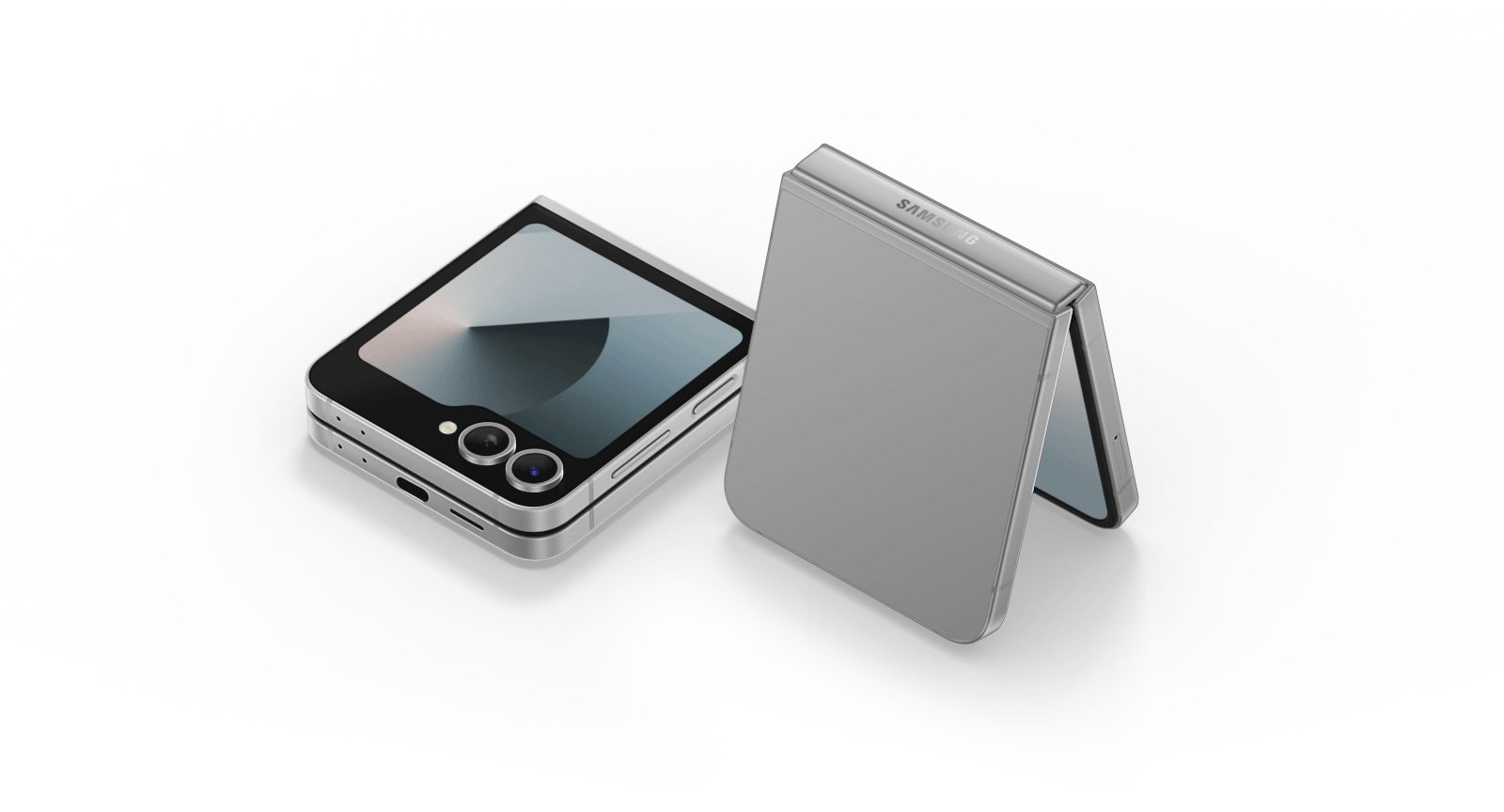
Galaxy Z Flip6 Ex-UK: Camera and FlexWindow Inspection Before Buying is a decision guide for Kenyan buyers comparing actual Ex-UK units. Read the differences below, then verify the condition of the exact handset rather than relying only on model-year or product-photo claims.
Know which hardware you are testing
Samsung’s Galaxy Z Flip6 combines a foldable 6.7-inch main display with a 3.4-inch cover screen called FlexWindow. Samsung specifies a 50MP wide camera, a 12MP ultra-wide camera and a 10MP selfie camera. The cover screen can be used as a viewfinder for selfies and video with the rear cameras. These facts describe the model, not the state of any individual pre-owned handset.
Start with a live view of the phone closed, partially opened and fully unfolded. Check whether both screens display consistently and whether the hinge moves smoothly without excessive resistance, unusual noise or alignment gaps. Do not press or peel the factory inner-screen protector.
Test FlexCam without assuming all modes work
Samsung documents three FlexCam cover-screen modes: Portrait, Photo and Video. With the unit closed, launch the cover camera using the supported shortcut, switch among modes and take a sample with each. Check touch controls, preview framing, focus, colour and whether the saved file can be played back. Where enabled, test Auto Zoom or framing with the phone supported safely on a stable surface.
Next unfold the phone and test the main camera interface, front selfie camera, orientation changes and camera switching. A unit can take excellent photos while open but still have a faulty cover-screen interaction, or vice versa.
Inspect the inner display under different backgrounds
Look for dead pixels, colour bands, bright or dark patches, touch gaps near the fold and signs of lifting protector film. The presence of a crease alone is not proof of a defective panel; assess whether it obstructs normal viewing or hides damage. Brightness transitions should not produce unstable flickering. Be cautious if the seller asks you not to open the phone fully.
Check the outer screen for glass cracks and the hinge edges for debris. Foldables have additional moving components, and an unverified second-hand unit should not be presumed to retain full ingress protection.
Compare storage, region and live catalogue information
The Infinite Tech catalogue currently includes Galaxy Z Flip6 256GB Ex-UK. Compare any 512GB option by actual storage needs, not an assumed trade-in premium. Confirm the regional hardware model, carrier status and battery/charging history. The live WooCommerce price is the selling-price reference; verify that a particular colour and unit can be inspected before travelling.
Official Samsung tutorials cover FlexCam features and FlexWindow setup. Menus can vary after software updates.
What to request in writing
Ask which camera modes and screens were tested; whether the device has prior hinge, frame or screen repairs; what accessories and written warranty/return terms apply; and whether the product photos show the actual device. Do not rely on a cosmetic grade without a screen and hinge inspection.
For buyers considering a trade-in, a previous foldable should receive a separate inspection. The article does not quote any guaranteed credit or repair cost.
Frequently asked questions
Can a Galaxy Z Flip6 have a working inner screen but a faulty FlexWindow?
Yes. Test cover-screen touch, FlexCam photo/video modes, outer-glass condition and the main screen separately; a working foldable hinge is not proof every feature works.
Should I peel a lifted inner-screen protector to inspect the fold?
No. Avoid peeling or pressing the delicate inner display. Seek qualified advice on screen or protector damage before committing.
What to confirm before leaving the shop
- Exact model number, capacity, regional SIM arrangement and current selling price.
- Account-unlock state, screen, cameras, charging, speaker, microphone, biometrics and battery condition.
- Written accessories, return/warranty terms and any repair history.
Visit Infinite Tech for inspection
Infinite Tech: Rehema House, Standard Street off Kimathi Street, First Floor Shop 2, Nairobi CBD. Enquire at 0720 450 148 about actual-unit stock, warranty and an in-store examination. Manufacturer-model pictures are illustrative until an exact-unit image is identified; all trade-in amounts require separate inspection.