

Microsoft Surface for Remote Work Kenya: Teams, Zoom, Wi-Fi and Battery Guide

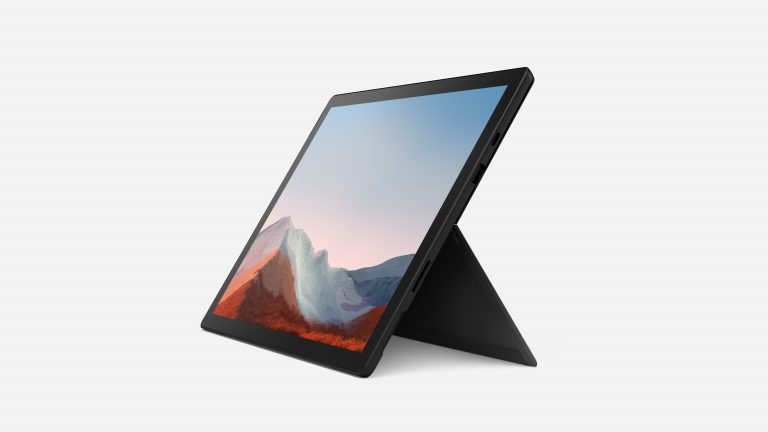
Microsoft Surface for Remote Work Kenya: Teams, Zoom, Wi-Fi and Battery Guide is a buying guide for shoppers comparing devices by real requirements rather than advertising claims. There is no single best Surface for every task. A model with insufficient RAM, a tired battery, missing keyboard or unsupported operating system can be poor value even when the price looks attractive.
Available models and prices in Nairobi
| Relevant Infinite Tech option | Current listed price |
|---|---|
| Surface Pro 6 Core i5 8GB/128GB | KSh 32,995 |
| Surface Pro 7 Core i5 8GB/128GB | KSh 42,995 |
| Surface Pro 7+ Core i5 8GB/128GB | KSh 45,995 |
| Surface Pro 7 Core i7 16GB/256GB | KSh 57,995 |
Visual reference
Video meetings need more than a processor
Before buying a remote-work laptop, test webcam clarity, microphone, speakers, Wi-Fi stability and headphone connection. Confirm that your organisation’s versions of Teams, Zoom, browser, VPN and security software support the installed Windows version. A device with a failing microphone can be a worse purchase than a slower laptop with reliable peripherals.
Which Surface to choose
Surface Pro 6 with 8GB RAM at KSh 32,995 is a lower-cost starting point; Surface Pro 7 adds USB-C and Pro 7+ updates the platform to 11th Gen. The Pro 7 i7 with 16GB/256GB gives additional RAM headroom for extensive tabs and multiple apps. Avoid assuming a newer generation guarantees a healthy used battery.
Power and connectivity in Kenya
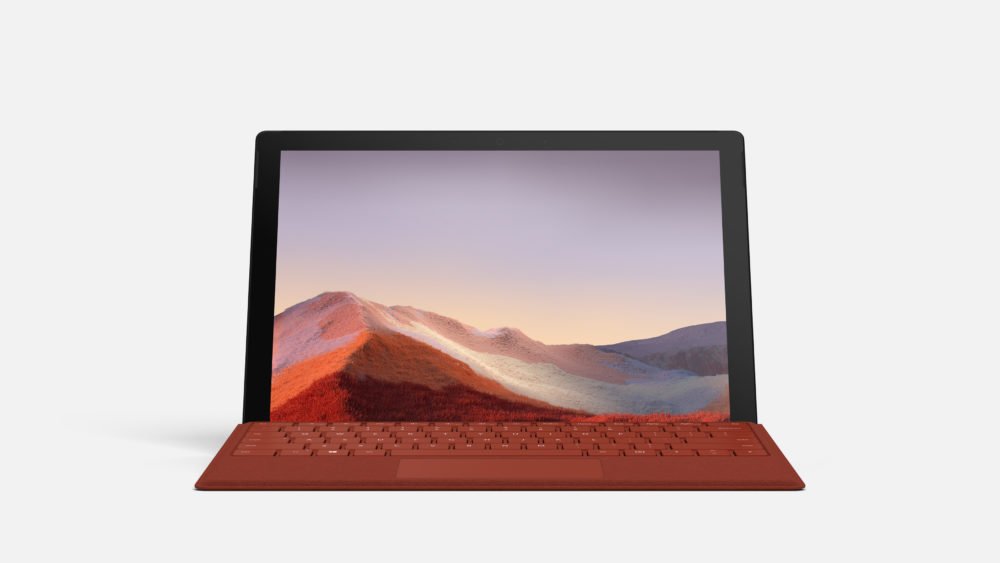
Plan for changing power availability: inspect charger health, battery report and actual charging behaviour. Confirm USB-C docking requirements, external display capability, mobile-data needs and compatibility of a headset or conference speaker. Ask for a working Type Cover or budget separately.
Remote-work readiness test before buying
Test the exact refurbished Surface with the applications and peripherals your work requires. If company-managed software or VPN access is needed, ask your IT administrator to confirm support for the device’s Windows version before purchasing.
- Join a short test call in Teams or Zoom and verify the webcam, microphone, speakers and wired or Bluetooth headset.
- Connect to a reliable Wi-Fi network, open the required browser-based work tools and check whether calls remain stable while documents are open.
- Run a battery report using Windows’ built-in powercfg /batteryreport command where available; inspect design capacity and full-charge capacity, and test charging with the supplied adapter.
- Check that keyboard, touchpad, touchscreen, kickstand and charging port work. Confirm whether the Type Cover and pen are actually included.
- Confirm official Windows support, software licences, return terms and warranty in writing. Do not assume unsupported Windows installations receive normal security updates.
Common purchase trade-offs
| Workload | What to prioritize |
|---|---|
| Video calls and email | Stable Wi-Fi, working microphone and webcam, battery condition |
| Many tabs and office apps | RAM, CPU, SSD free space and supported operating system |
| Travel and field work | Actual battery health, charger condition, keyboard and portability |
Buying checklist for a refurbished device
Check the model identifier and processor in Windows System Information; inspect RAM/SSD, touch response across the entire screen, microphone, camera, speakers, Wi-Fi, USB/charging ports, hinges or kickstand, Surface Connect socket, keyboard and pen compatibility. Ask whether Windows and Office software are licensed, the exact warranty period, return conditions and whether accessories are original or replacements.
Windows 10 regular support ended 14 October 2025. Windows 11 compatibility depends on official device eligibility; a forced installation should not be presented as a supported upgrade. For verified specifications consult Microsoft Surface documentation and our Surface battery guide.
Frequently asked questions
Which model is cheapest?
Compare the current listed prices in the table above; availability, configuration and bundle contents should be reconfirmed before checkout.
Can a used Surface run the programs I need?
Check your application’s manufacturer requirements, processor generation, RAM, Windows support and local device settings. A generic ‘Windows laptop’ label is not sufficient.
Does it include a keyboard and pen?
Not automatically. Get the specific charger, Type Cover and pen inclusion confirmed on your supplier invoice or quotation.
How do I assess the battery?
Request a live battery-health report, charging test and transparent warranty terms. Battery condition varies from unit to unit.
Related comparisons and local store details
Explore Microsoft Surface prices including accessories, Surface versus HP x360 and Lenovo Yoga, and all Surface buying guides. Browse laptops in Kenya or visit Infinite Tech, Rehema House, Standard Street, Nairobi CBD, 1st floor Shop 2. Call 0720450148 for exact-unit condition, availability and delivery information.
Prices are as listed 9 November 2026 and may change; images are reference illustrations.
