

DJI Mimo App Guide for Osmo Mobile 7 and 8 Series

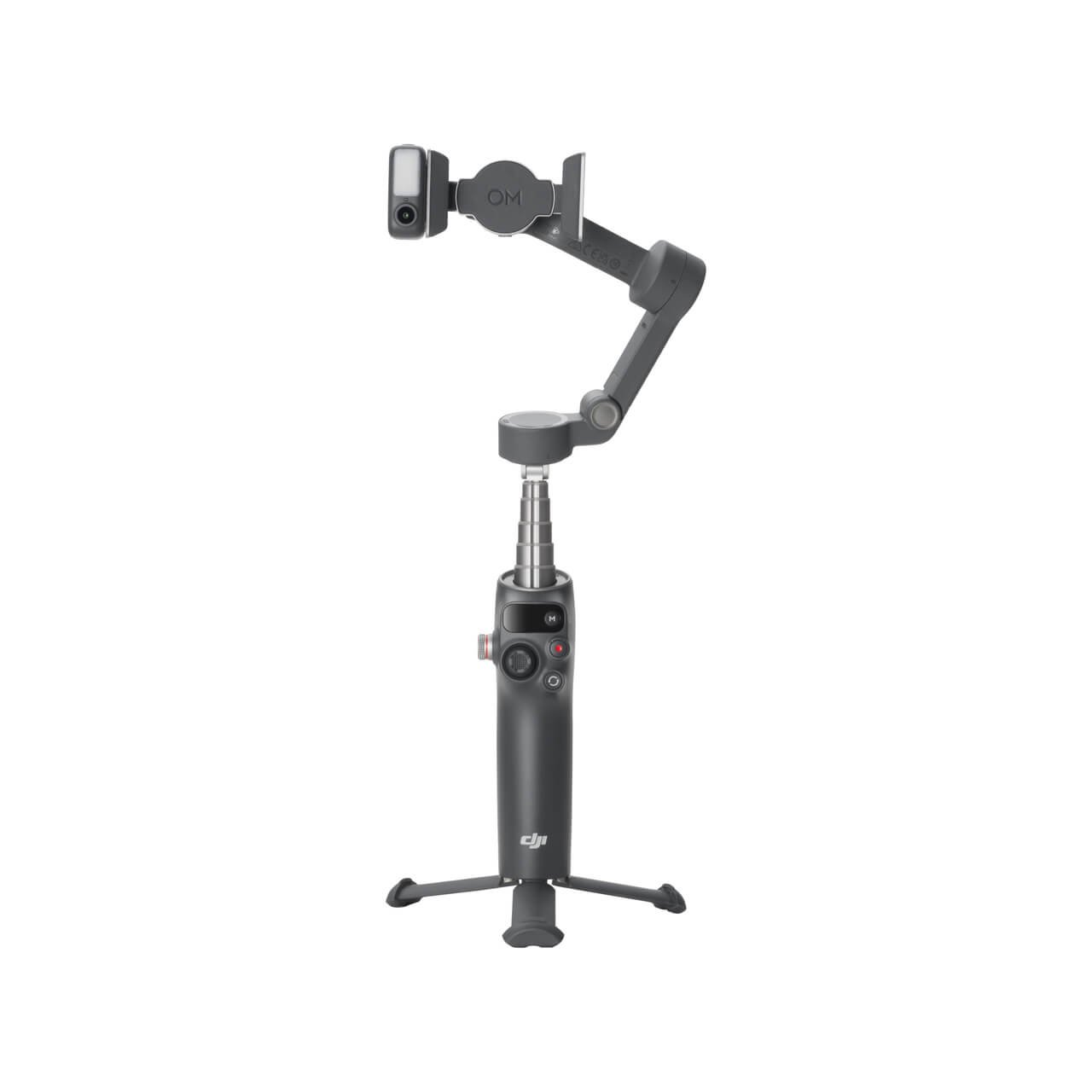
Quick answer: DJI Mimo is a central companion app for many Osmo Mobile shooting features, but its functions are not identical across every phone and model.
Compare DJI Osmo Mobile 8 (KSh 19,995) with DJI Osmo Mobile 7P (KSh 14,895); prices checked 31 October 2026 and subject to change.
Use the correct app source
Follow DJI’s official installation instructions for your iOS or Android device. Avoid unknown modified APKs. Check operating-system requirements and supported versions, then enable camera, Bluetooth and other permissions that are essential to the filming workflow you want to use.
Pairing basics
With the gimbal charged and phone securely mounted, use the DJI instructions to discover and pair the device. Confirm that the camera preview appears and the gimbal responds properly. If pairing fails, review permissions and whether another paired device is still connected rather than repeatedly resetting the hardware.
Guided filming and tracking
DJI Mimo provides supported shooting tools, subject tracking options and editing conveniences. The exact modes can differ by handset, generation and firmware. Some native iPhone tracking features on the 8 series use Apple DockKit outside the standard Mimo workflow, and module-assisted options have separate requirements.
Practical troubleshooting
When footage shakes, check balance and motors before blaming the app. When a feature is missing, inspect the DJI supported-device list and software version. When the recording is dim or noisy, improve lighting or microphone placement. Keep footage backups on the phone before applying editing presets.
Frequently asked question
Can DJI Mimo work without Internet during filming?
Many local capture functions may work offline after initial setup, but downloads, updates, templates and service functions can require a connection. Check the exact feature.
Further reading and purchasing
Browse the main DJI gimbal buying guide and DJI models at Infinite Tech. For manufacturer’s technical guidance use DJI’s comparison and support FAQ. Confirm availability, box contents, phone compatibility, warranty and delivery at Rehema House, Standard Street, Nairobi, or on 0720450148. This is an informational guide based on specifications, not a claimed hands-on benchmark.
