

How to Set Up DJI Osmo Mobile 7, 7P, 8 and 8P

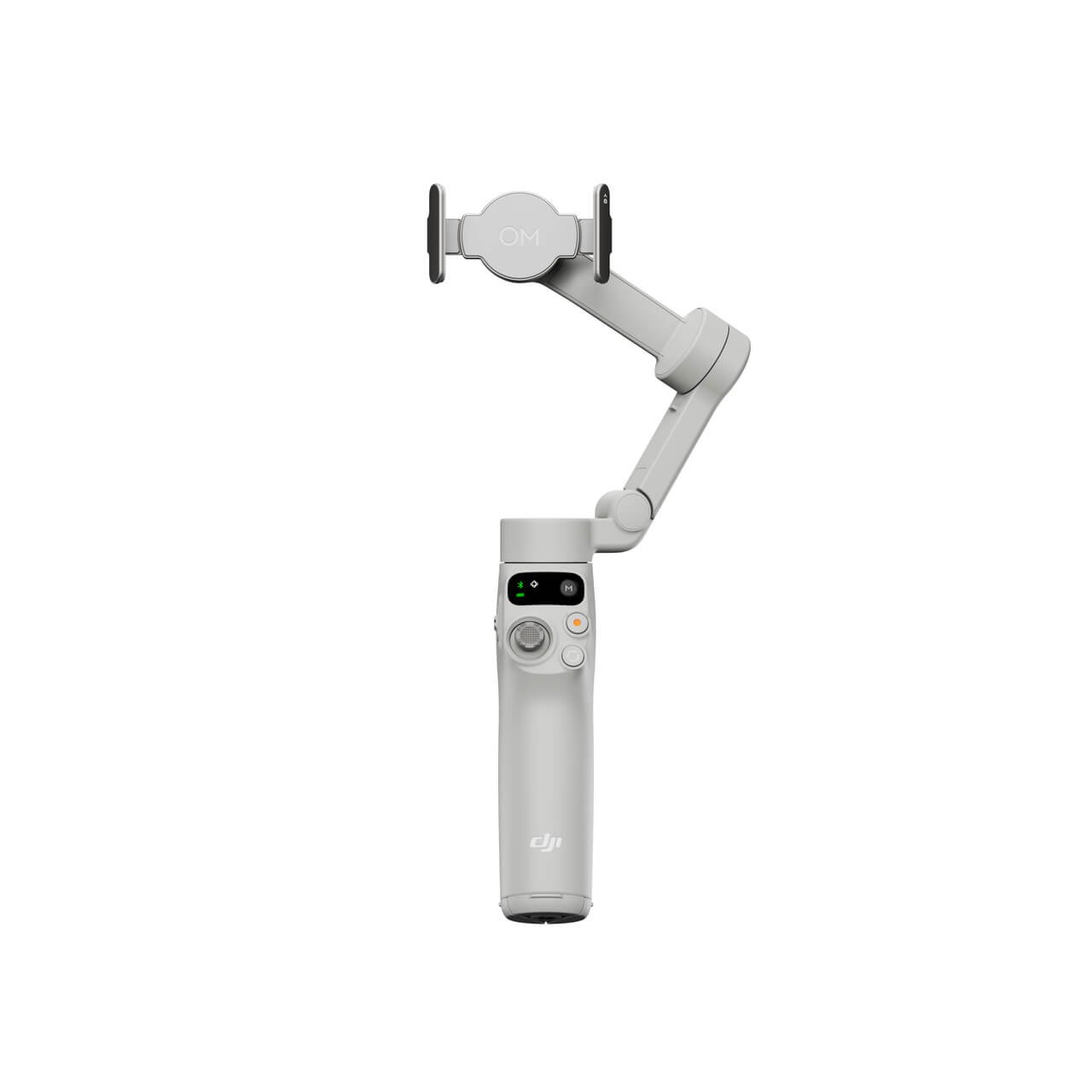
Quick answer: Correct phone mounting, balance, app compatibility and safe handling matter more than opening the box quickly.
Compare DJI Osmo Mobile 7 (KSh 10,895) with DJI Osmo Mobile 8 (KSh 19,995); prices checked 31 October 2026 and subject to change.
Unbox and inspect first
Identify your exact model, magnetic clamp, charging cable, documentation and any included tracking module or remote. Verify regional bundle contents against DJI’s current guide. Charge the device as recommended before a long filming session. Avoid treating the 7P package as identical to the 8P Standard Combo.
Mount and balance the phone
Remove unusually heavy accessories if they interfere with the clamp. Center the phone carefully, secure the magnetic holder and confirm that the phone falls within DJI’s supported dimensions and weight. Balance with the motor off; check that the gimbal can move freely without the lens striking a motor housing.
Pair software and choose orientation
Install the official supported DJI Mimo application through DJI’s recommended route, enable the required Bluetooth and camera permissions and use the model-specific pairing instructions. Test portrait and landscape orientation, then record a short stationary clip before testing a walk. Some advanced tracking functions require supported apps or modules.
Handle the tripod and battery safely
Unfold the integrated feet on a level surface, avoid pulling cables that could topple the rig, and use the extension rod only on models that include it. If the phone is being charged by the gimbal, expect reduced operating runtime. Check software updates and DJI’s relevant support FAQ when a function behaves unexpectedly.
Frequently asked question
Why is my phone not tracking automatically?
Physical stabilization and subject tracking are separate. Check app permissions, compatible software and whether a module is required for the function.
Further reading and purchasing
Browse the main DJI gimbal buying guide and DJI models at Infinite Tech. For manufacturer’s technical guidance use DJI’s comparison and support FAQ. Confirm availability, box contents, phone compatibility, warranty and delivery at Rehema House, Standard Street, Nairobi, or on 0720450148. This is an informational guide based on specifications, not a claimed hands-on benchmark.
