HP EliteBook 840 G6 Touchscreen vs Non-Touch Kenya: Is Touch Worth Paying For?

Updated October 2026 · Infinite Tech Kenya buying analysis. This guide compares specific published configurations and the decisions a Kenyan shopper actually faces. It is a researched comparison, not a claim that every refurbished unit has been physically benchmarked.
Which should you choose?
Choose non-touch for value-oriented typing and normal office work. Choose touch if you will use direct screen input every day. Compare condition, resolution and warranty before making the screen type the deciding factor.
Price comparison at Infinite Tech Kenya
| Listed configuration | Catalogue price | Before buying |
|---|---|---|
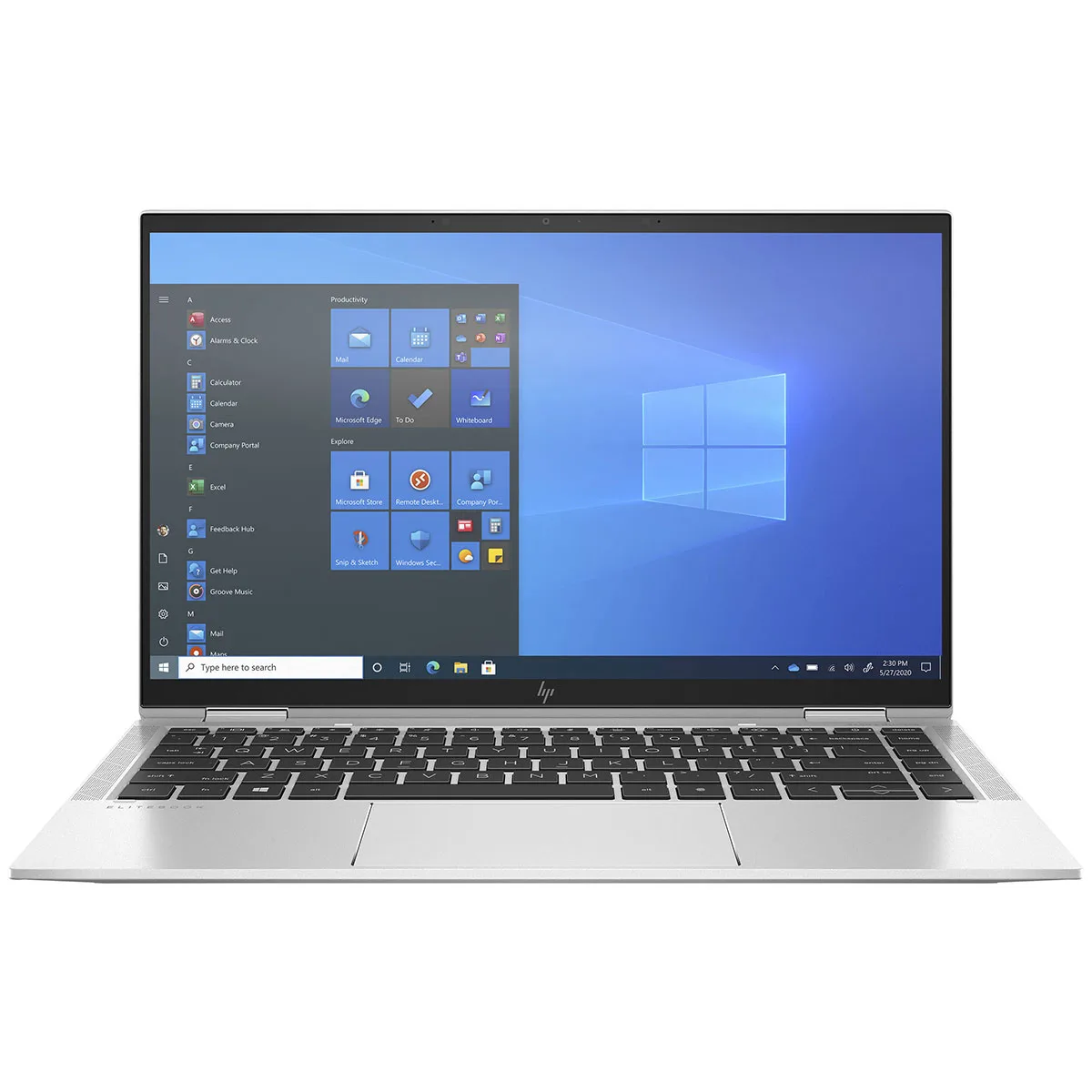
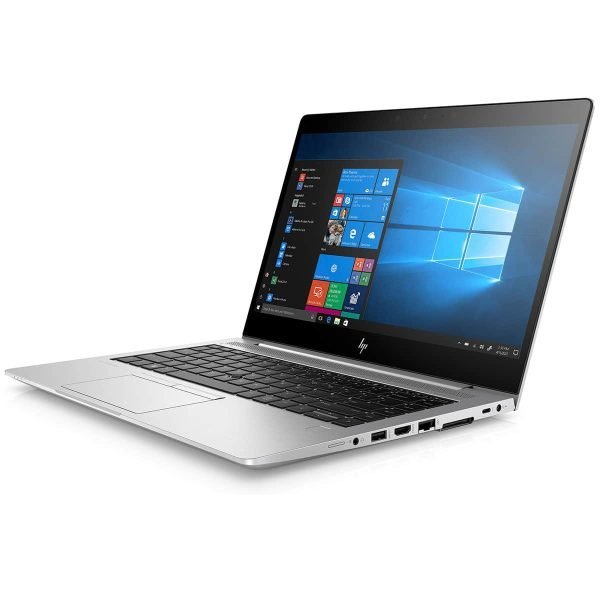
| 840 G6 Core i5 8/256 Touch | KSh 33,000 | Verify exact unit condition, CPU and warranty |
| 840 G6 Core i5 8/256 Non-Touch | KSh 30,000 | Verify exact unit condition, CPU and warranty |
Prices are WooCommerce snapshots, not permanent offers. The products can differ in CPU tier, RAM, touch input or physical condition; this is not a controlled performance benchmark.
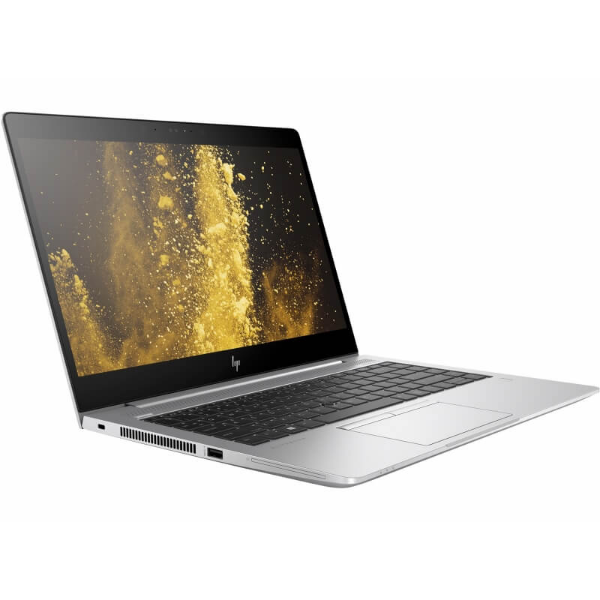
Four important differences
Processor and generation
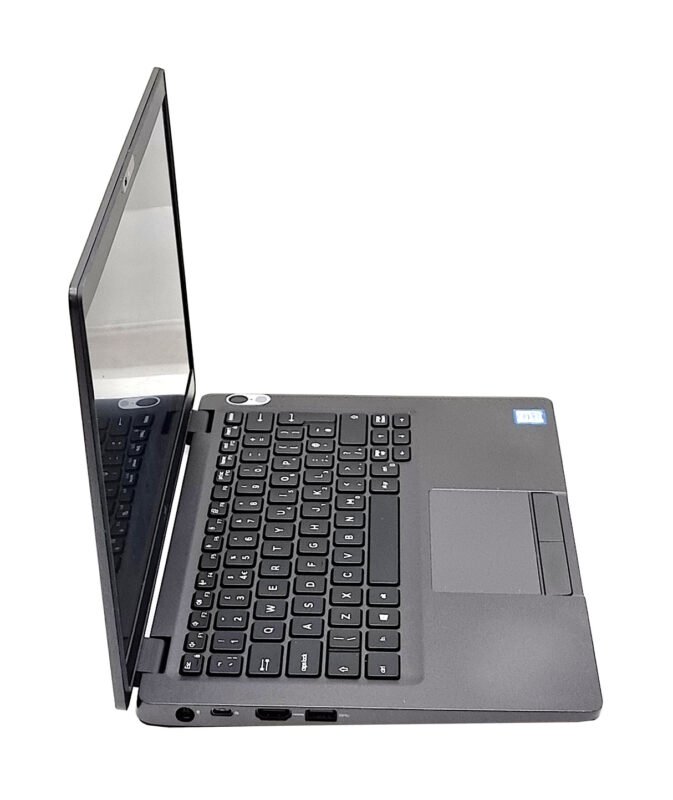
The compared HP 840 G6 listings agree on i5 eighth-generation, 8GB RAM and 256GB SSD. The headline difference is the screen: touch versus non-touch, currently separated by KSh 3,000 in listed price.
What the configuration really buys
Touch adds direct input for scrolling, forms and some presentations; it does not make applications compute faster. In ordinary mouse-and-keyboard work, most buyers may not use it enough to justify a premium.
Display, battery and day-to-day use
Non-touch panels can be preferable for shoppers who primarily type, while touch may suit instructors, field workers or people who navigate web interfaces frequently. Screen quality and brightness still differ by panel option.
Refurbished ownership risks
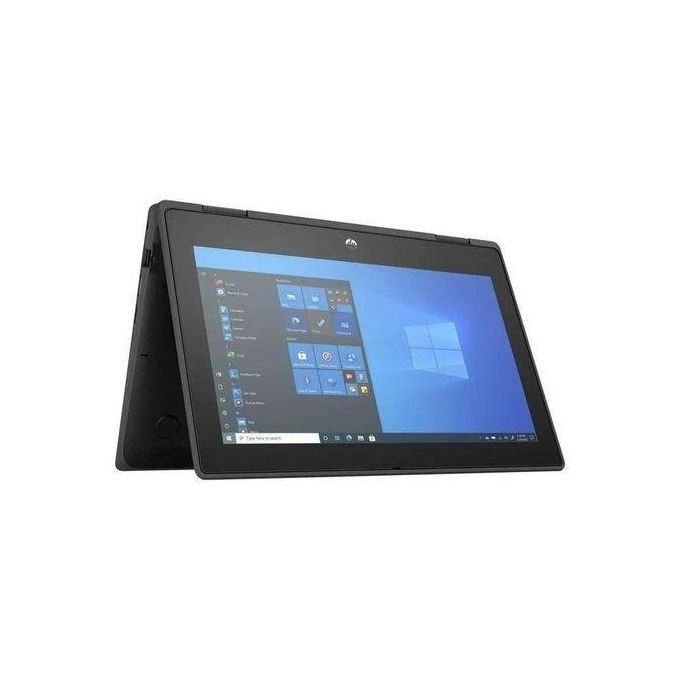
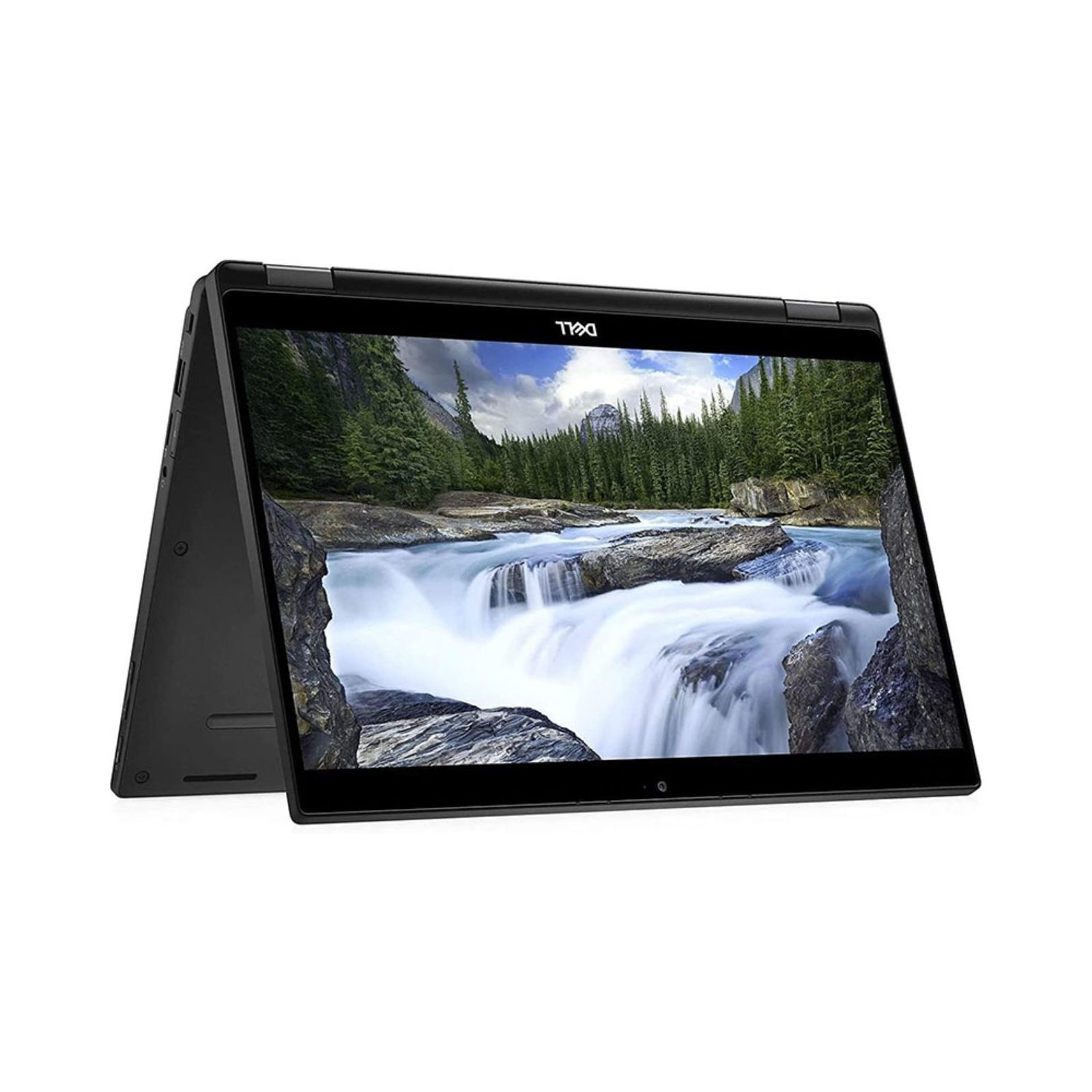
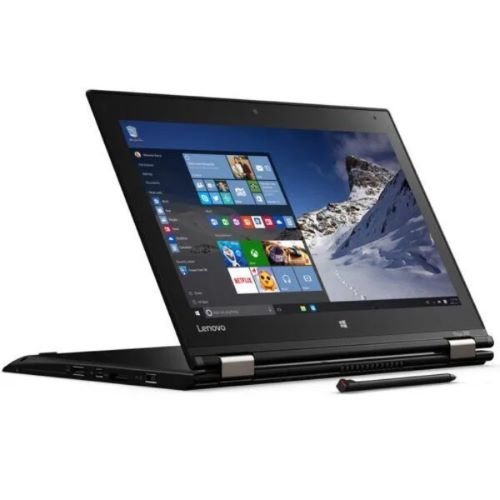
A touchscreen in a normal 840 G6 notebook does not make it a 360-degree x360 convertible. If you need tablet mode or pen folding, shop the proper x360 family instead.
Our practical buying recommendation
Choose non-touch for value-oriented typing and normal office work. Choose touch if you will use direct screen input every day. Compare condition, resolution and warranty before making the screen type the deciding factor. Do not choose solely by model naming. For a better comparison, inspect two real machines on the same day, open a document, run a video call, test keyboard and trackpad, and look at the battery health report before paying.
Five checks to do before paying for a refurbished laptop
- Processor identity: Open Settings → System → About or System Information to verify the processor model rather than accepting an ambiguous seller title.
- Display: Check native resolution, brightness, dead pixels, dim spots and touch registration where touch is advertised.
- Battery: Run
powercfg /batteryreporton Windows to compare design capacity with current full-charge capacity. A report is a diagnostic clue, not a promise of hours. - Storage and memory: Confirm actual SSD capacity and RAM in Task Manager and check disk health before relying on the advertised specification.
- Warranty and accessories: Ask about charger, keyboard layout, returns, grading and specific warranty conditions in writing.
Frequently asked questions
What is the current listed difference?
The linked prices differ by KSh 3,000 as checked.
Can the 840 G6 touchscreen fold into tablet mode?
The standard EliteBook 840 G6 is not an x360 convertible.
Does touching the screen improve performance?
No. It changes interaction, not processor speed.
Could a non-touch version have a better screen?
Yes. Panel brightness and colour options vary; verify the actual resolution and panel.
Can I compare these prices with a supplier’s quotation?
Supplier quotations are not the Infinite Tech retail offer. The table shows live catalogue prices at the time of this comparison; check the product page again before ordering.
What do I check when collecting an ex-UK laptop in Nairobi?
Confirm the laptop model in BIOS or Windows System Information, battery report, screen pixels and touch input where advertised, charger, ports, Wi-Fi, keyboard and included warranty.
Does Windows 10 still receive standard support?
No. Standard Windows 10 support ended on 14 October 2025; where a laptop cannot meet Windows 11 requirements, plan for an appropriate supported alternative or approved extended security updates.
Does a higher Intel generation always guarantee better performance?
No. Compare the exact processor SKU, number of cores, sustained cooling, RAM and intended applications; generation is a guide, not an absolute benchmark.
Where can I see these models in Nairobi?
Infinite Tech is at Rehema House, Standard Street, behind Sarova Stanley Hotel, Nairobi CBD, 1st Floor Shop No. 2. WhatsApp 0720450148 to confirm current stock and collection.
Related reading and shopping
For another view, read our related laptop comparison, HP EliteBook comparison and buying guide or Lenovo ThinkPad prices and model comparison. For checking a used laptop in person, see our Used laptop inspection checklist. Select the exact product from the price table for current specifications.
Technical reference and transparency
Product-family specifications can be independently checked at the manufacturer’s support/specifications pages. Microsoft’s Windows 10 end-of-support notice explains the security implications of older machines. This article combines the linked store catalogue with manufacturer-family documentation; no hands-on comparative benchmark was performed for this article.
Order assistance: Infinite Tech, Rehema House, Standard Street, behind Sarova Stanley Hotel, Nairobi CBD. Call or WhatsApp 0720450148 to verify availability, battery grade and warranty before placing an order.