
Intel vs Snapdragon Surface: Check Your Applications Before Buying

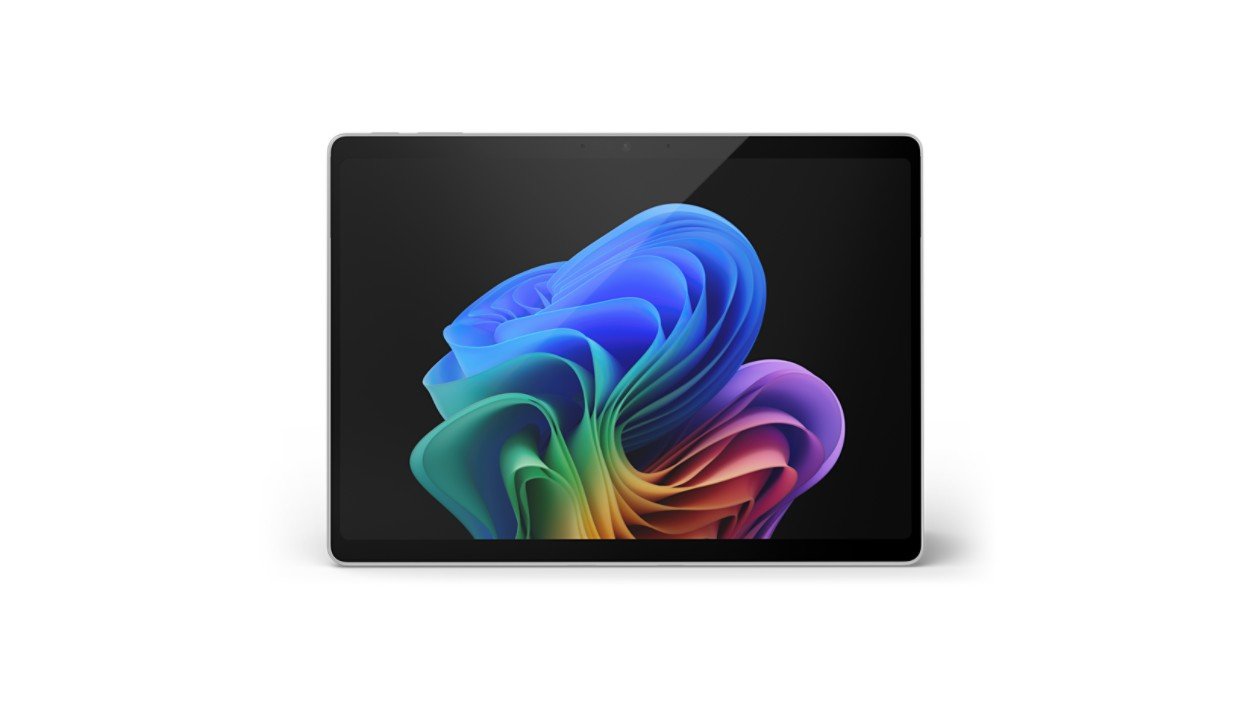
Intel versus Snapdragon Surface is an application and driver compatibility decision before it is a battery or performance comparison. Surface Pro models vary in generation, screen size, memory and accessories as well as processor architecture. Kenyan buyers should identify the exact device and confirm every essential application, plugin and peripheral before choosing the platform.
Catalogue and references checked: 20 October 2026. Prices below are Infinite Tech catalogue asking prices for the stated configuration. Confirm the actual unit, availability, accessories and written warranty before payment.
The programming laptop guide helps define the required development environment. The Intel vs Snapdragon OmniBook guide covers comparable architecture questions in another Windows range.
For accounting tools, consult the accounting laptop buying guide. The MacBook and Windows-software guide explains a separate platform choice if an Apple laptop is also under consideration.
Intel vs Snapdragon Surface: applications and drivers
| Choice | What to compare | Buying implication |
|---|---|---|
| Intel Surface example | Check exact x86/x64 CPU and supported Windows configuration | Application and driver requirements still matter |
| Snapdragon Surface example | Windows on Arm platform | Check native/emulated applications and compatible drivers |
| Mixed catalogue examples | Different generations, sizes and capacities | Do not treat them as a controlled architecture benchmark |
Build the application and peripheral checklist first
List the programs used by the employer or university, including VPN, security tools, specialist software, examination components, printers and other attached devices. Then check the publisher’s supported operating system and platform for the exact versions. Ordinary browser work is only one part of a complete working setup.
Microsoft’s Windows on Arm guidance distinguishes application compatibility from other platform requirements. An application that can run through emulation does not automatically establish that a specialist driver or peripheral is supported. Resolve any mandatory item before payment. Do not infer complete compatibility solely because both proposed machines display Windows 11.
Keep the device model and generation in the comparison
The linked Intel Pro 9, Snapdragon Pro 11 and 12-inch Pro examples are different products, not equal hardware with one processor changed. Screen size, keyboard family, RAM, SSD and other features can all affect value. Ask for the full device code and written configuration.
A comparison based on their prices should make those differences explicit. Likewise, battery or performance results from another generation should not be presented as measurements of these stock units. This guide makes no such benchmark claim. Choose the architecture after verifying the workflow, then compare the rest of the actual device and package.
Test the real workflow, including less obvious dependencies
Try a representative project, call, login or printing task on the intended setup where possible. Include add-ins, document templates and the peripherals required for work. Games with particular anti-cheat requirements, specialist applications and managed business tools need current platform-specific answers from their publishers.
An Intel configuration is not a guarantee that every program will work either. It still needs supported Windows, suitable graphics, memory and drivers. The practical goal is to identify the conditions under which the complete workflow is supported, not to choose one processor brand from a general promise that all software behaves identically.
Compare accessories and the usable price after compatibility
Confirm the compatible keyboard and pen for the exact Surface. Microsoft separates the 12-inch and 13-inch keyboard groups, so include the correct accessory rather than assuming an existing cover will transfer. Ask what charger, cable and pen are included in the quote.
For a used unit, inspect battery health, charging, screen, kickstand and normal personal setup. For a machine sold as new, match the actual SKU and package to the invoice. Include licences, display adapters, backup storage and delivery as required. A lower device-only price does not settle value when additional software or accessories are needed for the supported workflow.
Real Infinite Tech catalogue examples
These links lead to individual listings, not a promise that every model in the wider family is available. Compare the complete configuration rather than the processor badge alone.
| Exact listing | Listed price | Next check |
|---|---|---|
| Microsoft Surface Pro 9 (QIY-00007) Intel Core i7 12th Gen 16GB RAM 512GB SSD 13 Inches Multi-Touch Windows 11 Pro Platinum | KSh 250,000 | Confirm unit condition, exact components and what is included |
| Microsoft Surface Pro Copilot+ PC 11th Edition Snapdragon X Elite 16GB RAM 1TB SSD | KSh 259,500 | Confirm unit condition, exact components and what is included |
| Microsoft Surface Pro 12-inch Copilot+ PC Snapdragon X Plus 16GB RAM 512GB SSD | KSh 187,500 | Confirm unit condition, exact components and what is included |
A practical buying decision
Choose Intel or Snapdragon only after verifying the full application and driver list. Then compare the exact Surface model, accessories, condition and complete price. Do not interpret a mixed-generation catalogue table as a performance or battery test.
Frequently asked questions
Does Windows 11 on both devices guarantee identical app support?
No. Check the architecture and exact application or driver requirements.
Does emulation automatically support a specialist driver?
No. Drivers and peripherals need separate confirmation.
Are the linked devices a controlled Intel-versus-Snapdragon test?
No. They differ in model, generation and other specifications.
Can I transfer any Surface keyboard to the new device?
No. Match the exact device and keyboard compatibility group.
Related Infinite Tech buying pages
- Laptop Knowledge Centre
- Compare all laptops
- Best Programming Laptops in Kenya 2026: Developer Buying Guide
- Best Laptops for University Students in Kenya 2026: Course & Budget Guide
More Microsoft Surface buying guides
- Microsoft Surface Prices in Kenya: Include the Keyboard, Pen and Charger
- Surface Pro vs Surface Laptop: Which Fits Your Daily Work?
- Microsoft Surface for University: Notes, PDFs, Assignments and Online Classes
- HP OmniBook Intel vs Snapdragon: Software Compatibility Before Buying
Manufacturer references and research method
This is a research-based buying guide, not a hands-on test or a benchmark report. Manufacturer references describe supported options; the linked catalogue identifies the configuration being offered. Model-specific details should be matched to the full product code or service tag.
- Microsoft Windows Arm-based PCs FAQ
- Microsoft: Surface Pro 9 features and specifications
- Microsoft: Surface Pen compatibility
- Microsoft: Surface keyboards and Type Covers
- Microsoft Surface Pro 12-inch first-edition features
Confirm your laptop with Infinite Tech
Contact Infinite Tech at Rehema House, Nairobi, on 0720450148. Ask for the full model code, a written specification and the applicable warranty. Read warranty information, delivery information and contact Infinite Tech before placing an order.
3 thoughts on “Intel vs Snapdragon Surface: Check Your Applications Before Buying”
Comments are closed.