
ASUS OLED vs IPS Laptops: Which Display Suits Your Work?

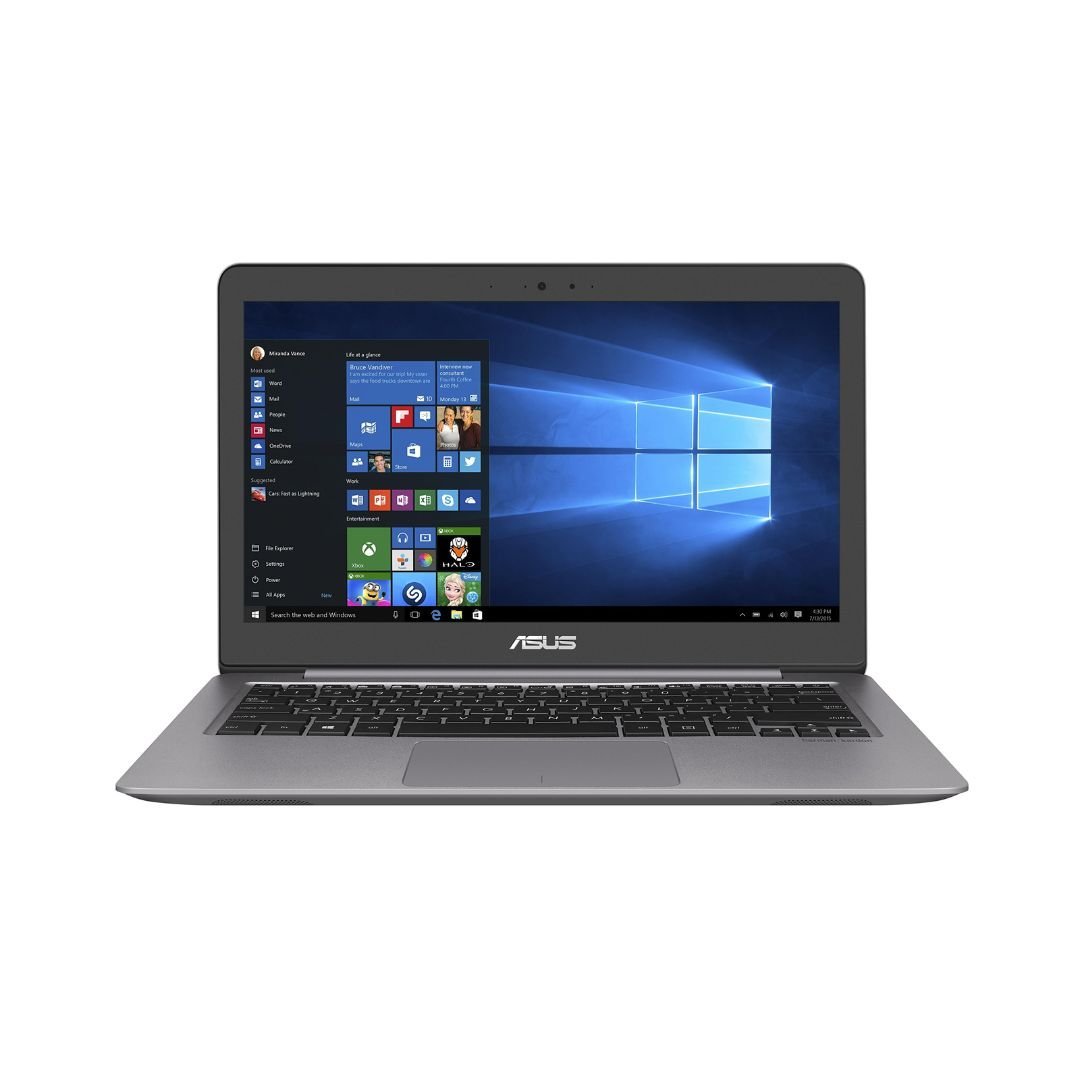
When comparing an ASUS OLED laptop with an IPS LCD laptop, separate panel technology from resolution, refresh rate, touch and colour capability. The better choice depends on the work, viewing conditions and care requirements. Neither a ZenBook nor a VivoBook name proves which panel is fitted, and the actual catalogue configuration must be checked before ordering in Kenya.
Catalogue and references checked: 20 October 2026. Prices below are Infinite Tech catalogue asking prices for the stated configuration. Confirm the actual unit, availability, accessories and written warranty before payment.
The graphic-design laptop guide helps establish the display requirements of your applications. Compare VivoBook and ZenBook models using their actual panel specification.
The video-editing laptop guide adds another creative-work checklist. The ASUS gaming configuration guide explains why resolution and refresh targets also need to match the intended game.
ASUS OLED vs IPS: compare the actual display panel
| Choice | What to compare | Buying implication |
|---|---|---|
| Panel technology | OLED or IPS LCD on the exact model | Do not infer it from the family name or photograph |
| Working experience | Brightness comfort, reflections, text and viewing angle | Try real documents and the normal workspace |
| Other features | Resolution, refresh, colour and touch | Each needs its own confirmed specification |
Compare the panel, not the marketing family
OLED and IPS LCD refer to different display technologies, but they do not by themselves specify every aspect of image quality. Resolution, colour coverage, brightness, surface finish and refresh rate still vary by model. Ask for the full panel specification in the offer instead of assuming every premium-family laptop uses the same screen.
The linked ASUS catalogue examples are shopping references, not a verified OLED-versus-IPS matched pair. Their photographs and short titles should not be used to fill in missing display details. If panel technology is a deciding requirement, obtain a complete model code and confirm the manufacturer’s specification before payment.
Test the screen with your own work and lighting
Open documents, spreadsheets, browser pages and any creative application you use. Check text at your normal scaling and brightness, and inspect reflections under lighting similar to your workspace. A display that looks attractive with a promotional video can feel different during several hours of reading or editing.
For colour-sensitive work, identify the actual colour and calibration requirements rather than choosing from a technology label alone. For gaming, compare the real resolution and refresh behaviour with the GPU’s capabilities. For handwriting, touch and active-pen support are separate checks. The most useful demonstration reflects the task and viewing conditions in which the laptop will be used.
Understand OLED care without treating every usage pattern alike
ASUS provides OLED care guidance and model-dependent protective features. Read the instructions for the exact device and understand how settings, static content and brightness habits affect the recommended use. Do not assume that a protective feature is identical or available on every ASUS laptop.
For a used OLED candidate, inspect a range of plain backgrounds and normal documents for persistent image patterns or unevenness. For an LCD candidate, inspect for pressure marks, unusual bright areas and other display faults. These are unit-condition checks rather than proof that one technology is always the wrong purchase. Ask how the written warranty applies to the actual screen.
Price the whole configuration and support arrangement
An OLED quote and an IPS LCD quote can differ in processor, memory, SSD and condition as well as panel. Compare equivalent models where possible. If the shortlist is mixed, keep those differences visible instead of attributing the entire price gap to display technology.
Check the intended operating system, applications and supported external-monitor setup. Include a suitable charger, any required adapter and the complete local warranty arrangement. If battery runtime matters, seek a realistic demonstration for the actual configuration rather than treating a panel label as a guaranteed number of hours. Choose the display when it improves the work without sacrificing another essential requirement.
Real Infinite Tech catalogue examples
These links lead to individual listings, not a promise that every model in the wider family is available. Compare the complete configuration rather than the processor badge alone.
| Exact listing | Listed price | Next check |
|---|---|---|
| Buy ASUS ZENBOOK UX310U I7 7500 8GB 1TB HDD 13.3′ FHD WIN10 | KSh 107,000 | Confirm unit condition, exact components and what is included |
| BUY ASUS ROG FLOW X13 AMD RYZEN 9 16GB|512GB SSD 13.4" FHD TOUCH | KSh 140,000 | Confirm unit condition, exact components and what is included |
A practical buying decision
Choose between verified panel configurations after testing real work in normal lighting. Keep colour, resolution, refresh and touch separate, follow the exact model’s care guidance, and compare the complete laptop rather than the display label alone.
Frequently asked questions
Does ZenBook always mean OLED?
No. Check the exact model and panel specification.
Is touch part of the OLED-versus-IPS choice?
Touch is a separate feature and must be confirmed independently.
Does OLED Care remove the need to read the model’s instructions?
No. Follow the specific care guidance and understand the warranty terms.
Do the linked examples form a verified matched display test?
No. They are catalogue paths; request the full panel details before making that comparison.
Related Infinite Tech buying pages
- Laptop Knowledge Centre
- Compare all laptops
- Best Laptops for Graphic Design in Kenya 2026: Designer Buying Guide
- Best Laptops for Video Editing in Kenya 2026
More ASUS buying guides
- ASUS Laptop Prices in Kenya: VivoBook, ZenBook, TUF and ROG
- ASUS VivoBook vs ZenBook for Study and Office Work
- Choosing an ASUS Gaming Laptop for Fortnite, GTA and EA Sports FC
Manufacturer references and research method
This is a research-based buying guide, not a hands-on test or a benchmark report. Manufacturer references describe supported options; the linked catalogue identifies the configuration being offered. Model-specific details should be matched to the full product code or service tag.
Confirm your laptop with Infinite Tech
Contact Infinite Tech at Rehema House, Nairobi, on 0720450148. Ask for the full model code, a written specification and the applicable warranty. Read warranty information, delivery information and contact Infinite Tech before placing an order.
One thought on “ASUS OLED vs IPS Laptops: Which Display Suits Your Work?”
Comments are closed.