

Canon i-SENSYS MF651cw A4, Wi-Fi, Ethernet
Original price was: KSh 45,000.00.KSh 42,000.00Current price is: KSh 42,000.00.
- Model: Canon i-SENSYS MF651cw
- Type: Colour Multifunction Printer
- Print Resolution: Up to 600 x 600 dpi
Product Description
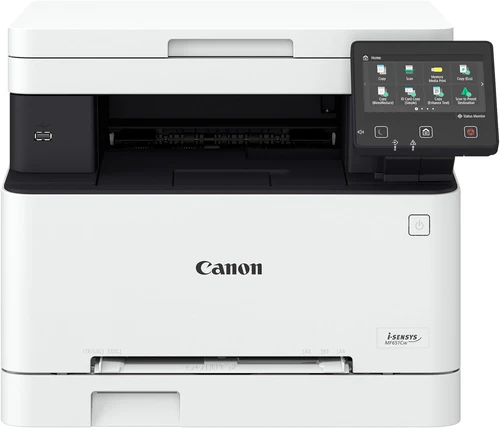
The Canon i-SENSYS MF651cw is a robust A4 colour multifunction printer designed to cater to the diverse needs of small to medium-sized businesses. Combining high-performance printing, copying, scanning, and faxing capabilities, the MF651cw offers a comprehensive solution for office productivity. With its user-friendly interface, versatile connectivity options, and high-quality output, this multifunction device enhances efficiency and supports a seamless workflow.
All-in-One Functionality
The Canon i-SENSYS MF651cw provides an all-in-one solution for a variety of office tasks. It integrates printing, copying, scanning, and faxing functions into a single device, streamlining your office equipment and reducing the need for separate machines. Whether you need to produce professional documents, make high-quality copies, scan important files, or send faxes, the MF651cw handles all these tasks with ease and reliability.
Exceptional Colour Print Quality
Equipped with advanced laser technology, the Canon i-SENSYS MF651cw delivers outstanding colour print quality with a resolution of up to 600 x 600 dpi. This high print resolution ensures that your documents, presentations, and marketing materials are reproduced with vivid colours, sharp text, and detailed graphics. The printer’s exceptional colour accuracy and clarity make it suitable for a wide range of professional applications.
Efficient and Fast Printing
The MF651cw offers a print speed of up to 25 pages per minute (ppm) for both colour and monochrome documents. This efficient performance helps reduce waiting times and improves productivity, allowing you to handle large print volumes quickly and effectively. The fast print speed is essential for busy office environments where quick turnaround times are crucial.
Versatile Connectivity Options
The Canon i-SENSYS MF651cw is equipped with a range of connectivity options to accommodate various office setups. It features built-in Wi-Fi for wireless printing, allowing you to print from multiple devices without the need for cables. The printer also supports Ethernet for network printing, facilitating easy integration into office networks. Additionally, the MF651cw includes a USB 2.0 interface for direct printing from connected devices. These connectivity options provide flexibility and convenience for all your printing needs.
User-Friendly Interface
Designed with user convenience in mind, the Canon i-SENSYS MF651cw features a clear and intuitive control panel with a touchscreen display. The touchscreen interface simplifies navigation and operation, allowing you to easily access and manage print, copy, scan, and fax functions. The user-friendly design ensures that even those with limited technical experience can operate the printer efficiently.
Cost-Effective Operation
The MF651cw is engineered to be cost-effective, featuring high-capacity toner cartridges that reduce the frequency of replacements and lower overall printing costs. The printer’s efficient toner usage and ENERGY STAR certification contribute to reduced power consumption and operational expenses. By using individual toner cartridges for each colour, you only need to replace the colours that are depleted, minimizing waste and maximizing cost savings.
Compact and Stylish Design
The Canon i-SENSYS MF651cw boasts a compact and stylish design that fits seamlessly into various office environments. Its sleek appearance and small footprint make it suitable for placement on desks or workstations where space is limited. The modern design complements contemporary office decor while delivering high performance and functionality.
Reliable and Durable Performance
Built to withstand the demands of a busy office, the Canon i-SENSYS MF651cw is constructed with durable components and high-quality engineering. The printer’s reliable performance ensures consistent and high-quality results, reducing the risk of downtime and interruptions in your workflow.
Eco-Friendly Features
The MF651cw incorporates eco-friendly features to support sustainability efforts. The automatic duplex printing capability helps conserve paper by enabling double-sided printing. Additionally, the printer’s energy-efficient design reduces power consumption, contributing to a lower environmental impact. The toner cartridges are also designed with recyclability in mind, aligning with environmental responsibility goals.
Included Accessories:
- Starter Toner Cartridges
- Power Cable
- User Manual
The Canon i-SENSYS MF651cw A4 Colour Multifunction Printer provides a complete and efficient solution for diverse office tasks. With its high-quality colour printing, fast performance, versatile connectivity, and user-friendly design, it enhances productivity and supports seamless workflow in any business environment.
Related products
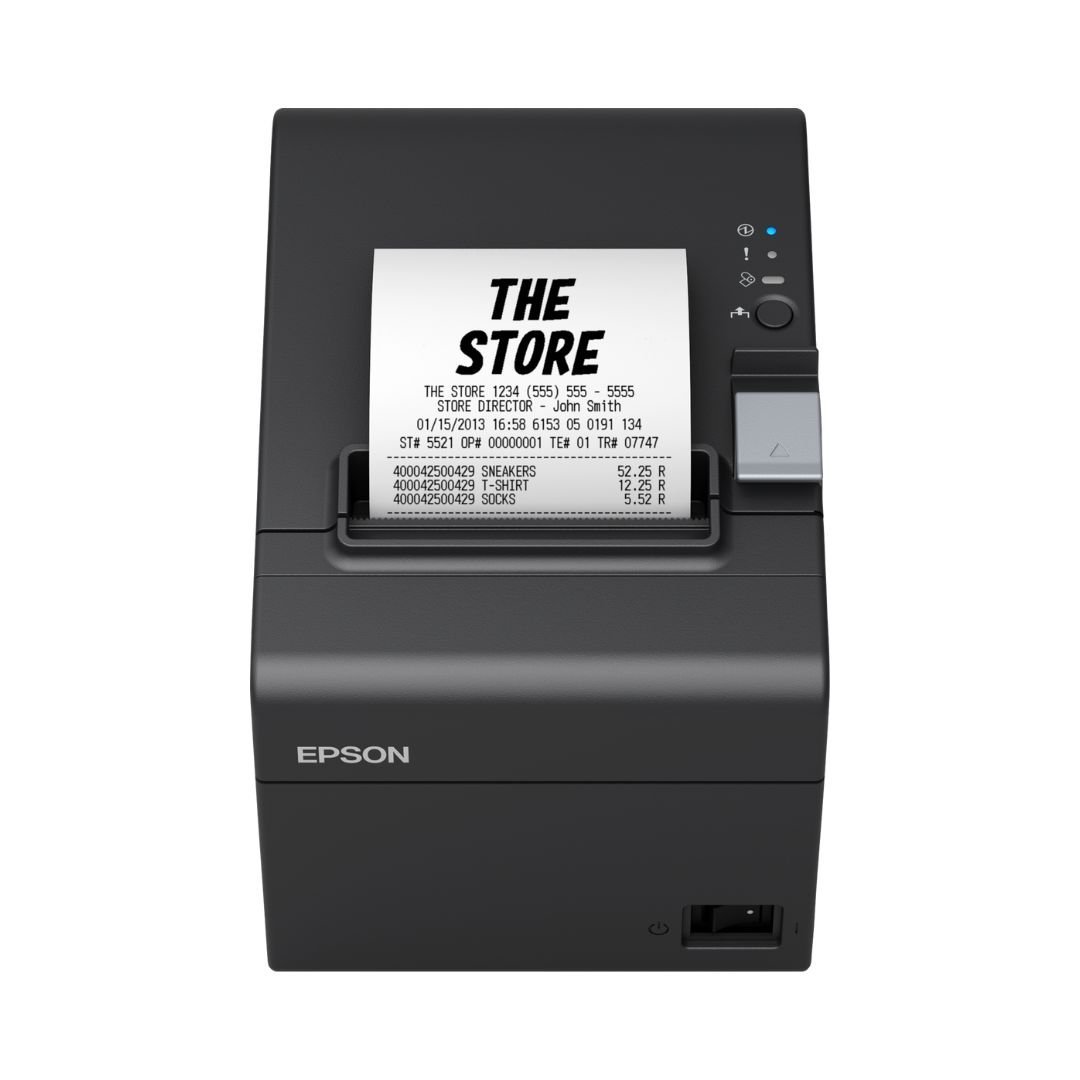
Buy Epson TM-T20III Thermal Receipt Printer
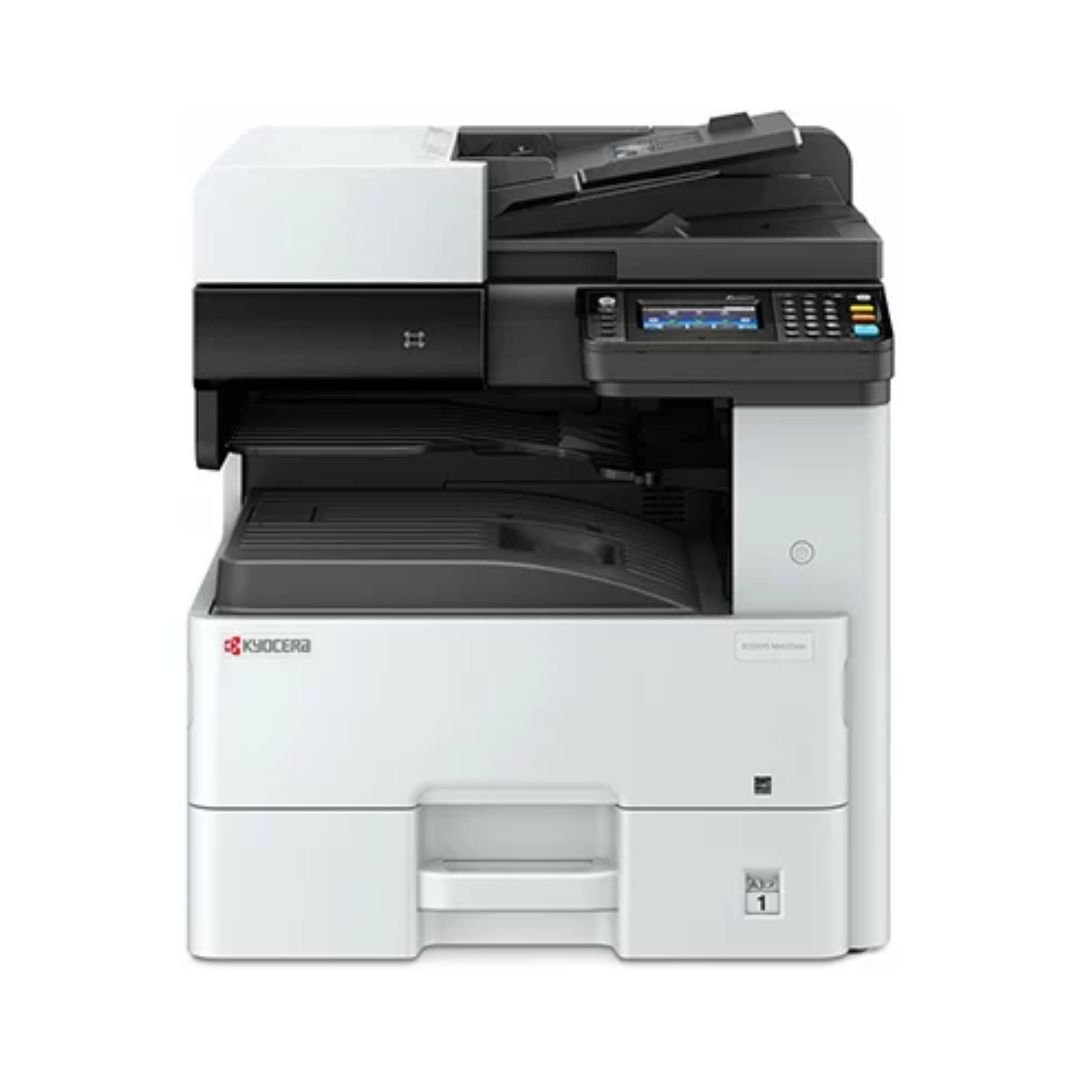
Buy HP Color LaserJet Pro MFP 4303dw
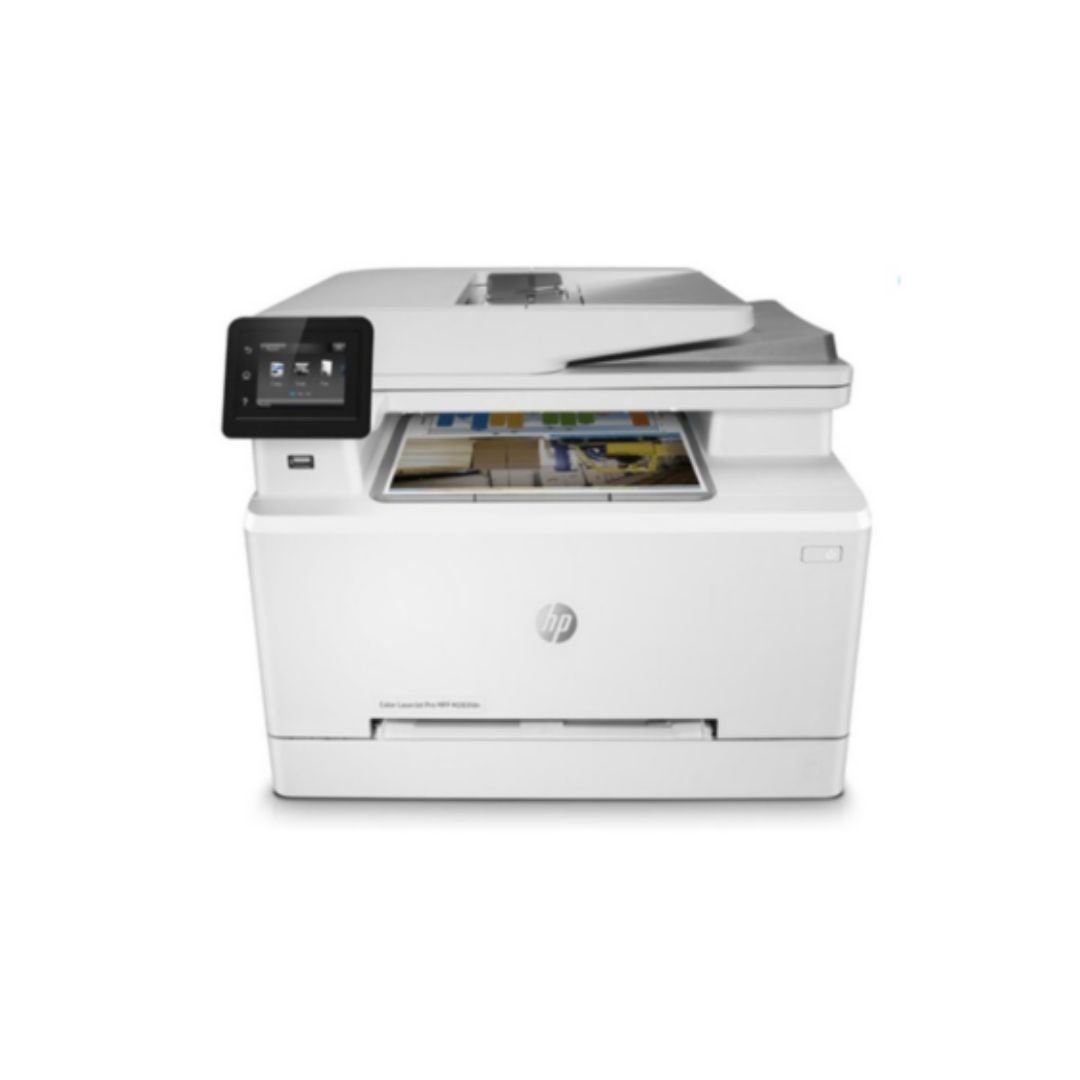
Buy HP LaserJet Pro MFP 4103fdw Printer (2Z629A)
HP LaserJet Pro MFP 4103fdw Printer (2Z629A) Key Features
Functions: Print, copy, scan, fax Apple AirPrint; Ethernet networking; Mopria; USB; Wireless direct printing; Wireless (Wi-Fi); Bluetooth Wireless; Print from phone or tablet; Automatic document feeder; Two-sided printing; Two-sided scanning; Scan to email; Scan to PDF; Fax; Front USB flash drive port; Optional high-capacity trays; Touchscreen; JetIntelligence cartridge
EPOS ECO 250 Thermal Printer
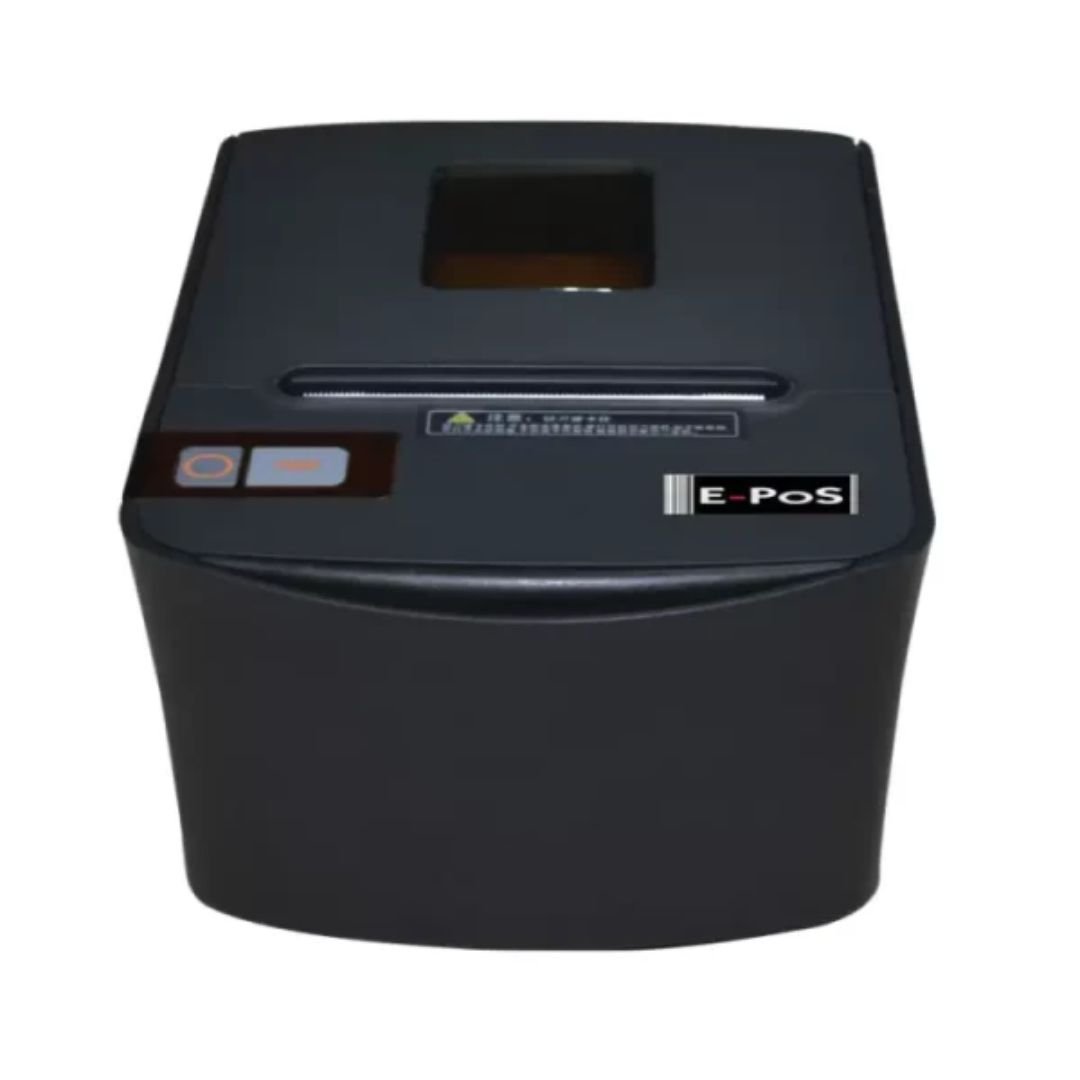
EPOS THERMAL RECEIPT PRINTER EC0250 USB/SERIAL/ETHERNET
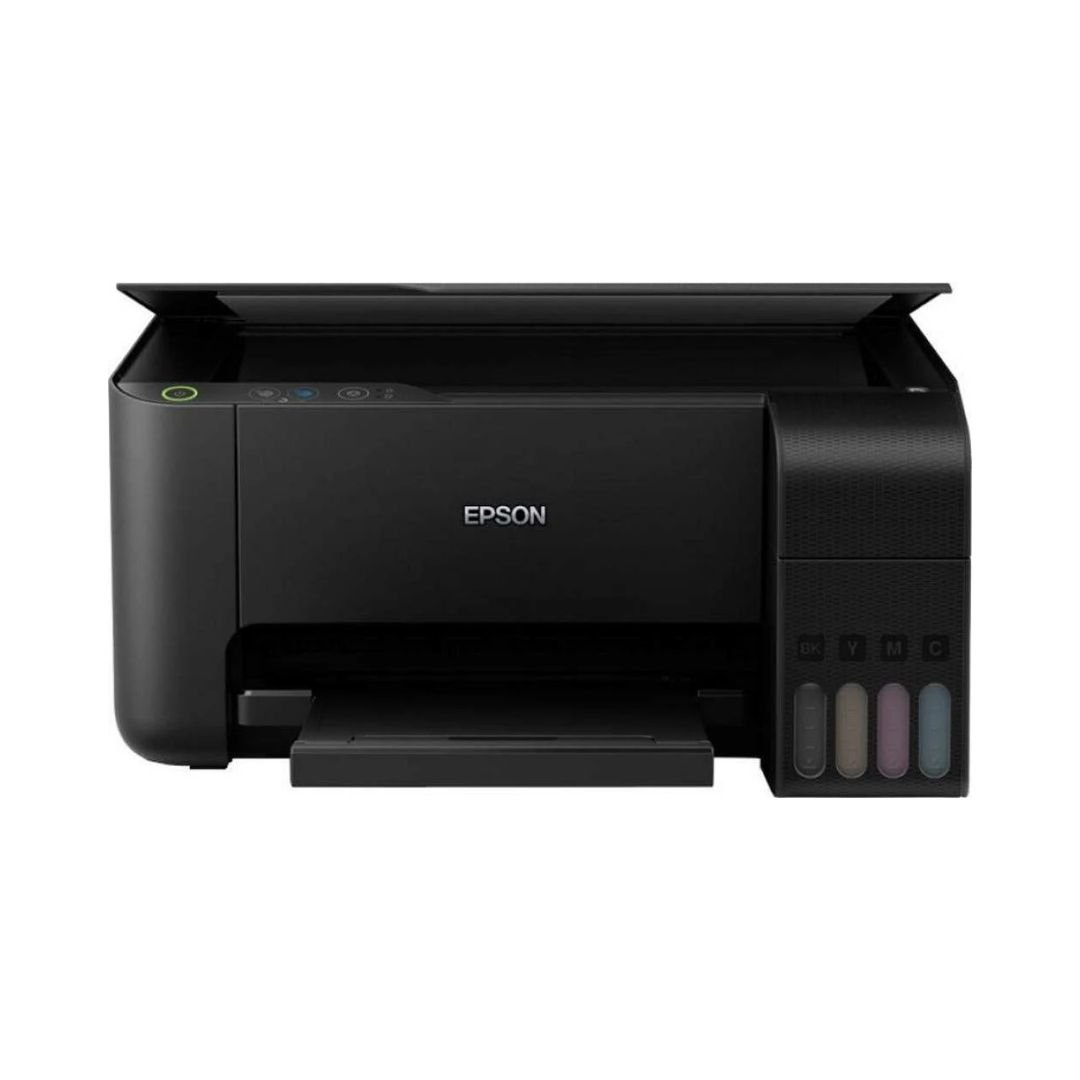
Epson Eco-Tank L3250 A4 Wi-Fi All-in-One Ink Tank Printer
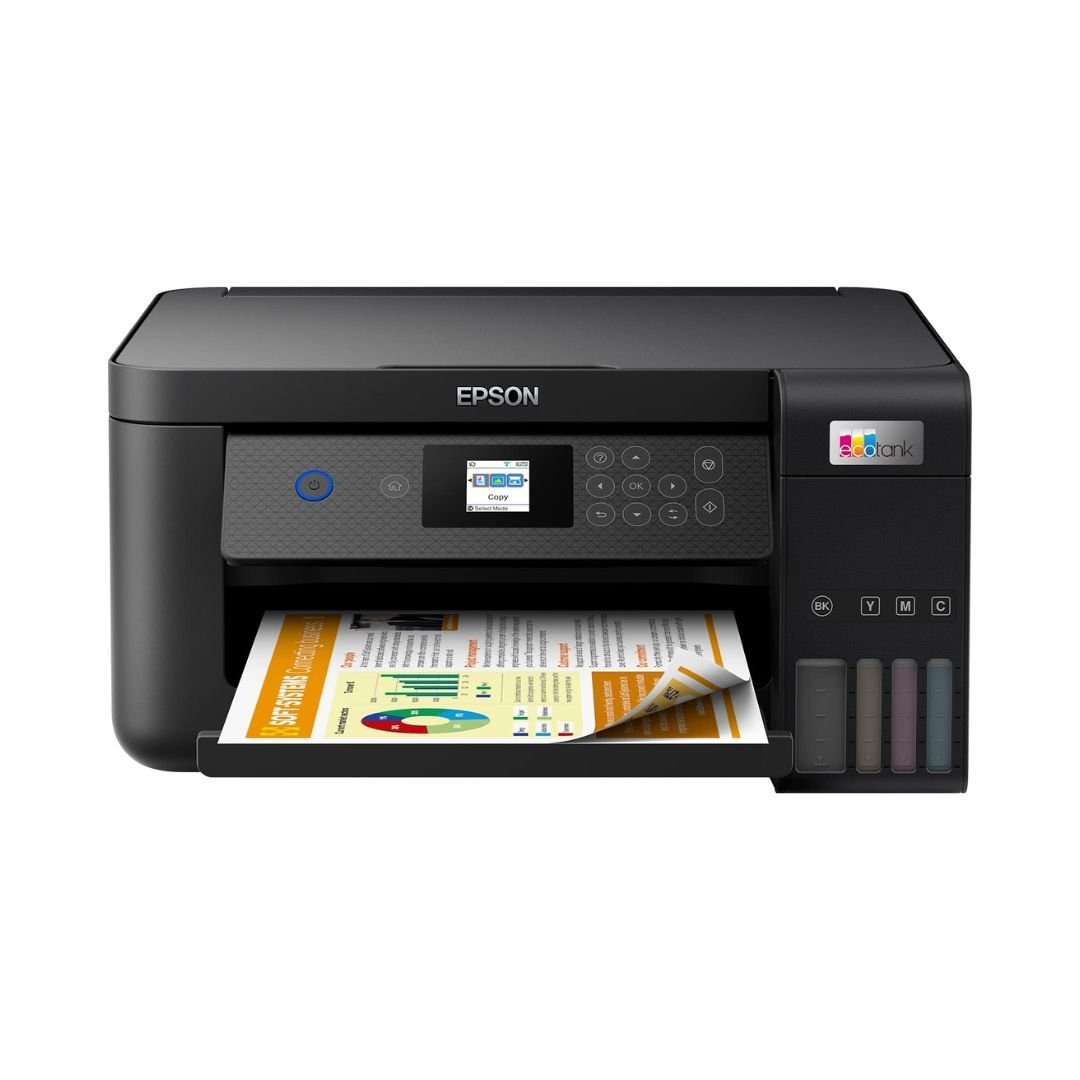
Epson EcoTank L4260 A4 Wi-Fi Duplex All-in-One Ink Tank Printer
Epson EcoTank L4260 Key Features
- All-in-One Functions: Print, Scan, Copy
- Printing Resolution: 5.760 x 1.440 DPI
- Printing Speed: 33 pages/min Monochrome (plain paper 75 g/m²), 15 pages/min Colour (plain paper 75 g/m²), 30 Seconds per 10 x 15 cm photo (Epson Premium Glossy Photo Paper)
- Duplex Printing Speed ISO/IEC 24734: 6 A4 Pages/min Monochrome, 4 A4 Pages/min Colour
- Ink Technology: Pigment black and Dye colour Inks
- Paper Tray Capacity: 100 Sheets Standard
- Interfaces: USB, WiFi, Wi-Fi Direct
- Mobile and Cloud printing services: Epson Connect (iPrint, Email Print, Remote Print Driver), Apple AirPrint, Epson Smart Panel App, Epson Creative Print App
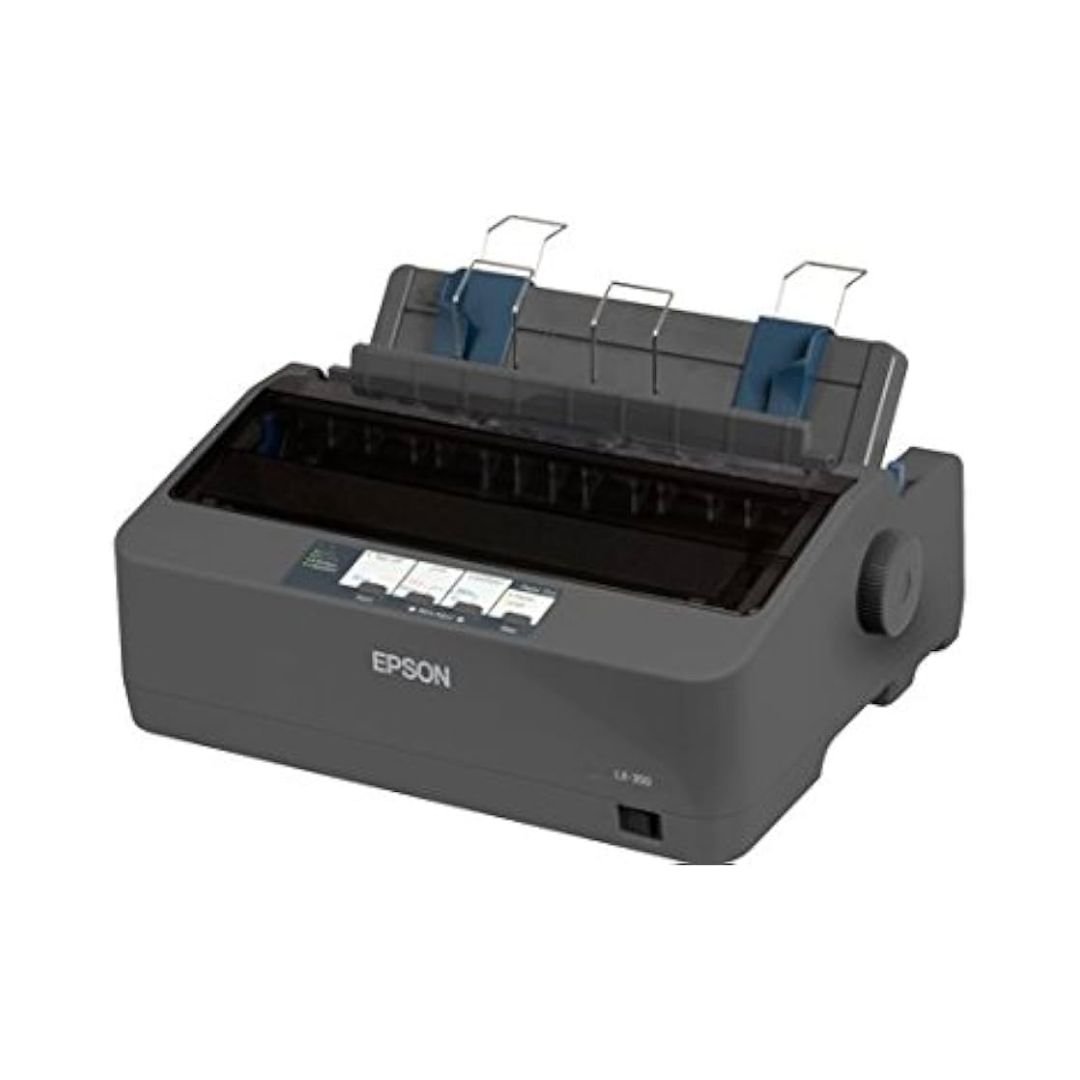
Epson LX-350 Dot Matrix Printer Price in Kenya
Epson LX-350 Dot Matrix Printer
Key Features
- Printing Method: Impact dot matrix
- Number of Pins: 9 pins
- Number of columns: 80 columns
- Pins: 9 Needles
- High-reliability: MTBF of 10,000 operating hours
- Power-efficient: 1.1W on standby, 27W powered on
- Economical: Ribbon yield of 4m characters
- Easy integration: Parallel, Serial, and USB interfaces
- Compact design: Fits neatly onto desks
Reviews
There are no reviews yet.