
Student Laptop Buying Checklist for Kenyan Parents: What to Inspect Before Paying

Buying a laptop for a secondary-school learner is easier when you start with the school’s actual requirements, then inspect the individual computer before paying. A low price alone does not tell you whether a laptop is suitable: its processor, memory, storage, battery condition, keyboard, screen and software all matter.
This checklist is designed for parents and guardians comparing student laptops in Kenya. Use it in-store or when asking a seller to demonstrate a device. Requirements differ between schools and subjects, so confirm the learner’s needs before choosing a model.
1. Confirm what the school actually requires
Ask the school whether a personal laptop is necessary, recommended or optional. Request the names of any applications, operating systems or online platforms the learner will use. Some tasks can be completed on a shared family computer or a tablet; others may require a full desktop operating system, a physical keyboard or specific software.
- Confirm whether the school recommends Windows, ChromeOS, Android or another platform.
- Ask whether learners need to install desktop applications or mainly use a browser.
- Check whether assignments require typing, spreadsheets, presentations, coding or specialist software.
- Ask about internet access, offline work and any device-use rules.
2. Check the processor, RAM and storage
Do not compare laptops using processor labels alone. Check the exact processor model and generation, then consider memory and storage together. For everyday browsing, documents, PDFs and presentations, an SSD and a practical amount of RAM are important. More demanding applications may need more memory and processing capacity.
Ask the seller to show the system information on the actual laptop rather than relying only on a sticker or listing description. Confirm the installed RAM and SSD capacity, and ask whether either component can be upgraded.
3. Inspect the screen, keyboard and physical condition
Open a white screen and a dark screen to look for dead pixels, pressure marks, flicker or uneven brightness. Move the screen gently through its normal hinge range. Type across every row of the keyboard, test the touchpad and check that the webcam and microphone work.
Inspect the casing, hinges, screws and corners for cracks or signs of liquid damage. Check every port the learner may need, including USB, audio, HDMI or USB-C where fitted. Connect a charger and confirm that the charging port is stable.
4. Test battery health and the charger
For a used or refurbished laptop, battery performance varies from one unit to another. Ask to see the battery report where available, then test the laptop unplugged. A battery percentage that drops unusually quickly, unexpected shutdowns or a swollen battery are reasons to pause and ask further questions. Do not rely on a generic promise of a fixed number of hours.
Confirm that the charger is included, suitable for the laptop and operating correctly. Ask whether the charger is original or a compatible replacement.
5. Verify Windows, updates and security
If the learner needs Windows, open Settings and check the installed edition and activation status. Confirm that the device can receive supported security updates and that there are no unexplained administrator locks or unknown accounts. Before handing the laptop to a learner, install updates, use a standard account for everyday schoolwork and enable a screen lock.
6. Get the after-sales terms in writing
Ask for the exact warranty or return terms that apply to the specific unit. Clarify the duration, what is covered, what is excluded, how faults are reported and whether the receipt identifies the device. Do not assume every refurbished laptop carries the same warranty or return policy.
Quick inspection checklist
- School software and device requirements confirmed.
- Processor model, RAM and SSD checked in system settings.
- Screen, hinges, keyboard and touchpad tested.
- Webcam, microphone, speakers and ports tested.
- Battery report reviewed and unplugged test completed.
- Charger tested and included items confirmed.
- Operating system activation and update support checked.
- Written warranty or return terms and receipt requested.
Frequently asked questions
Does every Grade 10, 11 or 12 learner need a personal laptop?
No universal rule applies to every learner and school. Confirm the school’s device policy and the software required for the learner’s subjects.
Is 8GB RAM enough for schoolwork?
It can be a reasonable starting point for documents, browsing and presentations. More demanding applications or heavy multitasking may require more memory.
Is an SSD important?
An SSD generally makes everyday startup and file access more responsive than a traditional hard drive. Check the actual drive type and capacity before buying.
Should I buy a touchscreen laptop?
Only if the learner will benefit from touch or pen input. A good non-touch laptop may be a better choice when typing and conventional computer tasks are the priority.
How can I check a refurbished laptop battery?
Review its battery report if available and test it unplugged under normal use. Ask the seller to explain any battery wear or limitations.
What should I do if the seller will not let me test the laptop?
Ask why and request a clear demonstration and written terms. If important functions cannot be checked, consider another unit or seller.
Compare available student laptops
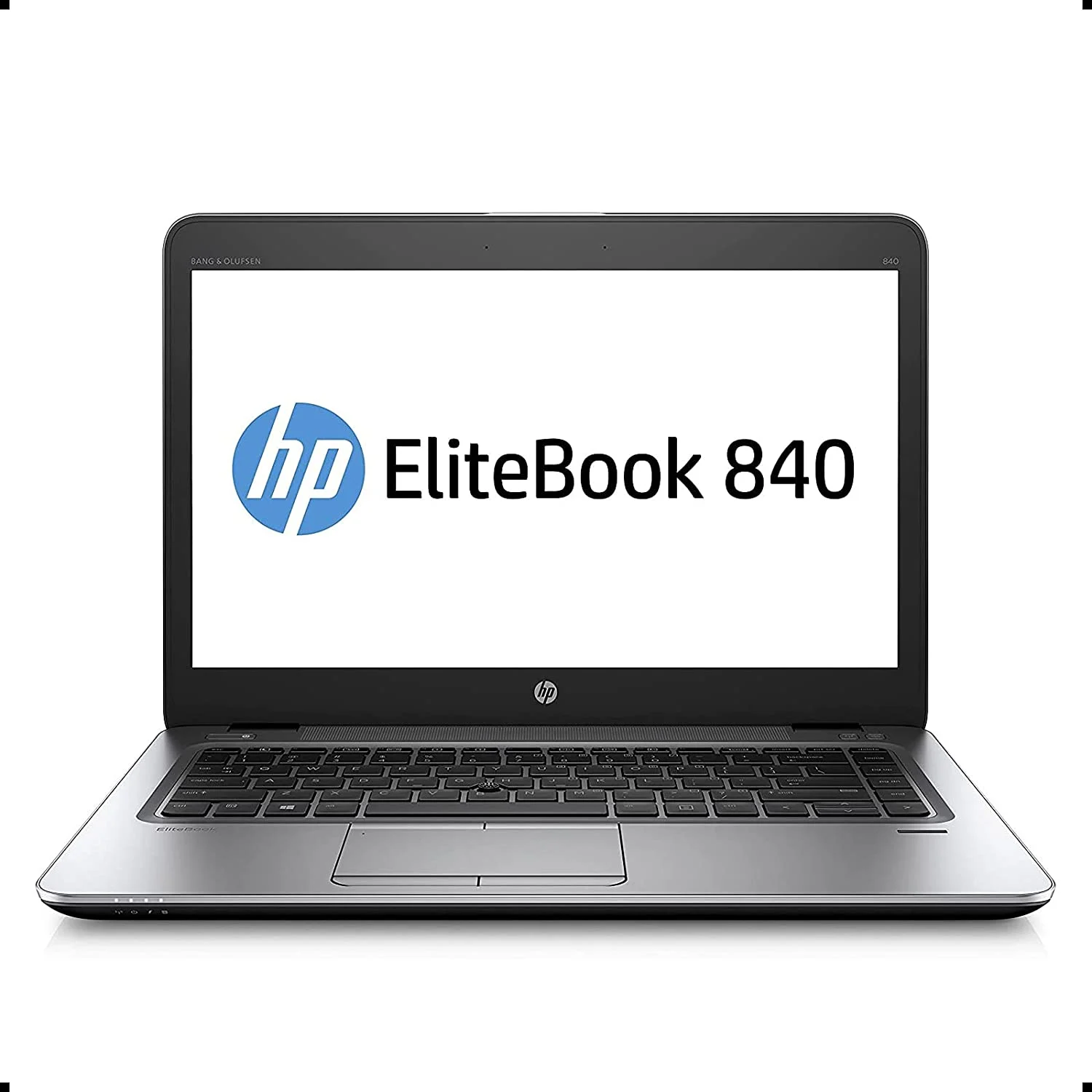
Use our student laptop budget guide for KSh 17,500–27,500 to shortlist devices before visiting. For an example of a business laptop to inspect, see the HP EliteBook 840 G3 non-touch listing; confirm current price and condition.
Speak to Infinite Tech
Parents comparing school laptops can contact Infinite Tech for help checking available options against the learner’s actual requirements. Ask for current stock, exact specifications, condition and after-sales terms before making a decision.
WhatsApp/Call: 0720450148
Visit: Rehema House, 1st Floor, Shop No. 2, Standard Street (off Kimathi Street), behind Sarova Stanley Hotel, Nairobi.
Prices, stock and product specifications can change. Confirm the details of the exact unit before purchase.
