
Hisense Commercial Display Chiller Not Cooling in Kenya: Safe Checks

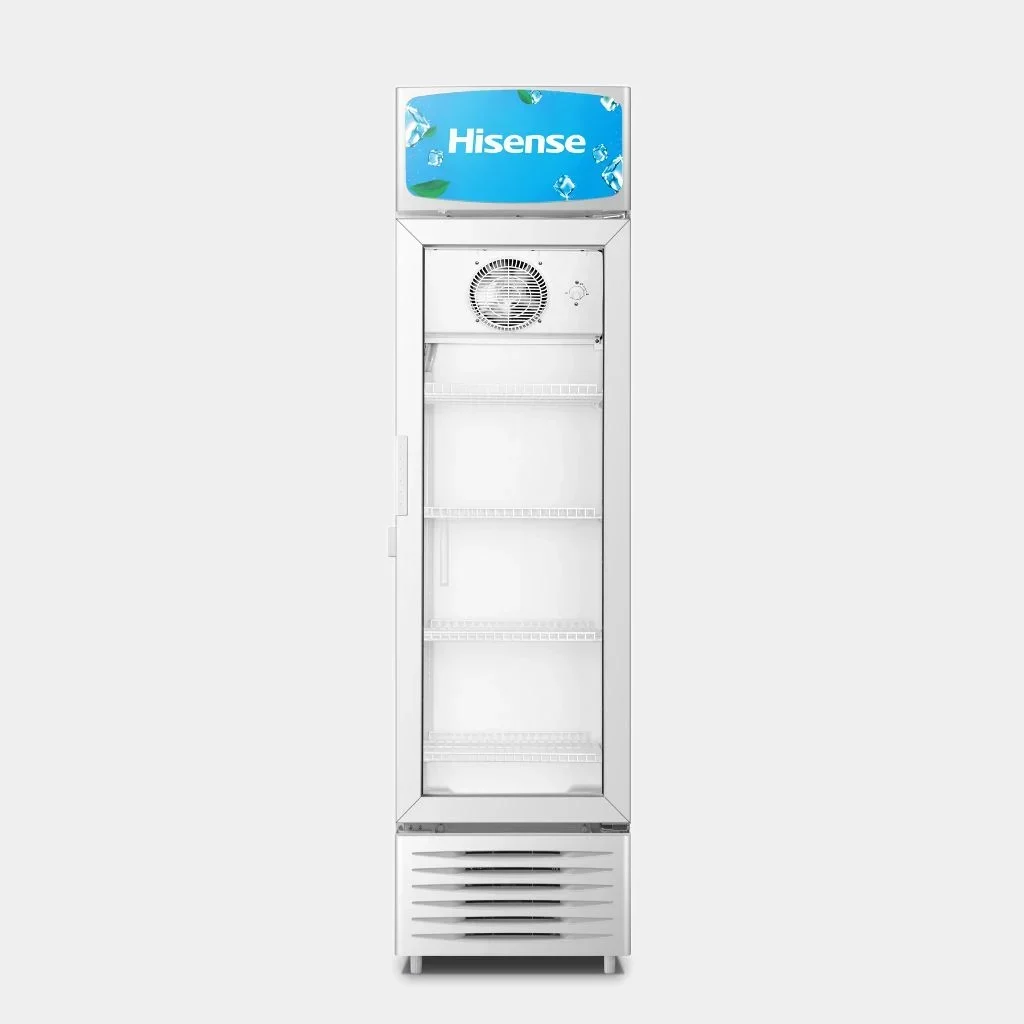
A Hisense glass-door display chiller that is not holding temperature can put drinks, dairy and other stock at risk. Begin by protecting temperature-sensitive products, then check the power supply, door closure, ventilation, loading and temperature records. Commercial refrigeration faults can involve sealed refrigeration components or electrical controls; do not attempt refrigerant, compressor or wiring repairs yourself.
1. Protect stock and confirm the temperature
Use a suitable thermometer or the unit’s documented display to check the cabinet temperature. Record the reading and time instead of judging by touch. If the cabinet is outside the safe range for the products stored, move vulnerable stock to another suitable refrigerator or cold-storage unit and follow your business food-safety procedure. Do not keep opening the door while diagnosing the fault.
2. Check power and control settings
Confirm that the plug and supply are secure and that the cabinet has not been switched off or placed in a mode that changes operation. Check the controller for a setpoint change, alarm or error indicator and compare it with the model manual. Do not repeatedly switch the unit on and off, bypass a thermostat or use an overloaded extension lead. If the socket, plug or cable is hot, damaged or sparking, stop and arrange an electrician.
3. Inspect the door and visible seals
Make sure stock, price labels or packaging are not preventing the door from closing. Check the visible gasket for dirt, tears or sections pulling away. Clean accessible surfaces gently as the manual permits. Do not remove or glue the seal. Frequent door opening and a poor seal can increase warm-air entry and make temperature recovery slower.
4. Keep air circulation and ventilation clear
Do not block internal air outlets with cartons or bottles. Leave the loading space and shelves arranged as the manual recommends. Keep external ventilation openings clear and provide the specified wall and side clearances. A chiller pushed into a tight corner or placed beside a heat source may struggle to reject heat. See our display-chiller stock loading guide and condensation and humidity guide.
5. Allow for loading and recovery time
Adding a large quantity of warm stock can raise cabinet temperature temporarily. Load in manageable batches, avoid placing warm products against air outlets and monitor recovery using a thermometer. Follow the product manual for permitted load and operating conditions. Do not use the chiller as a rapid-cooling device for products that need a different process.
6. Keep a temperature log and escalate recurring faults
Record readings at consistent times, note door-opening patterns, loading events and alarms, and compare them with your business’s required storage limits. Our commercial temperature-logging guide and stock-rotation guide can help structure daily checks. If the chiller remains warm, cycles unusually, leaks, makes abnormal noises or shows a persistent alarm, arrange qualified commercial refrigeration service. Do not adjust refrigerant, open the compressor compartment or bypass controls.
For a product reference, see the Hisense FL30FC 222L vertical glass-door showcase. Confirm exact model, current availability and local warranty before ordering.
Frequently asked questions
Why is my display chiller running but not cooling?
Settings, a door that does not seal, blocked airflow, poor ventilation, heavy warm loading or an internal fault may be involved. Protect stock and check the manual before arranging service.
Can I load warm drinks directly into the chiller?
Follow the model’s loading guidance and your business food-safety process. Large warm loads can delay temperature recovery.
Should I set the thermostat to the coldest level?
Not as a first response. Check the current setting and model manual. A colder setting may not fix blocked airflow or a refrigeration fault.
How do I know if the cabinet is safe for stock?
Use a suitable thermometer and your business’s required storage limits. If the cabinet is outside the permitted range, move vulnerable stock to safe storage.
Can I clean or repair the condenser myself?
Only perform user maintenance explicitly described in the manual. Do not remove panels, touch wiring or handle refrigerant or compressor components.
When should I call a refrigeration technician?
Call if temperature does not recover after basic checks, alarms persist, the unit leaks or abnormal noise or electrical symptoms appear.
Related Hisense guides
Visit the Hisense Knowledge Centre for display chillers, freezers, temperature logging and commercial appliance planning.
