
Original HomePod mini vs HomePod mini 2: How to Identify the Generation

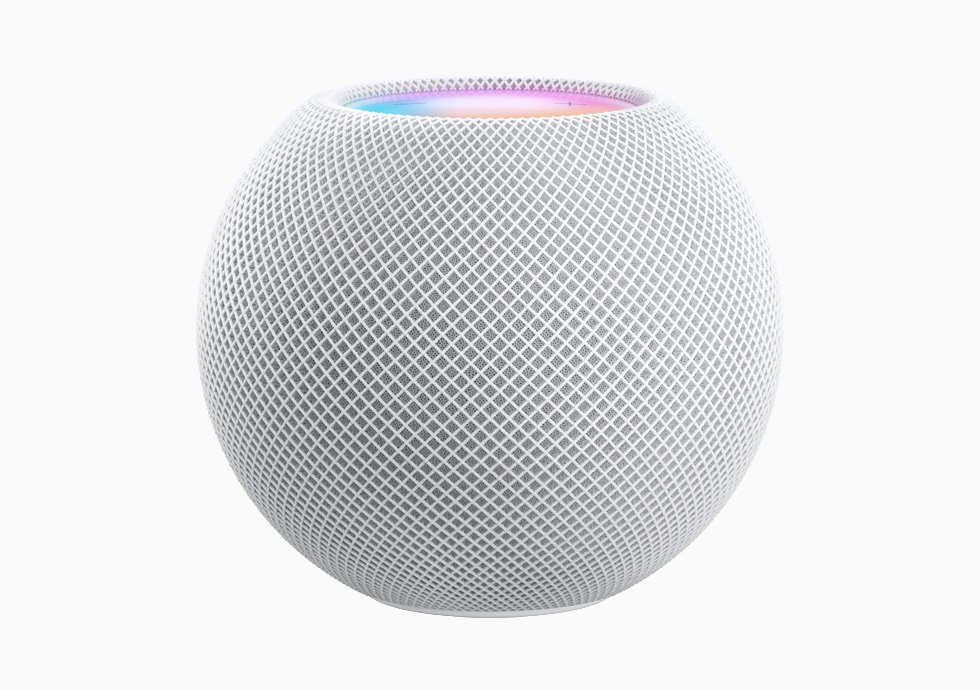
A HomePod mini listing without a generation number can be misleading. Infinite Tech’s KSh 26,000 listing describes the original model. Apple has separate technical specification pages for the original and the newer mini 2; use the exact model rather than treating the two as interchangeable.
Identify before paying
Request a photo of the box label and model designation without publishing the serial number online. Match the designation to Apple’s documentation. Ask whether the device is new, refurbished or previously activated. Do not use colour alone to identify a generation.
Compare compatibility
If you already own a mini, verify the generation before purchasing a second for stereo. Apple’s stereo-pair rules require matching models and generations. A newer speaker may still play in the same multiroom system without forming a stereo pair.
Compare the voice assistant
The original model offers Siri functionality, but do not infer that it has the same Siri AI capabilities as a newer device. Read the feature and regional requirements separately. Buy for capabilities available now, not an assumed future update.
Make a written purchase record
Ask the retailer to include the exact generation on the invoice and confirm what is in the box. Compare the final delivered price and warranty rather than the product name alone. See Apple’s mini 2 specifications for the newer model.
Check the current product listing
Compare Apple HomePod mini and Apple HomeView smart display at Infinite Tech. For generation-specific buying advice see our HomePod mini 2 guide. Manufacturer reference: Apple support and specifications. This guide is based on published information, not hands-on testing. Confirm current stock and exact variant with Infinite Tech on 0720450148.

2 thoughts on “Original HomePod mini vs HomePod mini 2: How to Identify the Generation”
Comments are closed.