
Hisense TV Bluetooth Headphones: Compatibility and Audio Delay Guide

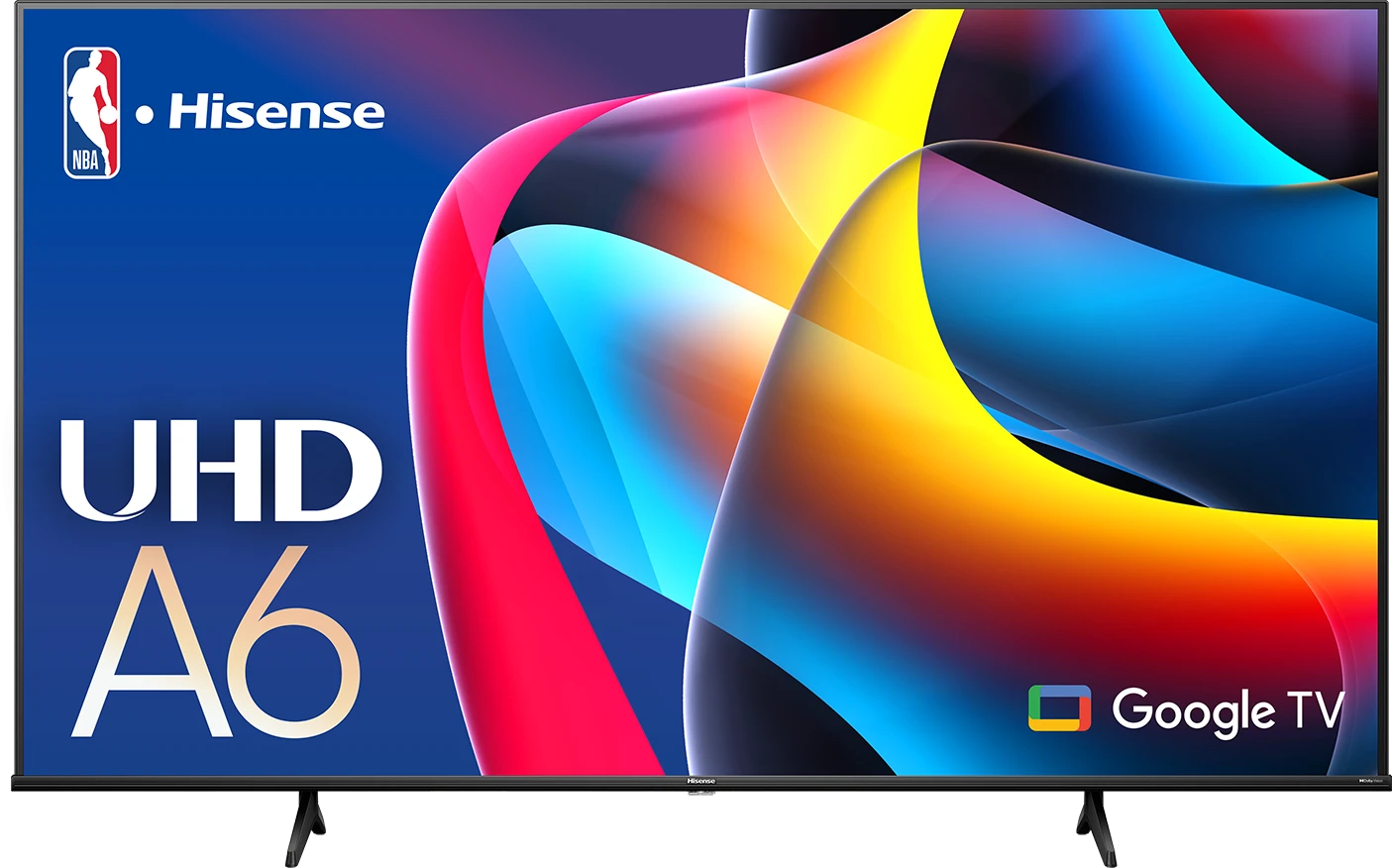
A Hisense TV listing that mentions Bluetooth does not necessarily guarantee Bluetooth headphone audio output. Bluetooth may be used for remote controls or other functions. Check the exact TV’s manual for supported audio output before buying headphones or a replacement television.
Verify the audio-output feature
Look for headphone or Bluetooth audio output in the model documentation and settings. Ask whether the television can use headphones and built-in speakers simultaneously if another person needs to listen. The exact behaviour varies by model and software.
Pairing checks
Follow the headphone manufacturer’s pairing instructions and use the television’s supported device-selection menu. Disconnect a headphone from another source if it automatically reconnects there. Test with familiar content and confirm the connection can be restored after restarting the devices.
Latency and volume
Wireless audio can introduce delay. Test dialogue and lip movements using your normal streaming or HDMI source. Check whether the TV offers an audio delay setting and whether that setting applies to Bluetooth. Use safe listening levels and verify independent headphone volume control.
Alternative connections
If a TV lacks headphone output over Bluetooth, a compatible external transmitter may be an option using an available audio output. Verify the transmitter’s input type and television settings. Compare the 50A6QKEN and 85A6N only after confirming their actual regional audio options. See the TV audio troubleshooting guide if sound output is already malfunctioning.
Read more in the Hisense Knowledge Centre. Confirm the exact regional model, physical stock, live selling price and local warranty before ordering. This is an independent retail guide, not a claim of hands-on testing.
