
How to Spot Display Tint and Burn-In on a Used OLED iPhone

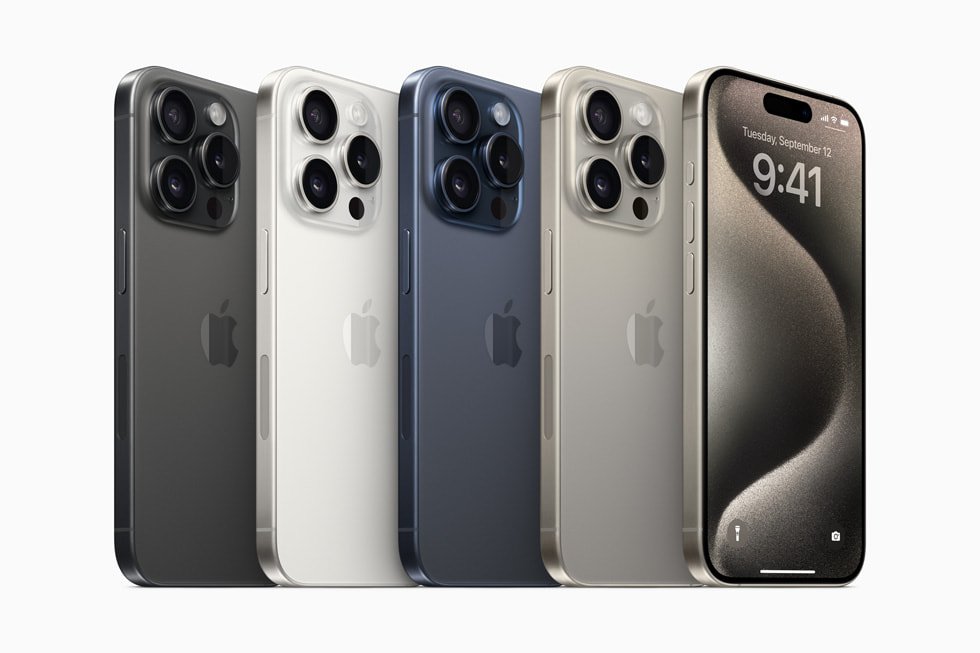
This Infinite Tech guide explains an in-store check for Ex-UK smartphones sold in Kenya. It describes how to assess the exact handset, not an inspection result for a particular unit. Current WooCommerce prices and unit availability must be verified separately.
Understand what the screen test can and cannot show
OLED panels may develop persistent uneven wear, including retained outlines from bright interface areas. A colour tint can arise from several causes including display settings and viewing angle, so not every colour difference is burn-in. The screen condition of an individual used phone is independent of its factory specifications and cannot be established from the seller’s stock images.
Use controlled backgrounds
Open a plain grey background and vary brightness through low, medium and higher levels. Look for fixed status-bar shapes, keyboard outlines or other patterns that remain when content changes. Repeat on a white or neutral background to look for patches, blotches and uneven colour. Avoid maximum brightness for prolonged periods; this is a brief visual inspection, not a stress test.
Exclude settings and room lighting
Check True Tone and Night Shift settings before interpreting a warmer appearance. Ambient light, colour profiles, screen protectors and display reflections can affect how the screen appears. Compare the candidate with another known-good device under similar settings only as a reference, not an absolute calibration standard. View the screen directly and at moderate viewing angles.
Test touch and mechanical fit
Slide a finger across the entire display using a drawing or touch-enabled function, including corners. Check for black spots, flickering, lift at the bezel and frame deformation. Ask about replacement screens; if parts history is available, examine the reported display information. A phone can function with cosmetic wear, but the buyer should know exactly what is being accepted in writing.
Apply the inspection to real models
A 15 Pro Max Ex-UK and an 14 Pro Ex-UK both benefit from careful OLED inspection, but the exact unit’s display must be examined. If your old handset has burn-in, disclose it when requesting a trade-in assessment instead of assuming it has the same value as an undamaged phone.
Shop carefully or enquire about trade-in
See Ex-UK iPhone OLED models and request a real-unit demonstration before you pay. Infinite Tech is at Rehema House, Standard Street off Kimathi Street, Nairobi CBD, First Floor Shop 2; call 0720 450 148. Ask about a possible trade-in of your present phone, but understand that actual credit, eligibility, condition and any upgrade top-up require an inspection and a current selling price. Gallery photographs illustrate phone models and are not evidence of each used device’s condition.
Frequently asked questions
Does passing one test prove the handset is fault-free?
No. A short test is a limited check and cannot certify all components or future battery performance.
Are these photos of the actual pre-owned handset?
No: unless specifically labeled otherwise, the illustrations show the model, not the inspected individual device.
