
How to Test Samsung Galaxy Z Flip and Z Fold Flex Mode Before Buying Used

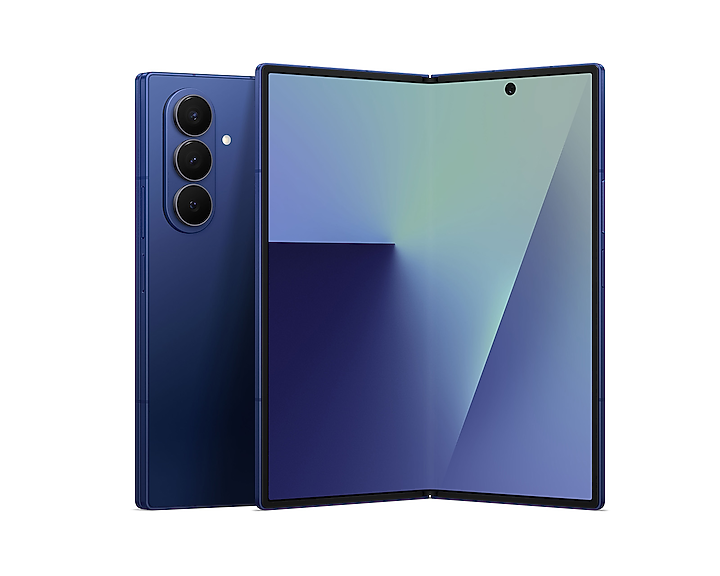
One reason buyers choose Samsung’s Z Flip and Z Fold phones is Flex mode: some apps adapt when the phone is partly folded, allowing hands-free photography, video and touchpad controls. However, a second-hand foldable can open and close while still having a damaged hinge, inconsistent screen response or unsupported app configuration. This inspection shows how to verify a real used phone without forcing the hinge or overstating compatibility.
Flex mode is an app feature, not a universal screen split
Samsung says Flex mode support differs between apps and models. When a compatible app and device detect a supported partial fold, the interface may move key content to the upper screen and controls to the lower portion. Some apps remain in ordinary layout. Therefore a failure in one random third-party app is not sufficient evidence of a broken hinge sensor. Choose an app documented as compatible for the model and software version.
Five-minute Flex mode demonstration
- Confirm exact model, installed One UI version and any known repair history.
- With permission, open Settings → Advanced features → Flex mode panel where that option exists; note whether it is enabled.
- Open an appropriate built-in app such as Camera on the supported device.
- Carefully and slowly position the device partway between closed and open, without forcing the hinge beyond its normal resistance.
- Observe whether the display transitions to the expected supported layout and whether touch controls on both sections work.
- Return to fully open, then repeat once to check consistency rather than applying repeated mechanical stress.
What a failed test might mean
First check whether the selected app supports Flex mode and whether the panel is configured. A device with a nonresponsive touch region, unexpected screen shutoff, abnormal clicking, visible crease-area damage or forceful hinge resistance needs separate professional assessment. Software settings can explain a missing app panel, but they do not repair a cracked flexible OLED. Never diagnose a hinge solely from a promotional screenshot.
Camera use and safe handling
A supported Galaxy Z Flip can sometimes function like a small tabletop camera when folded partway. Test the preview and shutter with the device placed on a stable, clean surface; avoid rough or dusty counters that may scratch the phone. Do not insert a pen or object into the hinge, press on the crease, or lift the factory inner protector. Samsung warns that the inner foldable screen is more sensitive to sharp pressure and foreign objects than a conventional rigid display.
What to compare when buying Ex-UK
Infinite Tech lists the Galaxy Z Fold6 256GB Ex-UK and Galaxy Z Fold7 256GB Ex-UK. Their supported app experiences may differ, and exact current stock and warranty terms must be confirmed. For a broader buying decision read the Fold6 versus Fold7 comparison and foldable warranty questions.
Further reading from Infinite Tech
Flex mode is only one part of foldable inspection. Review the Z Flip4 versus Flip5 cover-display differences and how to assess lifting inner screen protectors.
Frequently asked questions
Does every Android app support Flex mode?
No. Compatibility is app- and device-dependent.
Should I force the hinge to an exact angle?
No. Move it gently within its normal range and stop if unusual resistance or damage is present.
Does a working Flex mode guarantee a perfect hinge?
No. It is one software and sensor check; mechanical and screen condition require separate inspection.
For current stock and written sale terms, contact Infinite Tech, Rehema House, Standard Street off Kimathi Street, first floor shop 2, Nairobi CBD, 0720 450 148. Product photos are model references and do not certify individual used-phone condition.
Official Samsung guide: Use Flex mode and view apps on Galaxy foldable phones.