
How to Test VoLTE Calling on a Used Imported Android Phone

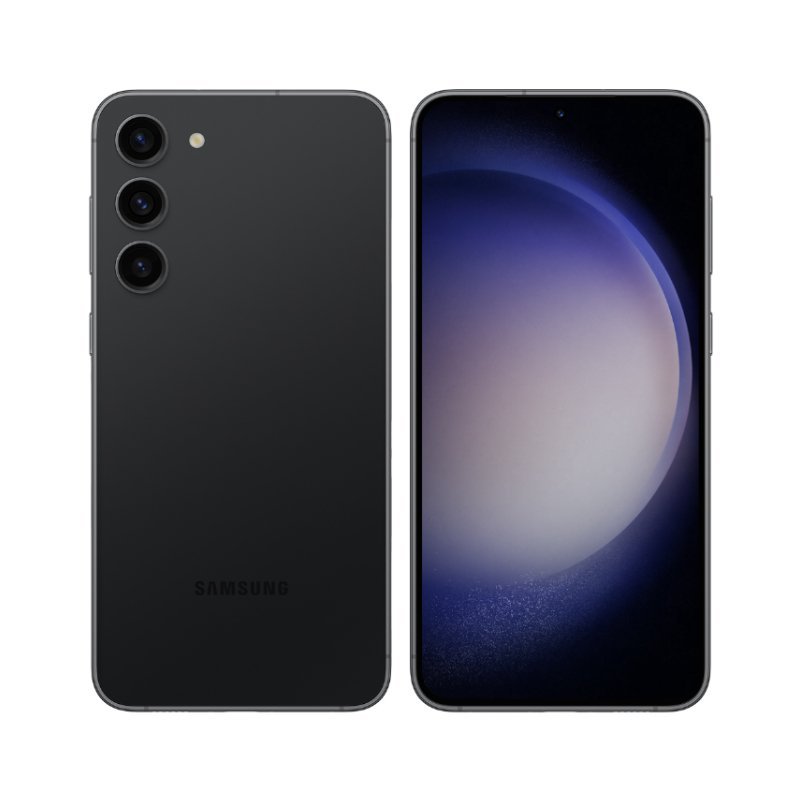
This Infinite Tech Nairobi article is a regional-compatibility checklist for a particular used smartphone. It does not certify any actual pre-owned handset without a live inspection, and it separates manufacturer’s new-device specifications from local carrier behavior.
Why the regional difference matters
Voice over LTE lets supported devices and carriers carry normal calls over LTE. A used imported Android handset can support the radio technology yet lack the operator-specific profile or current provisioning. Buying solely because the device displays 4G or 5G does not confirm that VoLTE calling is functioning on your intended line.
Verification steps
Confirm the hardware model number, Android software status and the operator’s current service policy. With a working line and Wi-Fi disabled, place a normal call and observe the network behavior; do not infer failure solely from whether an icon changes, because handset interfaces differ. Where available, ask the operator or a technician to check the registration status rather than using unsafe dialer codes.
Misleading shortcuts to avoid
VoLTE is not the same as Wi-Fi Calling or mobile data. Test call audio, SMS and connectivity independently and avoid changing hidden network settings during an in-store inspection. If a particular carrier does not support the imported variant, choose a confirmed compatible model instead.
Evidence checklist for a Kenyan network test
- Record the correct manufacturer’s model code from the actual unit, not the seller’s box.
- Check the regional technical specification on the official manufacturer’s support site.
- Verify the carrier lock and whether a physical SIM or eSIM matches the intended mobile line.
- Use a valid SIM with the owner present to test permitted calls, SMS and data where practical.
- Document actual results, local coverage and any limitations without claiming every feature works.
Used-phone quality and purchasing decision
Service compatibility is only one part of buying an Ex-UK phone. Check the screen for burn-in and touch faults, camera focus, battery and charging behavior, known repair history and any Activation Lock or company management restriction. A working network test does not certify future reliability. Ask for the shop’s written warranty, terms of sale and a description of what accessories and cosmetic condition apply to the individual handset.
See the relevant published Infinite Tech Ex-UK product and compare similar imported smartphones. Live WooCommerce pricing, actual stock and the exact unit’s condition must be confirmed before you commit. This checklist follows manufacturer support guidance for identifying models and supported functions.
Trade-in and FAQ
If you trade an existing phone toward this model, the credit and top-up depend on an individual inspection. Back up your data, disclose known defects, and do not provide passwords or OTPs to anyone. Does a 5G logo guarantee Kenyan 5G service? No; the device variant, plan, operator and location all matter. Can a shop photo prove the phone’s regional processor? No; read the model code. Infinite Tech: Rehema House, Standard Street, Nairobi CBD, First Floor Shop 2. Tel: 0720450148.