
How to Verify a Used Samsung Galaxy S-Series Fingerprint Reader Before Paying

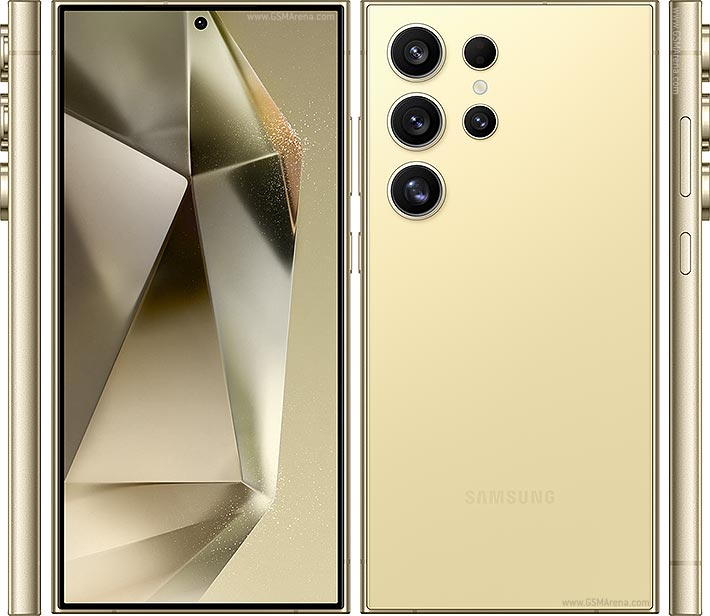
Buying an Ex-UK phone in Kenya means assessing the particular used handset rather than trusting a catalogue specification alone. This Infinite Tech guide sets out a practical, limited inspection that a buyer and authorized seller can perform together; it does not claim that any individual device has been tested for this article.
Check what fingerprint technology the model uses
Samsung Galaxy models do not all use the same fingerprint sensor location or design. Many S Ultra models include an under-display sensor, but that is not proof that every Galaxy A, Fold or Flip handset uses identical hardware. Before testing, identify the actual model code in Settings → About phone and check its manufacturer’s instructions. Screen protectors, excessive moisture and worn fingertips can affect some readings.
Ask the owner to demonstrate safely
A registered owner can unlock the phone with their enrolled fingerprint while you observe, without revealing any PIN or personal account. Then ask them to show the Fingerprints settings screen using their own credentials. Do not enrol your fingerprint on a seller’s phone before buying it and do not ask to bypass the owner’s security. After the sale and lawful account removal, the new owner can enroll their own fingerprint during setup.
Distinguish recognition errors from hardware faults
On an authorized sample or your own purchased phone, test multiple ordinary finger positions after cleaning and drying the fingertip. A poor-quality or damaged protector may hinder the sensor; do not remove a seller’s protector without permission. Check for repeated sensor-unavailable alerts, failure to begin enrollment or a damaged screen over the reader. These are signs that warrant investigation rather than a verdict based on one missed read.
Check other security functions independently
Confirm screen lock, software version and system update status separately. A working fingerprint reader does not prove the phone is unencumbered by a Google account, corporate management or financial restriction. Verify ownership and that it can complete a lawful factory-reset process before payment. Don’t record or share device identifiers publicly.
Use consistent checks for the actual unit
Apply the same process to Galaxy S23 Ultra and Galaxy S24 Ultra inventory. Record whether a temporary protector interfered, whether Samsung Members offered a relevant test and whether the seller demonstrated an existing registered fingerprint. Never invent a passed diagnostic for a device you have not handled.
Manufacturer reference and the next step
Read the manufacturer’s support guidance for the exact supported software and model. Compare Samsung Galaxy S24 Ultra 256GB Ex-UK with other Infinite Tech Ex-UK options. The product page shows the current store selling price; the condition and specifications of the actual unit must be confirmed with the seller. For possible trade-in, bring the old phone and proof you can transfer ownership to Rehema House, Standard Street, First Floor Shop 2, Nairobi CBD, or call 0720 450 148. No fixed valuation, exchange eligibility, warranty or top-up is promised without inspection and written confirmation.
Frequently asked questions
Can this one inspection certify a used phone?
No. It only checks specified functions at one point in time; hidden damage, later faults and battery ageing require separate consideration.
Does an Ex-UK listing prove regional features?
No. Confirm the exact model number, physical SIM slots, software version and network compatibility on the individual handset.
