
How to Test iPhone True Tone Before Buying an Ex-UK Device

Infinite Tech Nairobi buyer’s guide. This article explains practical checks for genuine pre-owned/Ex-UK smartphones. It is not a claim that Infinite Tech tested any specific available unit. Check current availability, current WooCommerce selling price and the exact device before paying.
What True Tone actually does
True Tone is an Apple display technology available on supported iPhone models. It adjusts the screen’s colour balance according to surrounding ambient light. Its presence does not alone prove that the entire phone is original, that a display is in excellent condition, or that an individual Ex-UK unit has never been repaired. Evaluate this setting as one part of a broader screen inspection, not as a fraud detector.
Where to find the setting
On a supported iPhone, open Settings → Display & Brightness and look for True Tone; on some versions it is also accessible using the brightness control in Control Centre. Turn the setting off and on in a room with stable lighting and observe the colour change. If you see no option, check the exact model’s manufacturer specifications and software version before drawing a conclusion. A missing control warrants further investigation, but it is not definitive proof of a counterfeit screen.
Perform independent screen checks
Use a plain white background to look for uneven yellow patches, green tint and dead pixels; then display a dark grey image to look for OLED uniformity issues, while recognizing that subtle uniformity differences can occur normally. Test screen brightness at several levels, touch every edge and corner, and inspect the glass for cracks and lift. Do not install an unknown ‘diagnostic’ app that demands account credentials or risky permissions.
Check repair information
On eligible iPhones with iOS 15.2 or later, Settings → General → About can display Parts and Service History if supported parts have been serviced. Apple varies the information by iPhone generation, and an empty section does not guarantee that no repair ever occurred. Read Apple’s official Parts and Service History guidance rather than guessing from True Tone alone.
Relevant phones and trade-in
True Tone inspection is worth asking about when comparing iPhone 13 Ex-UK and iPhone 15 Ex-UK. If you plan to trade in a repaired iPhone, disclose known repairs and allow the shop to inspect it before providing a quote. Record the display condition in writing.
View actual models or ask about a trade-in
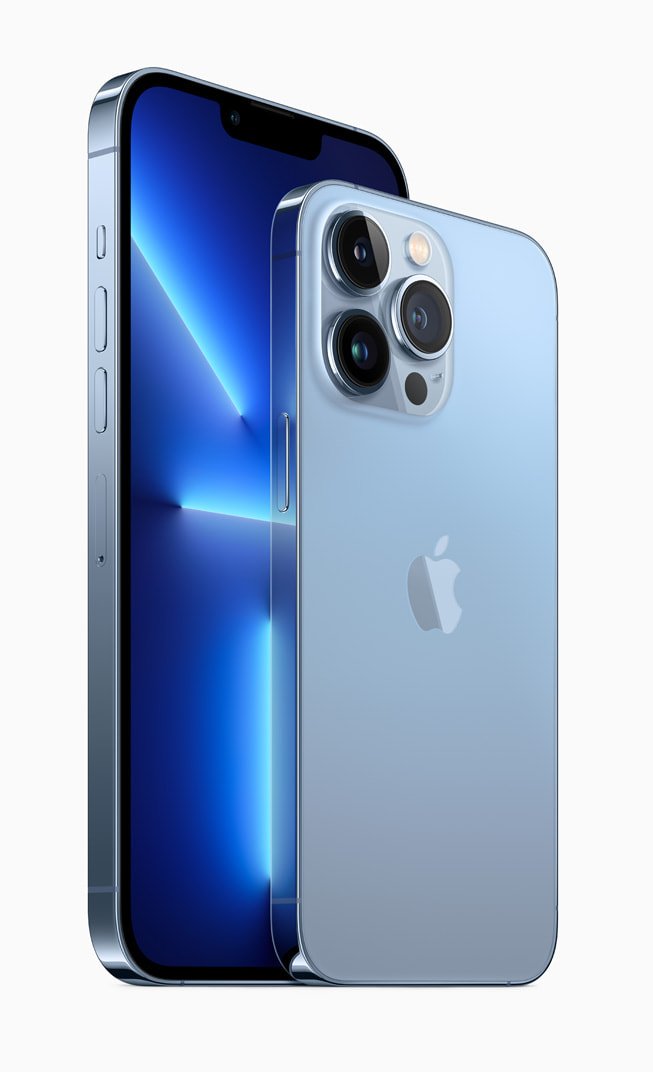
Compare the live available Ex-UK iPhone models and ask Infinite Tech for the exact handset’s photos, model code, battery condition, accessories, stock and written warranty terms. The online photographs are model illustrations unless identified as actual-unit photographs. For a possible phone trade-in, bring the handset to Rehema House, Standard Street, Nairobi CBD, First Floor Shop 2, or call 0720 450 148 to discuss an inspection. Any valuation is determined after examining the device; no fixed top-up or acceptance is promised.
Questions buyers ask
Is an Ex-UK label enough to guarantee condition?
No. It describes an advertised stock category, not a verified battery grade, origin, warranty or repair history for the exact phone.
Can I get a fixed trade-in price before inspection?
No reliable value is guaranteed from an online description alone; the old phone requires an assessment and the upgrade price must be checked.
Editorial note: This is a model-level buyer checklist; manufacturer specs and seller-specific condition must be checked separately.
