
Switch from iPhone to Google Pixel in Kenya: Data & WhatsApp Guide

Switch from iPhone to Google Pixel in Kenya: Data & WhatsApp Guide. Moving from iPhone to Google Pixel involves more than choosing a camera or processor. Plan your files, messages, account access and mobile service before changing devices. This Kenya-focused guide explains the decisions to make and points to Google’s current transfer instructions, because the available process varies by device and software.
Prepare account access and a separate backup
Charge both phones and make sure you can unlock the old iPhone and sign in to the accounts you intend to use. Check the amount of data that must fit on the Pixel and keep a separate backup of important files before beginning. School or business management can limit what transfers. Keep your existing phone available until you have checked the result. You should enter passwords and verification codes yourself; a shop assistant does not need to retain them to help explain the process.
Choose the transfer method shown by your Pixel
Follow the setup instructions on the new phone. The transfer method and the kinds of data it supports vary with the device and software. A suitable cable is useful and remains important for the documented WhatsApp transfer flow. Google’s current guidance also describes an upgraded transfer experience for eligible newer devices, so older one-size-fits-all instructions can be wrong. Consult the linked transfer table before assuming that every app, file or setting will copy.
Treat WhatsApp as its own transfer task
Google’s WhatsApp guidance requires the same phone number and advises transferring existing history before using WhatsApp on the new Android phone. Follow the process offered for your setup route, including the cable and on-screen prompts where required. Avoid creating a new message history before completing the transfer. If the expected option is missing, read the current troubleshooting guidance before taking further steps. A factory reset can erase data and should not be used casually as a first response.
Check the services you rely on in Kenya
Confirm calls, messages and mobile data with the intended operator. If you use eSIM, check the exact Pixel regional model and the carrier’s activation process; eSIM availability is not the same as automatic transfer eligibility. Check access to banking, payment and business apps using their own sign-in and device-registration requirements. An app being present after transfer does not prove that its account is ready to use. Keep access to the old number and authentication methods until your important services are working.
Review Apple services and accessories before switching
Google advises turning off iMessage when moving to Android. Review the Apple services, paid apps and accessories you currently use and identify anything that needs a replacement or a separate transfer. Check your important photographs and files, including cloud-only items, on the new phone. Compare the cost of compatible accessories and storage alongside the handset price. Only erase or trade in the old phone after you are satisfied that the data and services you need are available.
Compare exact Pixel configurations and current prices
| Exact product | Selling price | Listed stock |
|---|---|---|
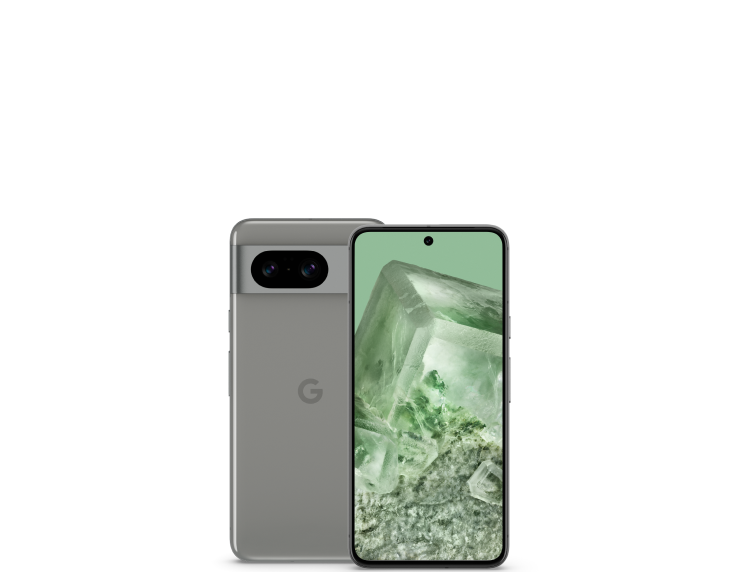
| Google Pixel 8 128GB | KSh 46,500.00 | In stock |
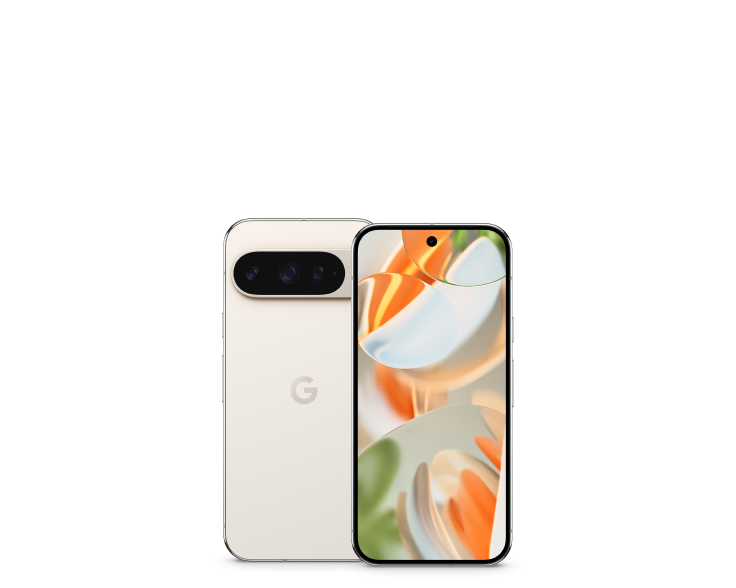
| Google Pixel 9 Pro 256GB | KSh 73,500.00 | In stock |
Ask Infinite Tech about the exact configuration, unit condition, warranty, accessories and delivery before ordering. Visit Rehema House, Standard Street, Nairobi, first floor, Shop 2, or call 0720450148. Opening hours are Monday–Saturday, 8:30 AM–7:30 PM. Ask about this comparison on WhatsApp.
Frequently asked questions
Where can I check the current phone prices?
Use the live offer table and linked product pages. Selling prices and listed stock come from WooCommerce.
Does this guide describe a shop test?
It is practical buying and ownership guidance supported by manufacturer references. It does not present an independent hardware test.
Are the product images actual-unit photographs?
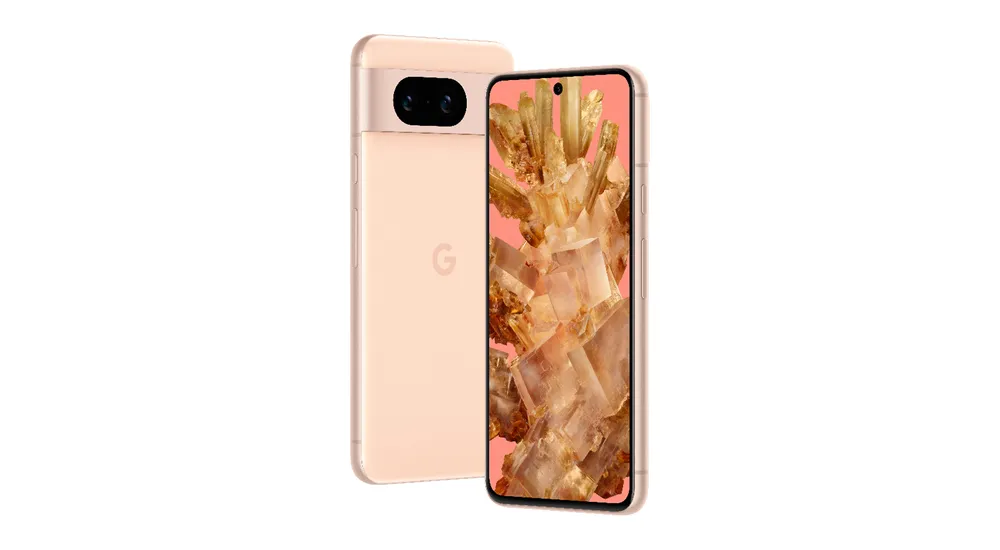
The images illustrate the model. Ask Infinite Tech for current unit photographs when condition or colour is important.
Can I add a microSD card to a Pixel?
Pixel phones do not provide microSD expansion. Choose adequate internal storage before buying.
What should I confirm about an imported phone?
Check the regional model, network unlock status, SIM/eSIM arrangement and the operator features you need.
What warranty will I receive?
Confirm the written warranty for the exact offer, including duration, exclusions and where support is provided.
Where can I compare other Pixel models?
Read the Pixel buying guide and compare the current price index.
What should I check before moving important data?
Keep a separate backup, confirm account access and retain the old device until you have verified the result.
Can I request help choosing the right configuration?
Contact Infinite Tech on 0720450148 with your budget, current phone and intended use.
Where is Infinite Tech in Nairobi?
Rehema House, Standard Street, first floor, Shop 2. Confirm the unit and delivery arrangements before travelling or paying.
Continue your Pixel research
Choose the right Google Pixel · Compare current Pixel prices · Shop Google Pixel phones
Sources and comparison method
This is a specification-based buying comparison, reviewed on 26 October 2026. Hardware references come from the manufacturer; selling price and listed stock come directly from WooCommerce. Manufacturer images illustrate the models. No independent battery, camera or network test is claimed here.